
 alexdanmark rreexxxxx steamgaming101 BethanyGrace2001 superpenguin100 hop1003 Virignia sunblob KooshHD Lobcity01 FlaminZombie48 meedoxx stoner888 wolfieboy99 woowoomanguy Marzy13 Menssia Popsodaman CaptainMeric mrspoppy jman716 MaximKondrashin Diamondhoeinator natedog9153 DaveeJC kip600 Cylessio chispazo1996 Hese2005 Superdani_27 CuriousCatHat Promisedog TommyGunn1812 Caspertycho xzhino beastiboy12 CocoColaBoy Micman_100 Clarke2003 Habbah icymango211 PredatorPanda Isnojapa naddel3 Takeyourshirt11 dale7220 Logical_fallacy TimmyTeems Xx_pellopro_xX 14JAM14 moeriam CrazycrafterGM xxcrazybeast56xx Skonagrop Robinvb_ M5_Kevlar GreyAlex rivercat8 Cengiz_1 DuffyLotsmen
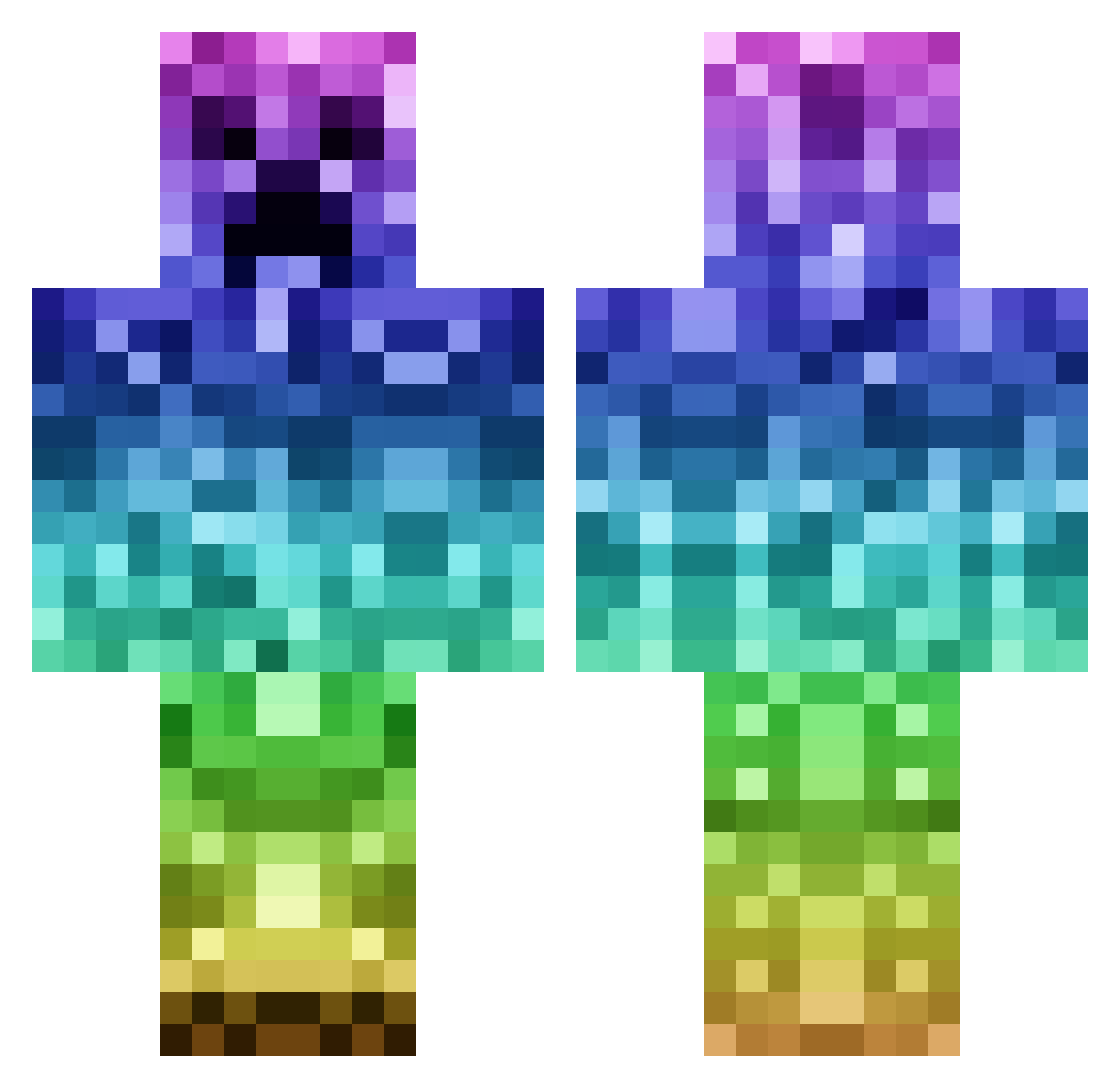
Minecraft skin of Cubshater07. Rotate the 3D model with your mouse or finger to view the skin from every angle, then download it as a PNG file and use it in Minecraft: Bedrock Edition or Java Edition for free. Rate the skin with stars to help other players find the best skins in our collection.
How to install the Cubshater07 skin
- Press the Download button above to save the skin as a PNG file.
- Minecraft: Bedrock Edition (PE): open the Dressing Room from the main menu (or tap your character → Edit Character), go to Classic Skins → Owned, press the + (new skin) button, choose the downloaded PNG and pick the Classic (Steve) model. Works on PC and mobile; consoles cannot import custom skins.
- Minecraft: Java Edition: open the Minecraft Launcher, go to the Skins tab, click New Skin, load the PNG, pick the Classic (Steve) model and press Save & Use. You can also upload it at minecraft.net → Profile → Change Skin.
The skin does not show up after import - what should I do?
Restart Minecraft and open the Dressing Room again - imported skins sometimes appear only after a restart. Also make sure you selected the imported skin and picked the Classic (Steve) model.
Which model should I choose, Classic or Slim?
This skin is designed for the Classic (Steve) model. If you pick the wrong model, the arms of the skin will look stretched or squeezed.
Is this skin free to use?
Yes. Press Download, save the PNG file and use it in Minecraft: Bedrock Edition or Java Edition - no payment or registration needed. The skin also works on multiplayer servers and Realms.
More Rainbow Minecraft skins
More skins
Looking for more? Go back to all Minecraft skins and check the top skins of the week, month and all time, or find any player's skin by nickname.