
Buckobruh - Minecraft Skins & Skin History
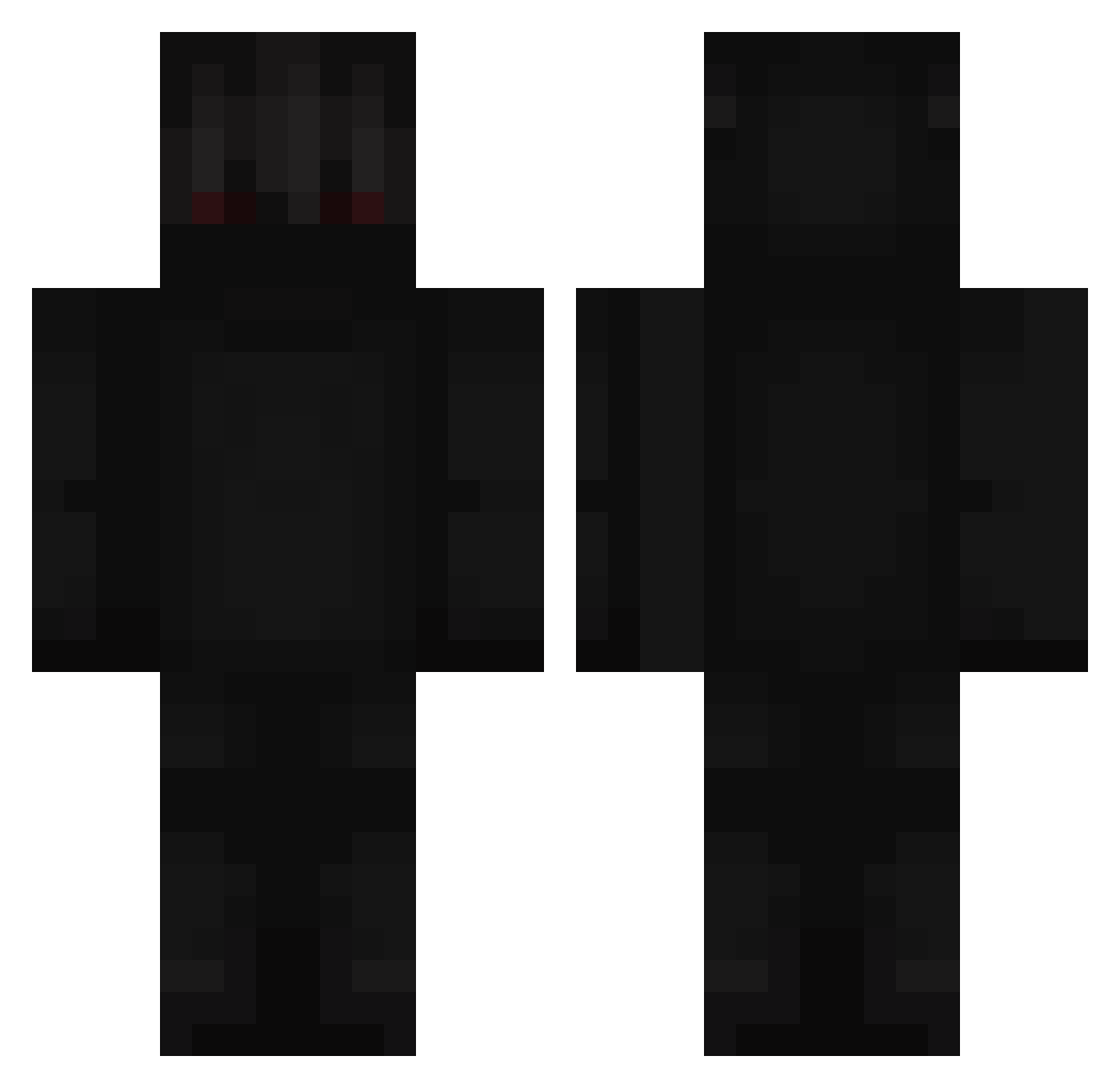
Current Minecraft skin of the player Buckobruh, loaded from the official Mojang API. Rotate the 3D model with your mouse or finger, then download the skin as a PNG file and use it in Minecraft: Bedrock Edition or Java Edition for free. When Buckobruh changes their skin, this page updates automatically and the old skin stays in the history below.
Other players with this skin (248)
Buckobruh was the 187th player we have seen with this skin, first spotted on 15.10.2026. The same skin was seen on these players. Open a nickname to see their current skin and skin history.
 VANISHEDISBACK FracklyGuitar Rajetch _Symtox_ Mit2004 EfeSirin5468 Bukaque1 jebollemoeder3 Fubu_Gamer uVot EricSilerio 360ms 4Yxx thanxs oJoaoCarlos27 SrPanico_ Buckobruhh KUB3REXX therealMask tayka207 cathyhong15 Jejuh Sam_yeah Hypixify Abstract_Noodles jboisjustbetter STEPson215 lMarvenl 1beef YuSSuF0 zCrsnSW Be354 only_73 Monster_Abdel EncyMinecraft ArkitNaha GamerOrcaShark21 Klakcs3 Bocy00 Spieler09 __Miguelito__ hyperdude1 X_Firegamer_X ExpertMurderer00 B_U_B_L_I_K___ slytherclaw_21 CheiftanRoyal Krixll KojexX Apex271 Enynom leongalloway onduh alexis_martin nyyvra A1exxito_ itsiannis IISAG3R girlpower112 DaeJoga
More Shadow Minecraft skins
How to install the Buckobruh skin
- Press the Download button above to save the skin as a PNG file.
- Minecraft: Bedrock Edition (PE): open the Dressing Room from the main menu (or tap your character → Edit Character), go to Classic Skins → Owned, press the + (new skin) button, choose the downloaded PNG and pick the Classic (Steve) model. Works on PC and mobile; consoles cannot import custom skins.
- Minecraft: Java Edition: open the Minecraft Launcher, go to the Skins tab, click New Skin, load the PNG, pick the Classic (Steve) model and press Save & Use. You can also upload it at minecraft.net → Profile → Change Skin.
The skin does not show up after import - what should I do?
Restart Minecraft and open the Dressing Room again - imported skins sometimes appear only after a restart. Also make sure you selected the imported skin and picked the Classic (Steve) model.
Which model should I choose, Classic or Slim?
This skin is designed for the Classic (Steve) model. If you pick the wrong model, the arms of the skin will look stretched or squeezed.
Is the skin of Buckobruh free to download?
Yes. Press Download, save the PNG file and use it in Minecraft: Bedrock Edition or Java Edition - no payment or registration needed. The skin also works on multiplayer servers and Realms.
More skins
Looking for more? Go back to all Minecraft skins and check the top skins of the week, month and all time, or find any player's skin by nickname.