
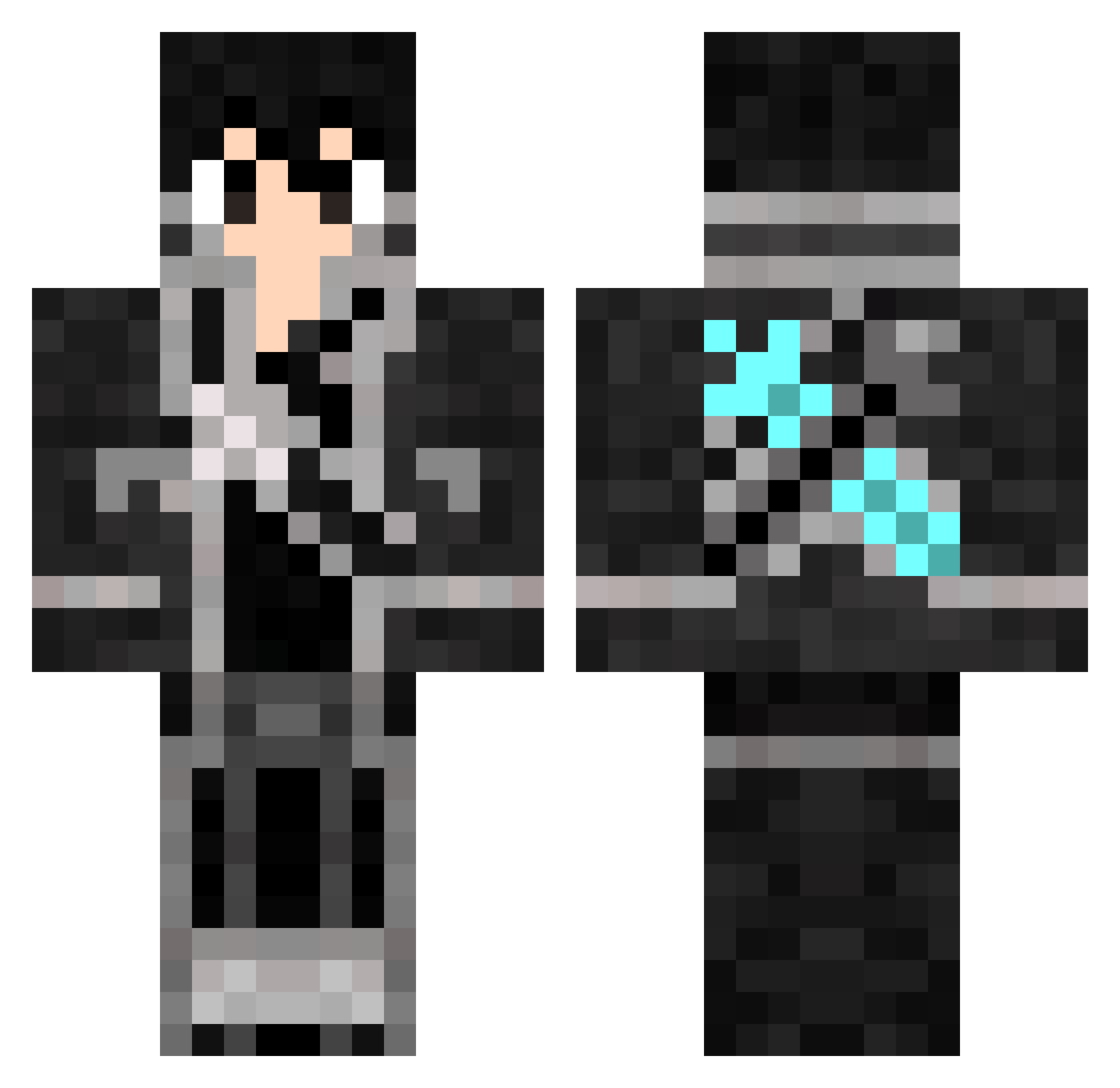
Current Minecraft skin of the player Anyskip, loaded from the official Mojang API. Rotate the 3D model with your mouse or finger, then download the skin as a PNG file and use it in Minecraft: Bedrock Edition or Java Edition for free. When Anyskip changes their skin, this page updates automatically and the old skin stays in the history below.
Other players with this skin (643)
Anyskip was the 113th player we have seen with this skin, first spotted on 09.08.2026. The same skin was seen on these players. Open a nickname to see their current skin and skin history.
 MC_mingyi Kirito_262 chchy Blamed zhhao3000 NBA2003 lechugaalcontrol Beratiniz28 Abelsm4 SCRD3L Lakyraider1 MengLei66 Chxdy _JUNJIE_ pokinlol Akatuki_S MigratoryYuan LungSomChokh MrScArPy Kgcly Kirito__94 LEIKORS klakitos sleekmirror tqmpc NeimoNn KLAZZZz DanyaIzm Nolastoler Brulipe1312 feho09 Eternitium Peuss97 FamedWhisper771 Qi_Tang PanchoFG Angelito823 rise666671 Tungz_ M4nuncello_ FlixOnlyU WeiBGuy Graffkill G4ME3R VoidCeroX LoneWolfTex G_R_I_P_E_N Narcissus1 St__YuGan Milleniumisreal ruri_ks TK3tv WEEB002 fangs0325 DoKirito Daragoz Smoochiii alphaicbm _Rob64_ BEKANN
More Kirito Minecraft skins
How to install the Anyskip skin
- Press the Download button above to save the skin as a PNG file.
- Minecraft: Bedrock Edition (PE): open the Dressing Room from the main menu (or tap your character → Edit Character), go to Classic Skins → Owned, press the + (new skin) button, choose the downloaded PNG and pick the Classic (Steve) model. Works on PC and mobile; consoles cannot import custom skins.
- Minecraft: Java Edition: open the Minecraft Launcher, go to the Skins tab, click New Skin, load the PNG, pick the Classic (Steve) model and press Save & Use. You can also upload it at minecraft.net → Profile → Change Skin.
The skin does not show up after import - what should I do?
Restart Minecraft and open the Dressing Room again - imported skins sometimes appear only after a restart. Also make sure you selected the imported skin and picked the Classic (Steve) model.
Which model should I choose, Classic or Slim?
This skin is designed for the Classic (Steve) model. If you pick the wrong model, the arms of the skin will look stretched or squeezed.
Is the skin of Anyskip free to download?
Yes. Press Download, save the PNG file and use it in Minecraft: Bedrock Edition or Java Edition - no payment or registration needed. The skin also works on multiplayer servers and Realms.
More skins
Looking for more? Go back to all Minecraft skins and check the top skins of the week, month and all time, or find any player's skin by nickname.