
3R00kie - Minecraft Skins & Skin History
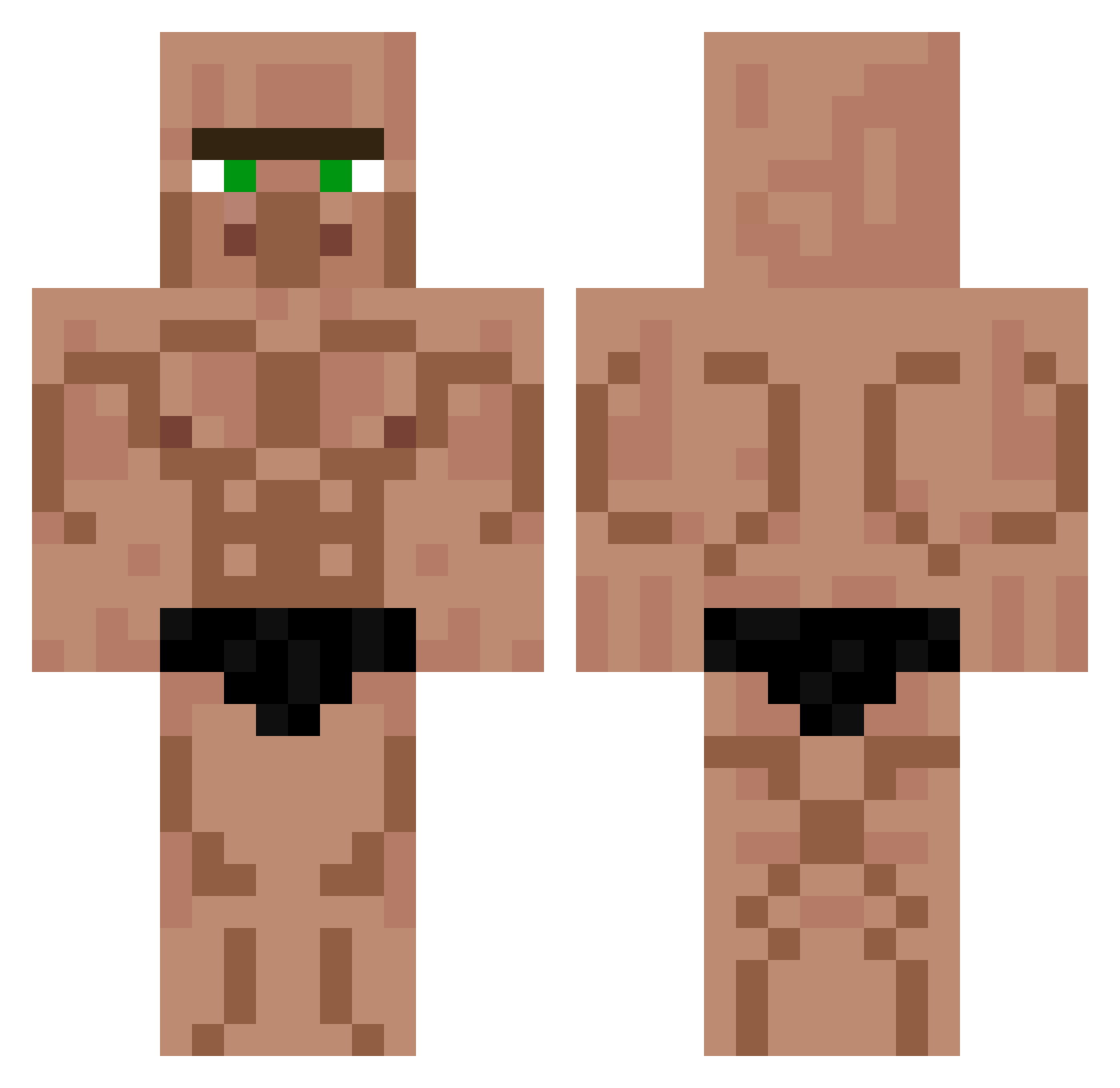
Current Minecraft skin of the player 3R00kie, loaded from the official Mojang API. Rotate the 3D model with your mouse or finger, then download the skin as a PNG file and use it in Minecraft: Bedrock Edition or Java Edition for free. When 3R00kie changes their skin, this page updates automatically and the old skin stays in the history below.
Other players with this skin (451)
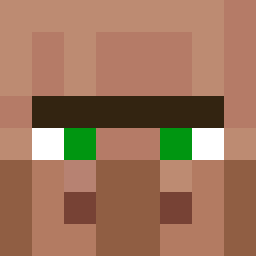
3R00kie was the 307th player we have seen with this skin, first spotted on 10.10.2026. The same skin was seen on these players. Open a nickname to see their current skin and skin history.
 abood4142 LaReineDesPegus Terry12345678910 Andruut123 TrMantis01 jocK13052009 marianek2115 omaserif furkan1232 michaelatoris mertoko Nissamine CHEF_ABS T3S4 mrstever qoestra XiloLeRigolo Legenderystunt Tarrel69420 ktzzzzz Alastor4072 nnffr KRF_ravizera six2mcht PauloPRRRR AntixOcean Chulivan HrMemo Dr_Saboinky112 RainerMuell_ MamiSpor squirrel_noob HungerAttack kfnadeem Noxe_king wiwatt TheusAP FsB1222 vaarallinen_ _CHRYYS_ LoiGuerrier1108 Eclatax56 GoofierBinkie4 uriel12321 Sir777 Lucaskouye Dwarv3r Kingkrua ethandagoat_ _Hajda_ Drawking Poset25 Svenis69 PedritoSanchez12 Kalurean Artyom304 FiJake_ pelusadeperrouwu BungasBunguinhas BodyBuilder_
More Buff Minecraft skins
How to install the 3R00kie skin
- Press the Download button above to save the skin as a PNG file.
- Minecraft: Bedrock Edition (PE): open the Dressing Room from the main menu (or tap your character → Edit Character), go to Classic Skins → Owned, press the + (new skin) button, choose the downloaded PNG and pick the Classic (Steve) model. Works on PC and mobile; consoles cannot import custom skins.
- Minecraft: Java Edition: open the Minecraft Launcher, go to the Skins tab, click New Skin, load the PNG, pick the Classic (Steve) model and press Save & Use. You can also upload it at minecraft.net → Profile → Change Skin.
The skin does not show up after import - what should I do?
Restart Minecraft and open the Dressing Room again - imported skins sometimes appear only after a restart. Also make sure you selected the imported skin and picked the Classic (Steve) model.
Which model should I choose, Classic or Slim?
This skin is designed for the Classic (Steve) model. If you pick the wrong model, the arms of the skin will look stretched or squeezed.
Is the skin of 3R00kie free to download?
Yes. Press Download, save the PNG file and use it in Minecraft: Bedrock Edition or Java Edition - no payment or registration needed. The skin also works on multiplayer servers and Realms.
More skins
Looking for more? Go back to all Minecraft skins and check the top skins of the week, month and all time, or find any player's skin by nickname.