
0CodyMcFlyy0 - Minecraft Skins & Skin History
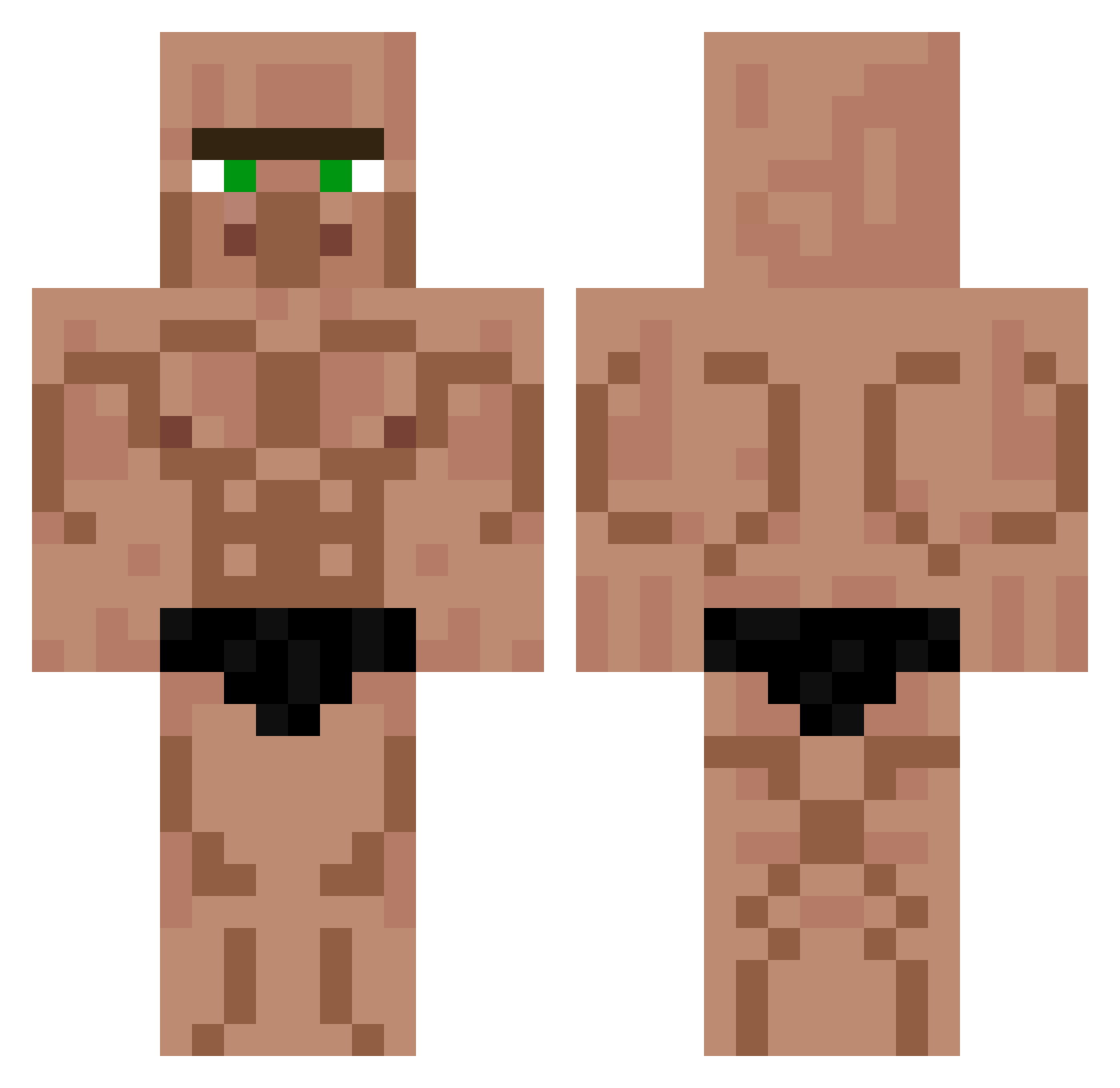
Current Minecraft skin of the player 0CodyMcFlyy0, loaded from the official Mojang API. Rotate the 3D model with your mouse or finger, then download the skin as a PNG file and use it in Minecraft: Bedrock Edition or Java Edition for free. When 0CodyMcFlyy0 changes their skin, this page updates automatically and the old skin stays in the history below.
Other players with this skin (451)
0CodyMcFlyy0 was the 180th player we have seen with this skin, first spotted on 12.09.2026. The same skin was seen on these players. Open a nickname to see their current skin and skin history.
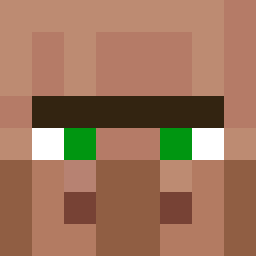 MrMariux06 jumper_warrior magiefan BTB_la Fahren1te P4trick2006 Pucchan1130 Garbanz0s JuanDaEsp Jonny__bro olive_guy Bau709 Ghost_Gas Dele97 Cr4zyTV Esparagus NicholasMazilu EpstinMouse NEOPOL1TANN trademarkistaken Plane78 yuriis Humaniszm AquaNaxza Arthurwk derdadas SirSquirtsAlot Gabriel_MCL16 RukaisMommy lucster01 Arrow1X0 Bozkopke SOOWA1212 El_brackmard Superbanane07 Agilon DecidingCar npcauan ohnovei K0N413 HYDRO_KRAKEN Guilhermeras TheCrepyto Deadpool1709385 sideekli Terrabi RyryDzz klerkie12 Meyoupopi cheoryo Memikar08 Generalleutnant Asmek_YT BabaHans x_milos_X BigDangle69 Axel71YT Starwar204 sumato_baka blueblade747
More Buff Minecraft skins
How to install the 0CodyMcFlyy0 skin
- Press the Download button above to save the skin as a PNG file.
- Minecraft: Bedrock Edition (PE): open the Dressing Room from the main menu (or tap your character → Edit Character), go to Classic Skins → Owned, press the + (new skin) button, choose the downloaded PNG and pick the Classic (Steve) model. Works on PC and mobile; consoles cannot import custom skins.
- Minecraft: Java Edition: open the Minecraft Launcher, go to the Skins tab, click New Skin, load the PNG, pick the Classic (Steve) model and press Save & Use. You can also upload it at minecraft.net → Profile → Change Skin.
The skin does not show up after import - what should I do?
Restart Minecraft and open the Dressing Room again - imported skins sometimes appear only after a restart. Also make sure you selected the imported skin and picked the Classic (Steve) model.
Which model should I choose, Classic or Slim?
This skin is designed for the Classic (Steve) model. If you pick the wrong model, the arms of the skin will look stretched or squeezed.
Is the skin of 0CodyMcFlyy0 free to download?
Yes. Press Download, save the PNG file and use it in Minecraft: Bedrock Edition or Java Edition - no payment or registration needed. The skin also works on multiplayer servers and Realms.
More skins
Looking for more? Go back to all Minecraft skins and check the top skins of the week, month and all time, or find any player's skin by nickname.