
Player Report Menu Add-on 1.21+
Maintaining order on a Minecraft server requires convenient tools for both players and administrators. The mod Player Report Menu creates a comprehensive reporting system with separated permissions for regular players and admins.
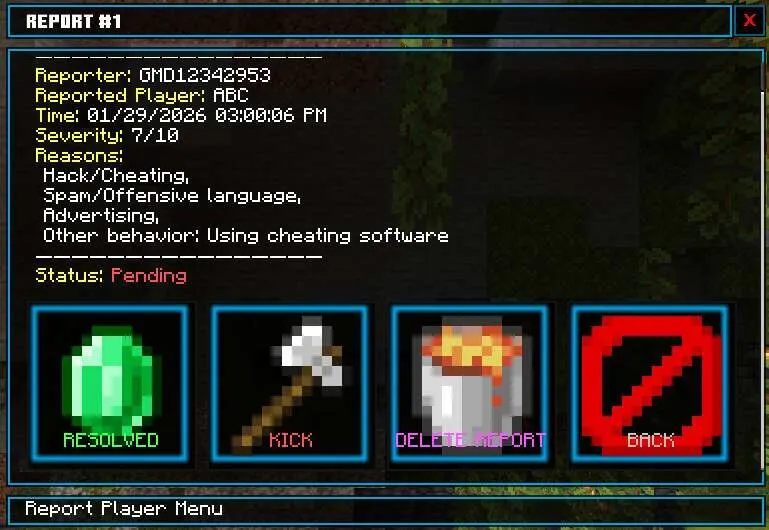
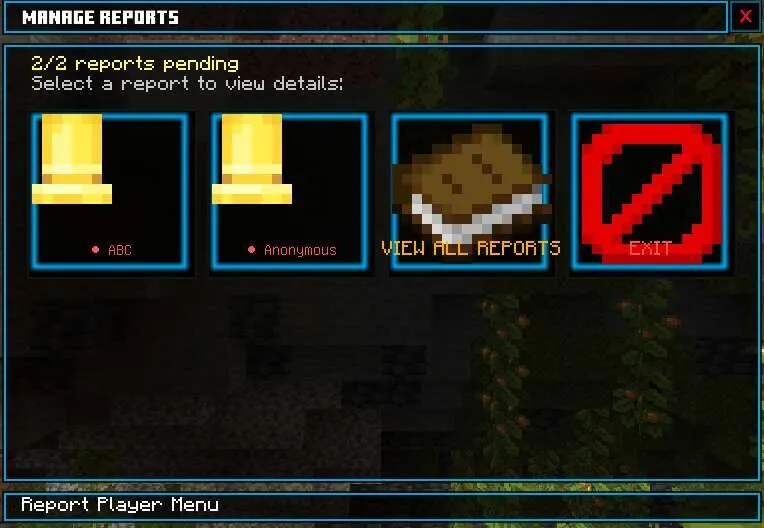
It includes forms for detailed and anonymous reports, rule selection, description of location and violation level. The admin panel allows you to manage all reports directly in-game.
How does it work?
To file a report: /report or /ft:report
Enter the player's nickname, select the violated rules, describe the situation and set the severity level (0–10), then click Submit Report
If you don't remember the nickname: enter ? instead of the nickname, describe the player, their color, location, select violations and severity, then submit the report
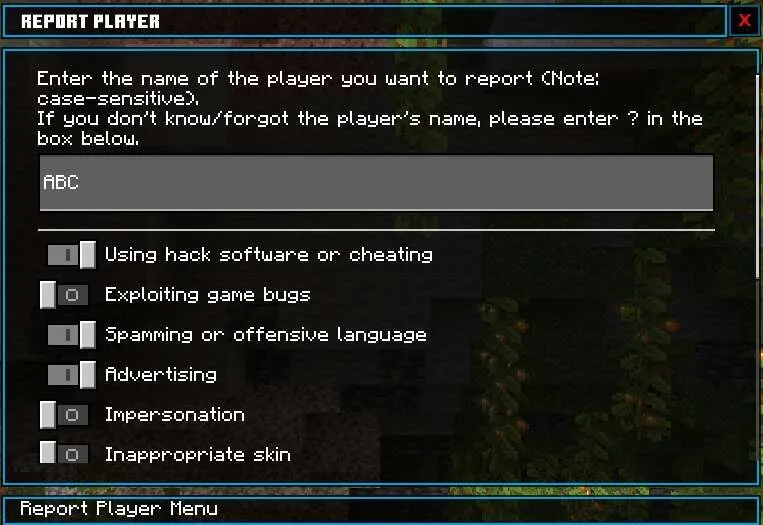
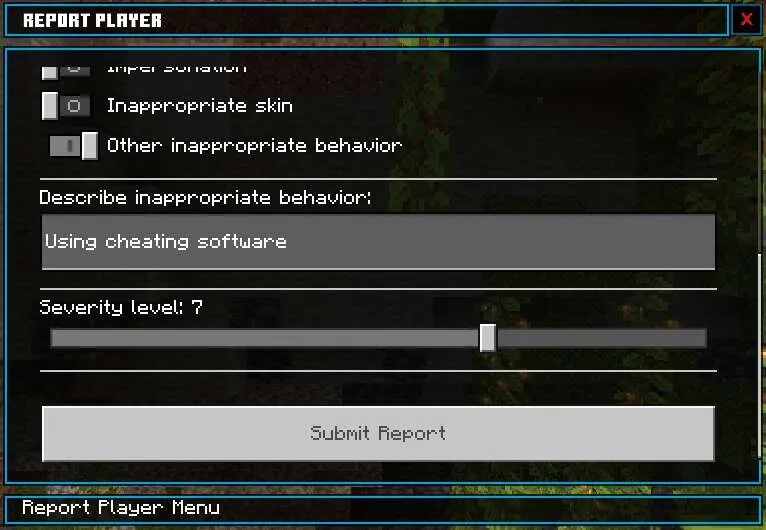
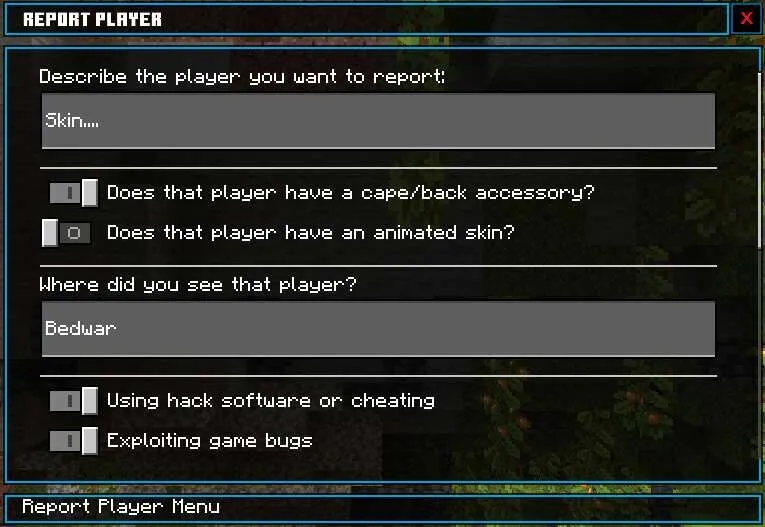
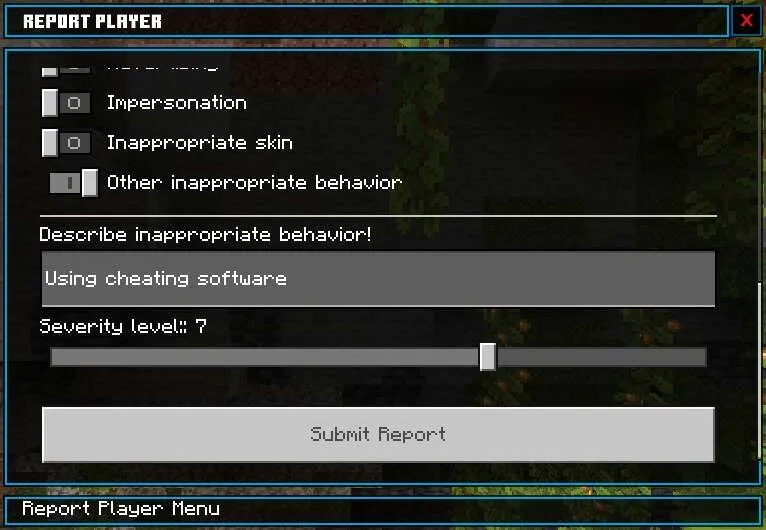
Viewing reports (for admins)
Admins need the admin tag
Command: /admin or /ft:admin, go to the Player Reports section
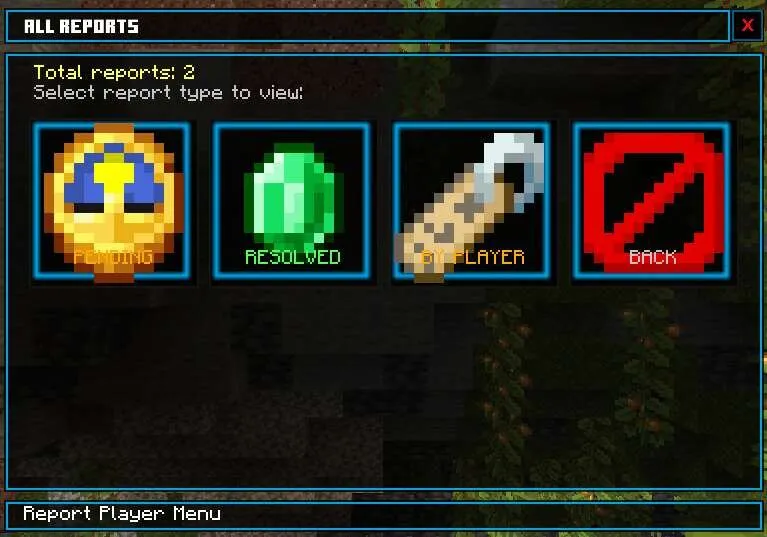
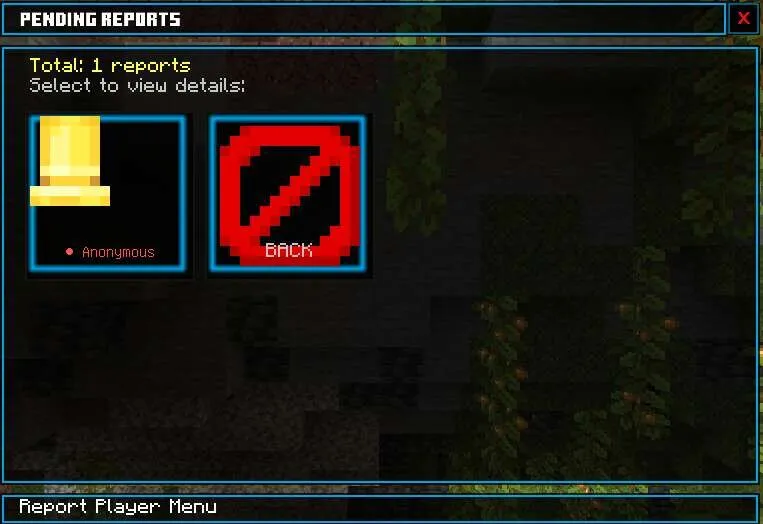
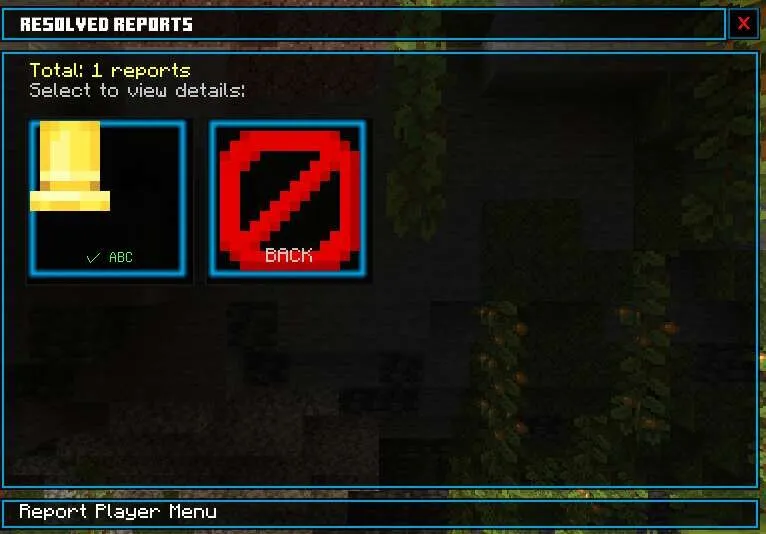
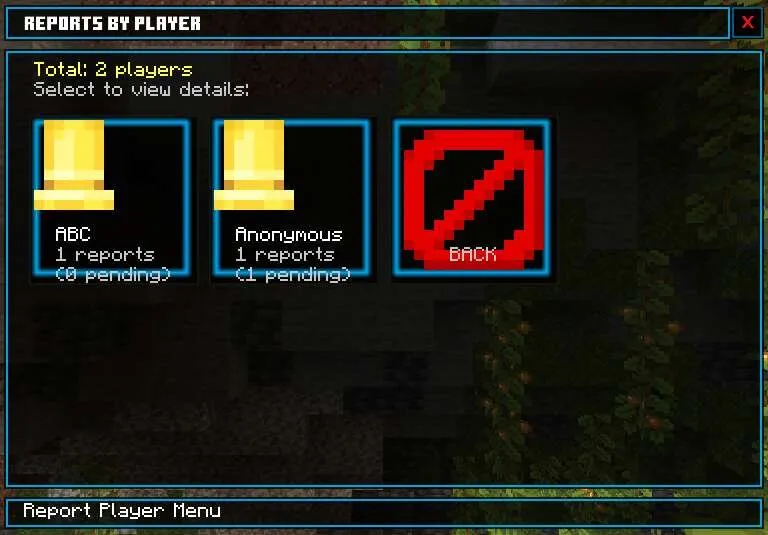
You can view details, mark as resolved, kick, delete reports, view all reports by status and player
Clear report history: /report_reset or /ft:report_reset
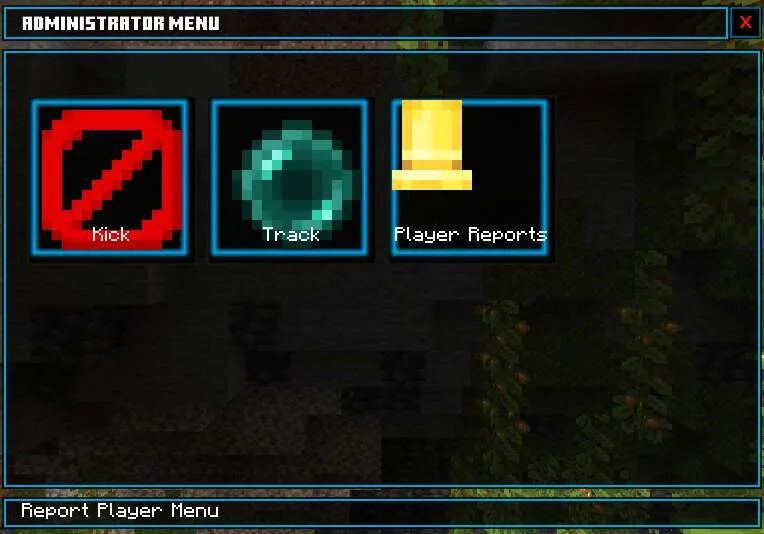
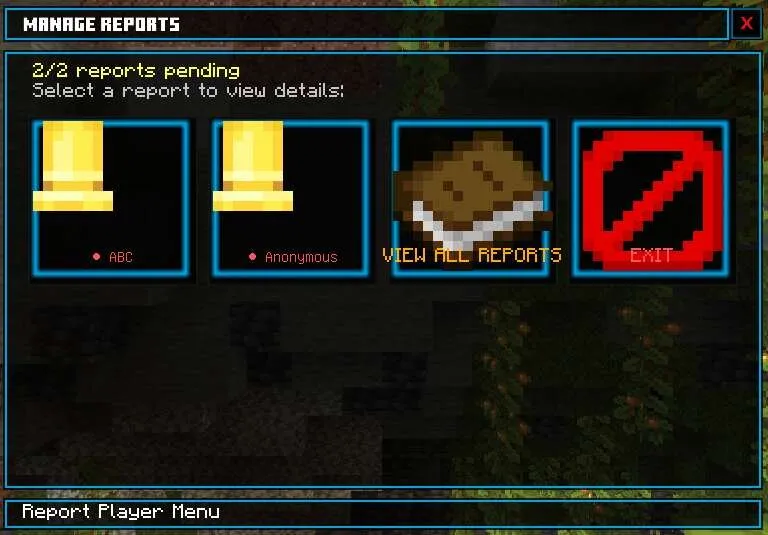
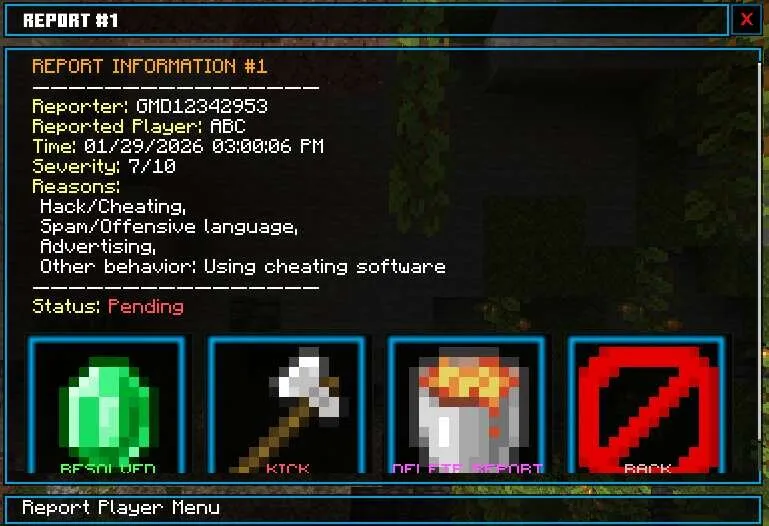
How to install Player Report Menu Add-on 1.21+
- Download the file below.
- Open it — Minecraft imports the pack by itself.
- Activate the pack in the world you want to play in.
 Godzilla and Kong Rise Of The Titans Add-on 1.18/1.17+
 Tools and Armor Add-on 1.17+
 JOJO's Bizarre Adventure Add-on 1.17+
 SpongeBob and Gary Add-on
 World Animals Add-on 1.21+/1.20+
 Witchery Expansion Add-on 1.20+