
Working Projector Add-on 1.21+
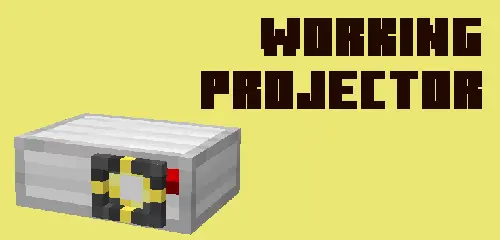
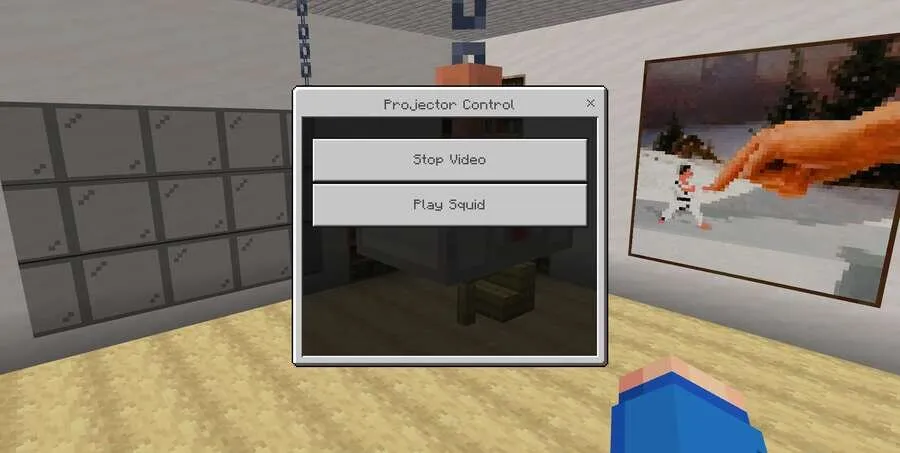
You can get your own personal Projector right in Minecraft. Players who enjoy trying out new mechanics will love the mod Working Projector. With it, you can create a screen, choose a video, and enjoy watching right through a fully functional Projector without ever leaving the blocky universe. The settings allow you to flexibly use this element for any purpose.
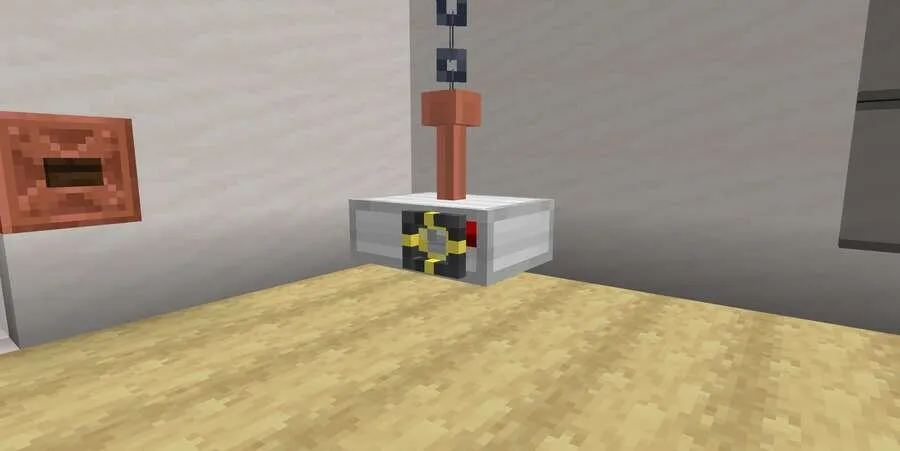
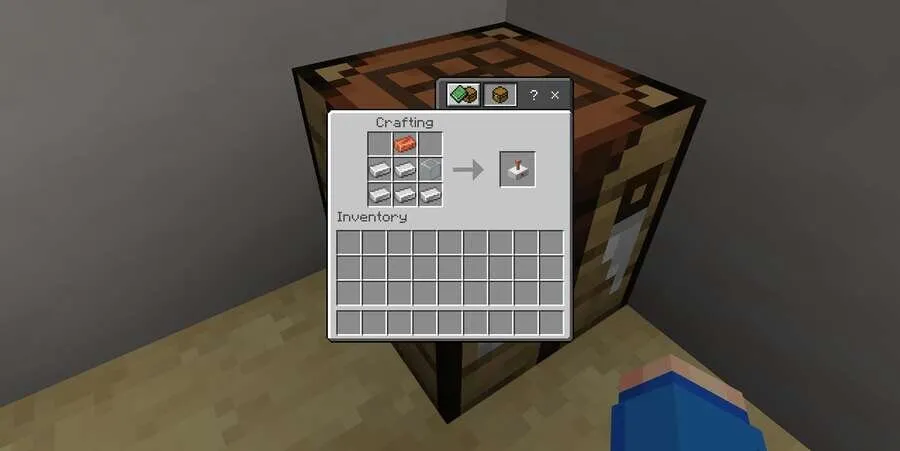
After crafting, you need to create a screen from any block, and set up the Projector at a distance of 2-16 blocks from it.
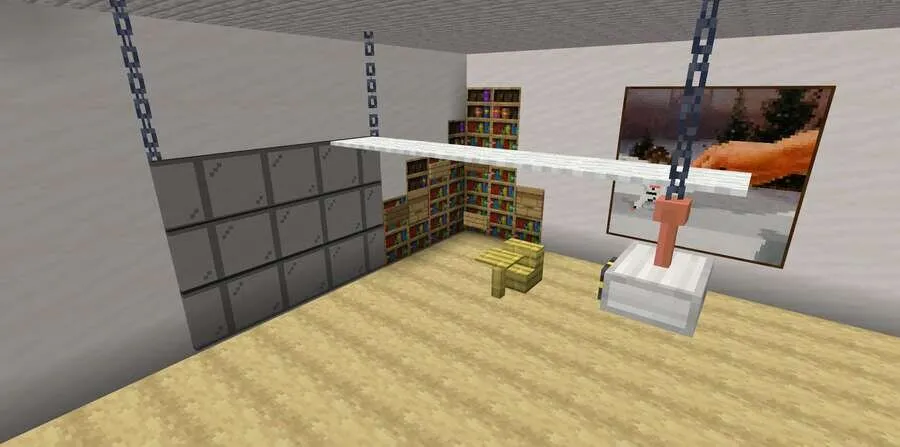
Interact with the block to start playing the video.
How to install Working Projector Add-on 1.21+
- Download the file below.
- Open it - Minecraft imports the pack by itself.
- Activate the pack in the world you want to play in.
Download Working Projector Add-on 1.21+
Related News:
 JOJO's Bizarre Adventure Add-on 1.17+
 Witchery Expansion Add-on 1.20+
 Godzilla and Kong Rise Of The Titans Add-on 1.18/1.17+
 World Animals Add-on 1.21+/1.20+
 Tools and Armor Add-on 1.17+
 World Wild Animals Add-on 1.21+/1.20+/1.19+/1.18+/1.17+/1.16+
Comments (0)