
3D Block Outline Texture Pack
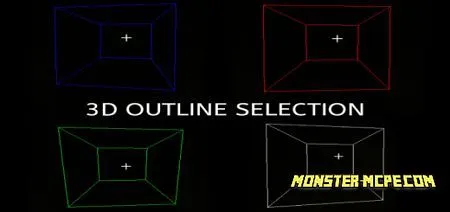
Have you faced such a problem that the desired block is difficult to find? If yes, then the new 3D Block Outline texture pack is what you need. The new texture pack changes the outlines of existing blocks in the Minecraft world from those that are installed by default in the game for new, more interesting, and bright ones. The peculiarity of the new block outlines will be that they are 3D and have outlines of different colors, so far only available in five different colors.
In the future, the texture pack will be updated and other outline colors will be added. Let's take a look at all the available outline colors and how they look in the game:
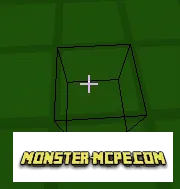
1. Black outline:
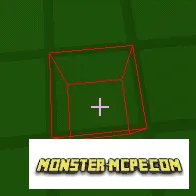
2. The red outline and how it is visible in the dark:
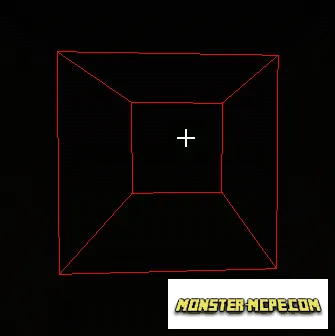
3. The green outline and how it is visible in the dark:
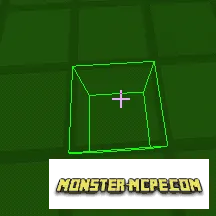
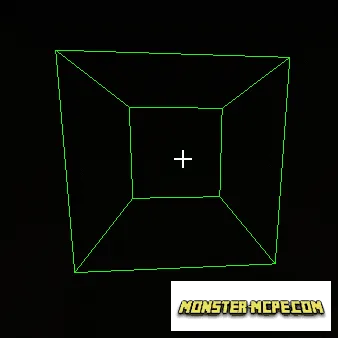
4. Blue outline and how it is visible in the dark:
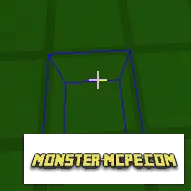
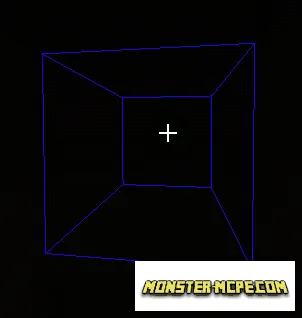
5. White outline and how it is visible in the dark:
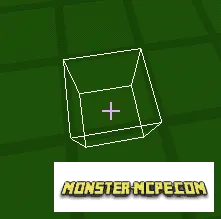
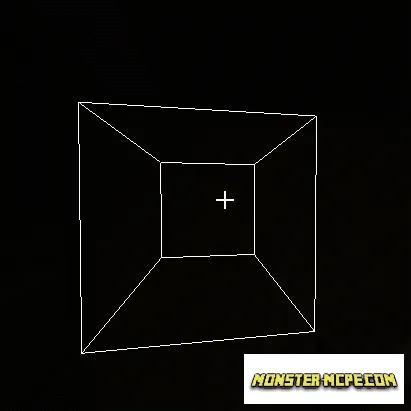
In order for the texture pack to work properly, do not forget to activate the selection outline in the game settings in the video section.
How to install 3D Block Outline Texture Pack
- Download the file below.
- Open it - Minecraft imports the pack by itself.
- Activate the pack in the world you want to play in.
 Purple Emitter Default Edit Texture Pack
 Default Deviations Texture Pack
 Colored Selection Box Texture Pack
 White Block Outline Texture Pack
 Ralph’s Default Texture Pack
 Enhanced Default Texture Pack