
 iElliott_ NotEuan_ IEATEGGS143 TheWeebAvat LuckyAF Fr3aq Zamo99CR DerekMon vortex6310 YOYOkoi9 Bigbroluffy99 rjh925 Blaaxee pipee_aravena ProOmi feldmoster Nemzi27 YOUR_BOOTY_CRUST Slewo dazks Nightmare_V27 PatrickIvan ANG3LLLL SampleHen141146 Shroomy22 Crosti16 Bukyuu Tosti25 Andullo simi10thekiller mingming2im Spgt28 ItzAbdou__ Blazted YeahAuDDnumiarHD Flamingo294 kaixbo marcusman420 SHRK___ ofekshimon MaxSlayer4151 dsfsfsfsd Karotte1100 HYOUKAGK SzzelejGram IceCube89 ilverotommy Corra95 T1NCH0CP CleqnKenji Letrim23 Juca_13 potato2012v qAndyTM Dragonovth xximmer Fusair KOKOnavirus jackospider DDZoO
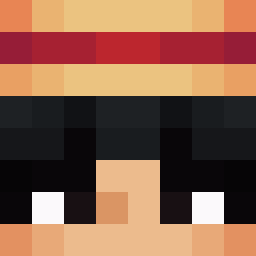
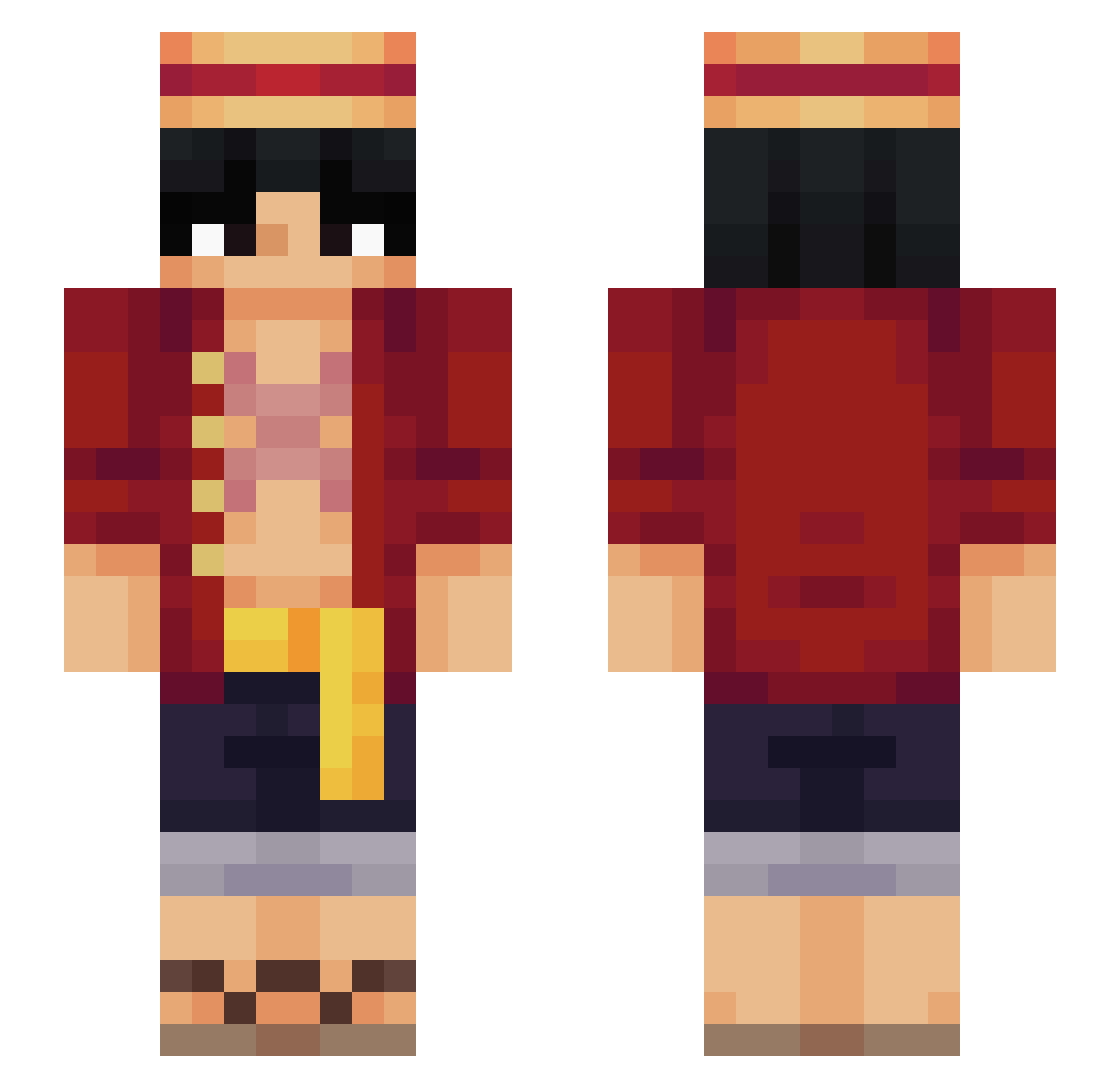
Minecraft skin of dazks. Rotate the 3D model with your mouse or finger to view the skin from every angle, then download it as a PNG file and use it in Minecraft: Bedrock Edition or Java Edition for free. Rate the skin with stars to help other players find the best skins in our collection.
How to install the dazks skin
- Press the Download button above to save the skin as a PNG file.
- Minecraft: Bedrock Edition (PE): open the Dressing Room from the main menu (or tap your character → Edit Character), go to Classic Skins → Owned, press the + (new skin) button, choose the downloaded PNG and pick the Slim (Alex) model. Works on PC and mobile; consoles cannot import custom skins.
- Minecraft: Java Edition: open the Minecraft Launcher, go to the Skins tab, click New Skin, load the PNG, pick the Slim (Alex) model and press Save & Use. You can also upload it at minecraft.net → Profile → Change Skin.
The skin does not show up after import - what should I do?
Restart Minecraft and open the Dressing Room again - imported skins sometimes appear only after a restart. Also make sure you selected the imported skin and picked the Slim (Alex) model.
Which model should I choose, Classic or Slim?
This skin is designed for the Slim (Alex) model. If you pick the wrong model, the arms of the skin will look stretched or squeezed.
Is this skin free to use?
Yes. Press Download, save the PNG file and use it in Minecraft: Bedrock Edition or Java Edition - no payment or registration needed. The skin also works on multiplayer servers and Realms.
More Monkey D Luffy Minecraft skins
See all 928 Monkey D Luffy skins
More skins
Looking for more? Go back to all Minecraft skins and check the top skins of the week, month and all time, or find any player's skin by nickname.