
 TstormaT ArthurG94 xdUnreal Papoas7 Nick4u2 Zephyrted AutoChaos greninja83 CYccccc AURA_JACKET_FRA Ihna_ Izuna_Desu NightSeven0 diekiel xvskullz Nightmare_AFG Alexdu2631 LukasK2015 JustChaku SCH_EN McThiccBoi EndelXQDL MXY_20 EssersPower Brey_966 YoungDy Brian531 yuzoroo K2LED W4terlaw slightvoid SomeBosnian rizzen__ ChaserVR A7S_ spiky1457 h_074 Yakari270 Apoc_MTZ09 FrankoPro1 BlueYukiv1 LucaSlyp gamer4111 kazoshi22 MaRiiODM AngelHimothy Sopitan yngslifer CaptainJoelWild Riggs91 Mikalyx NIxo90 Andreasbl gnikeht007 Speak3r sachoulastreet Basattaque Septinune Linkforce_BDS Bobbydell
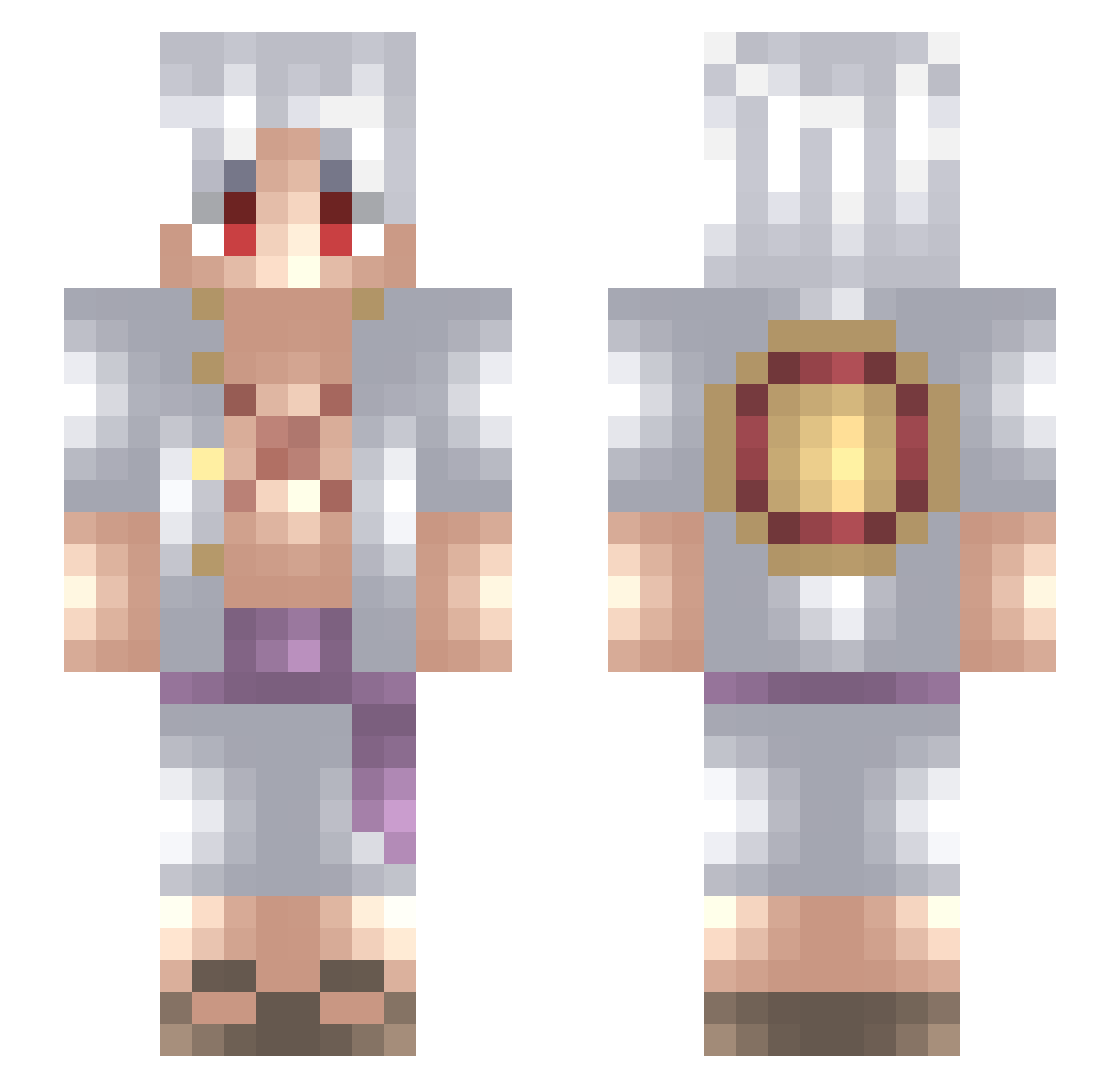
Minecraft skin of YungLoser. Rotate the 3D model with your mouse or finger to view the skin from every angle, then download it as a PNG file and use it in Minecraft: Bedrock Edition or Java Edition for free. Rate the skin with stars to help other players find the best skins in our collection.
How to install the YungLoser skin
- Press the Download button above to save the skin as a PNG file.
- Minecraft: Bedrock Edition (PE): open the Dressing Room from the main menu (or tap your character → Edit Character), go to Classic Skins → Owned, press the + (new skin) button, choose the downloaded PNG and pick the Slim (Alex) model. Works on PC and mobile; consoles cannot import custom skins.
- Minecraft: Java Edition: open the Minecraft Launcher, go to the Skins tab, click New Skin, load the PNG, pick the Slim (Alex) model and press Save & Use. You can also upload it at minecraft.net → Profile → Change Skin.
The skin does not show up after import - what should I do?
Restart Minecraft and open the Dressing Room again - imported skins sometimes appear only after a restart. Also make sure you selected the imported skin and picked the Slim (Alex) model.
Which model should I choose, Classic or Slim?
This skin is designed for the Slim (Alex) model. If you pick the wrong model, the arms of the skin will look stretched or squeezed.
Is this skin free to use?
Yes. Press Download, save the PNG file and use it in Minecraft: Bedrock Edition or Java Edition - no payment or registration needed. The skin also works on multiplayer servers and Realms.
More Monkey D Luffy Minecraft skins
See all 968 Monkey D Luffy skins
More skins
Looking for more? Go back to all Minecraft skins and check the top skins of the week, month and all time, or find any player's skin by nickname.