
 MidwestGaming92 RocketMan341 weekah AstraRakete17 ChrisCandyLand stephiroth61 YungEzra Danire21 YUKJAIN XsemetixX Lexasaurus4 Furi000uS MGM1998 Mak_2434 Nakamass nocomment444 tc2426 ClappinBuns Man_bear_pig_ qantumentangled SeraphSlinky AXOLOTL_BUDY k0sm0s_337 Helgrind46 toleyx RODRIGO636 ALI_mohammed1 Ian_DaBaby 05sainttt Stoppa411 MtShadow11 LuffyDMonkey123 PFerreira CraftyRanger1_ earnest2829 uch0lak Elpotito BabyBoyGabzz NellyWelly tysonwrld999 Epiccberry Dark_Sgozza_93 MurcianicoGL AlienFAFA Mango_Yogurt928 Klinix_74 BubbyBotches Number1iCarlyFan spidermeen LUFFY0114 LaserBlaster24 james45088 DareDuck Theodore_Evans MFH7Miranda qataq RCSLOLFER Aladdin01 Datac RayzzeYT
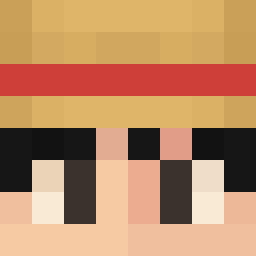
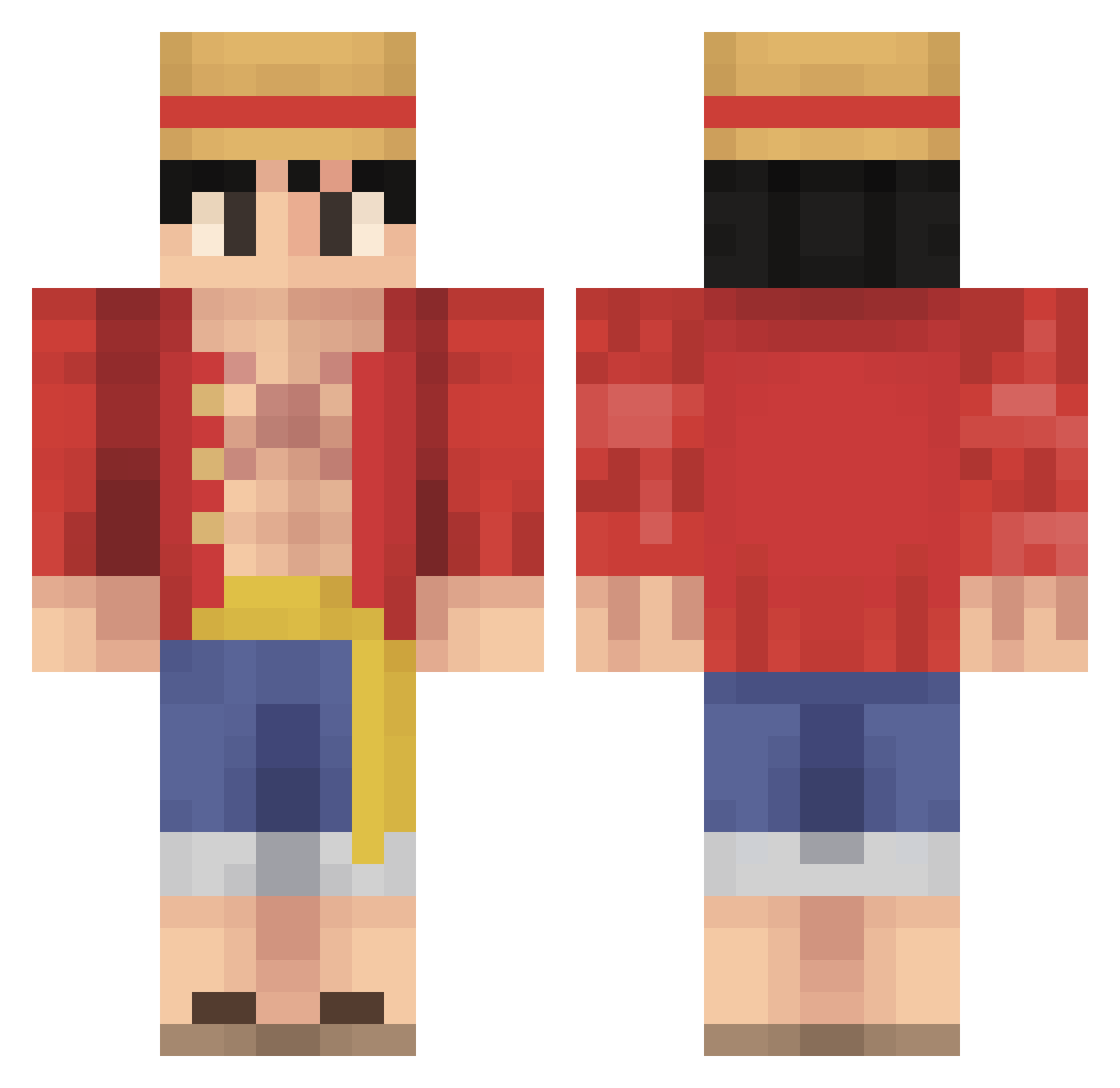
Minecraft skin of LeonPvP10. Rotate the 3D model with your mouse or finger to view the skin from every angle, then download it as a PNG file and use it in Minecraft: Bedrock Edition or Java Edition for free. Rate the skin with stars to help other players find the best skins in our collection.
How to install the LeonPvP10 skin
- Press the Download button above to save the skin as a PNG file.
- Minecraft: Bedrock Edition (PE): open the Dressing Room from the main menu (or tap your character → Edit Character), go to Classic Skins → Owned, press the + (new skin) button, choose the downloaded PNG and pick the Classic (Steve) model. Works on PC and mobile; consoles cannot import custom skins.
- Minecraft: Java Edition: open the Minecraft Launcher, go to the Skins tab, click New Skin, load the PNG, pick the Classic (Steve) model and press Save & Use. You can also upload it at minecraft.net → Profile → Change Skin.
The skin does not show up after import - what should I do?
Restart Minecraft and open the Dressing Room again - imported skins sometimes appear only after a restart. Also make sure you selected the imported skin and picked the Classic (Steve) model.
Which model should I choose, Classic or Slim?
This skin is designed for the Classic (Steve) model. If you pick the wrong model, the arms of the skin will look stretched or squeezed.
Is this skin free to use?
Yes. Press Download, save the PNG file and use it in Minecraft: Bedrock Edition or Java Edition - no payment or registration needed. The skin also works on multiplayer servers and Realms.
More Monkey D Luffy Minecraft skins
See all 859 Monkey D Luffy skins
More skins
Looking for more? Go back to all Minecraft skins and check the top skins of the week, month and all time, or find any player's skin by nickname.