
Gamera11 - Minecraft Skins & Skin History
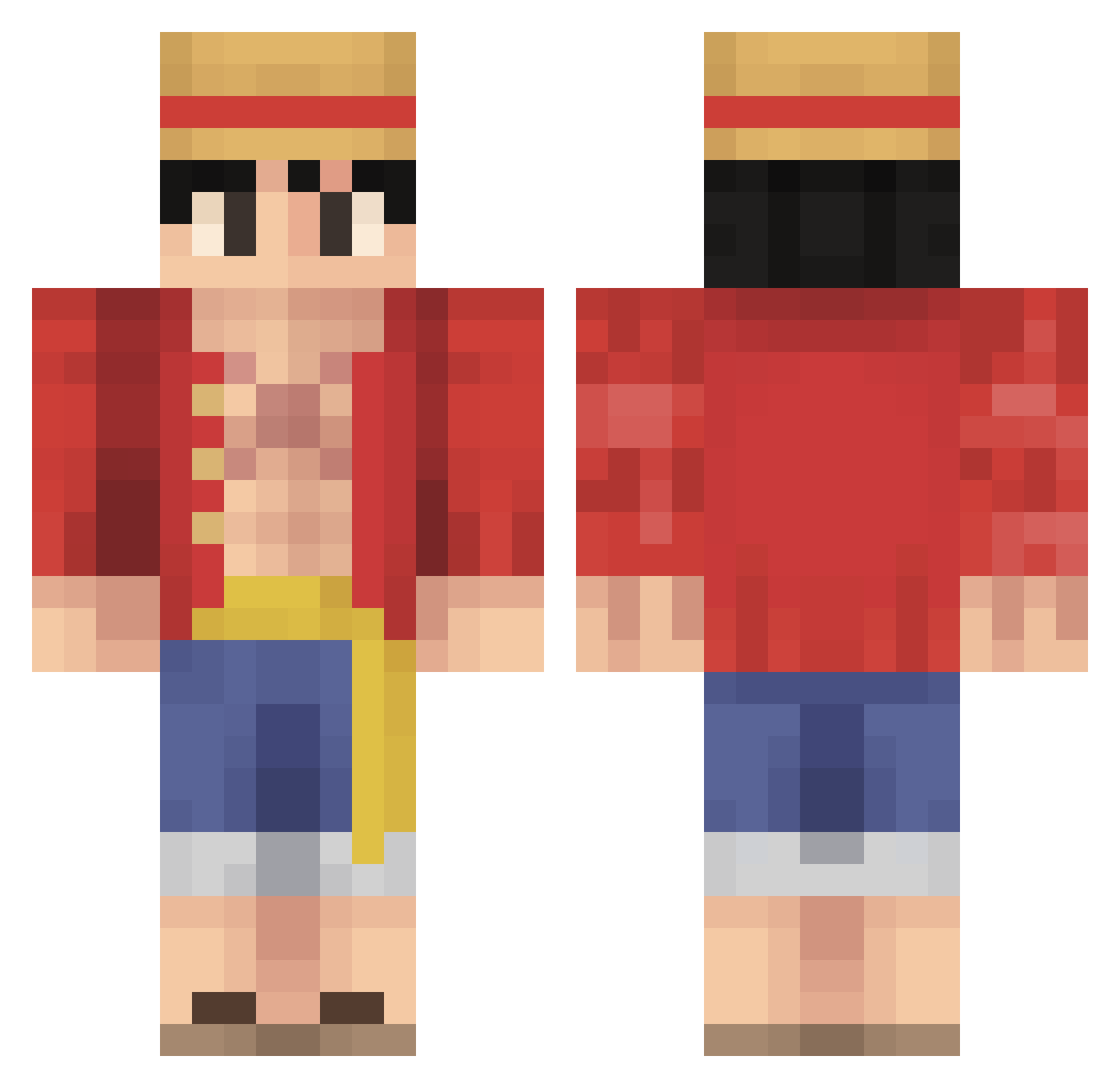
Current Minecraft skin of the player Gamera11, loaded from the official Mojang API. Rotate the 3D model with your mouse or finger, then download the skin as a PNG file and use it in Minecraft: Bedrock Edition or Java Edition for free. When Gamera11 changes their skin, this page updates automatically and the old skin stays in the history below.
Other players with this skin (606)
Gamera11 was the 597th player we have seen with this skin, first spotted on 10.11.2026. The same skin was seen on these players. Open a nickname to see their current skin and skin history.
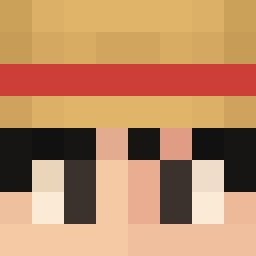 Mojti Unkn0vv0n Hypolizer andrex2111 HappyMelon221 iamposton Lilturkk ___KingJoker___ Copper_Deacon mommymilker21 DestroHype lightskinpoo Googleiy itsza Yorrieen gkaras Nav0s lalalatillzz camikaze091 f5gg Swandzdz Goat701 OWonderchild TheForshadower AnjewTheJew Rocky995 EinfachJakob2 OnlyYZ Amonngus TKX92 HitNDRun AaronLZ Hacos_ lilvillas Leevak_16 Aloa42 L2P_Showi zumerrr GAMINGKNIGHTVOID Tvet27 dyl_jah Hectric2 imKumaKumaKuma eldyma FreyrTV corronahji Dacs13 TheCakeWasASpy erikayala PingSunn xAEAl2 84GHOST sauhy Krazicraka9 Cro_PUN1SH3R DVDFR Shengggggggggggg CoolGiggio2011 0z1nz RockingKiwiny
More Monkey D Luffy Minecraft skins
See all 1003 Monkey D Luffy skins
How to install the Gamera11 skin
- Press the Download button above to save the skin as a PNG file.
- Minecraft: Bedrock Edition (PE): open the Dressing Room from the main menu (or tap your character → Edit Character), go to Classic Skins → Owned, press the + (new skin) button, choose the downloaded PNG and pick the Classic (Steve) model. Works on PC and mobile; consoles cannot import custom skins.
- Minecraft: Java Edition: open the Minecraft Launcher, go to the Skins tab, click New Skin, load the PNG, pick the Classic (Steve) model and press Save & Use. You can also upload it at minecraft.net → Profile → Change Skin.
The skin does not show up after import - what should I do?
Restart Minecraft and open the Dressing Room again - imported skins sometimes appear only after a restart. Also make sure you selected the imported skin and picked the Classic (Steve) model.
Which model should I choose, Classic or Slim?
This skin is designed for the Classic (Steve) model. If you pick the wrong model, the arms of the skin will look stretched or squeezed.
Is the skin of Gamera11 free to download?
Yes. Press Download, save the PNG file and use it in Minecraft: Bedrock Edition or Java Edition - no payment or registration needed. The skin also works on multiplayer servers and Realms.
More skins
Looking for more? Go back to all Minecraft skins and check the top skins of the week, month and all time, or find any player's skin by nickname.