
 97531245 youzima allstars2004 FatePvP happysadface boaz_wong BraulioXD01 fluxxieMC xtoxis Blitz673 lhulery92 Sectane_ Larnos_xD AxelPlay2077 Romain_Dritox_23 todd_v_d Infestion Skygod_Firefist notKoasters T4d1s __Hoshy__ SugarCaneDaddy Jogiber SoyLuisin neverdie1457 Zstarstriker n_n_2k _nuage__ Sezer2007 _Marvin1911 DocSn0w RegularPlayer Fabiano1_0 Ammaccabanane9 Seconstar leeblind luvlixx JoseOnTop yuhfuk Emjack24 MrZ445 SetupTeam55 Vaxeen14 itsgray_lol GaMeRDaDDy1977 RiverPhoenix435 Skraxy jordy280701 Oliver_77_m Failscope EGZONSHALA Kilanight Schwangerer Shizhen2153 Ribarton Elevated__Gaming PlayfulTurtle1 TheTugberk leo_FN AliKaya
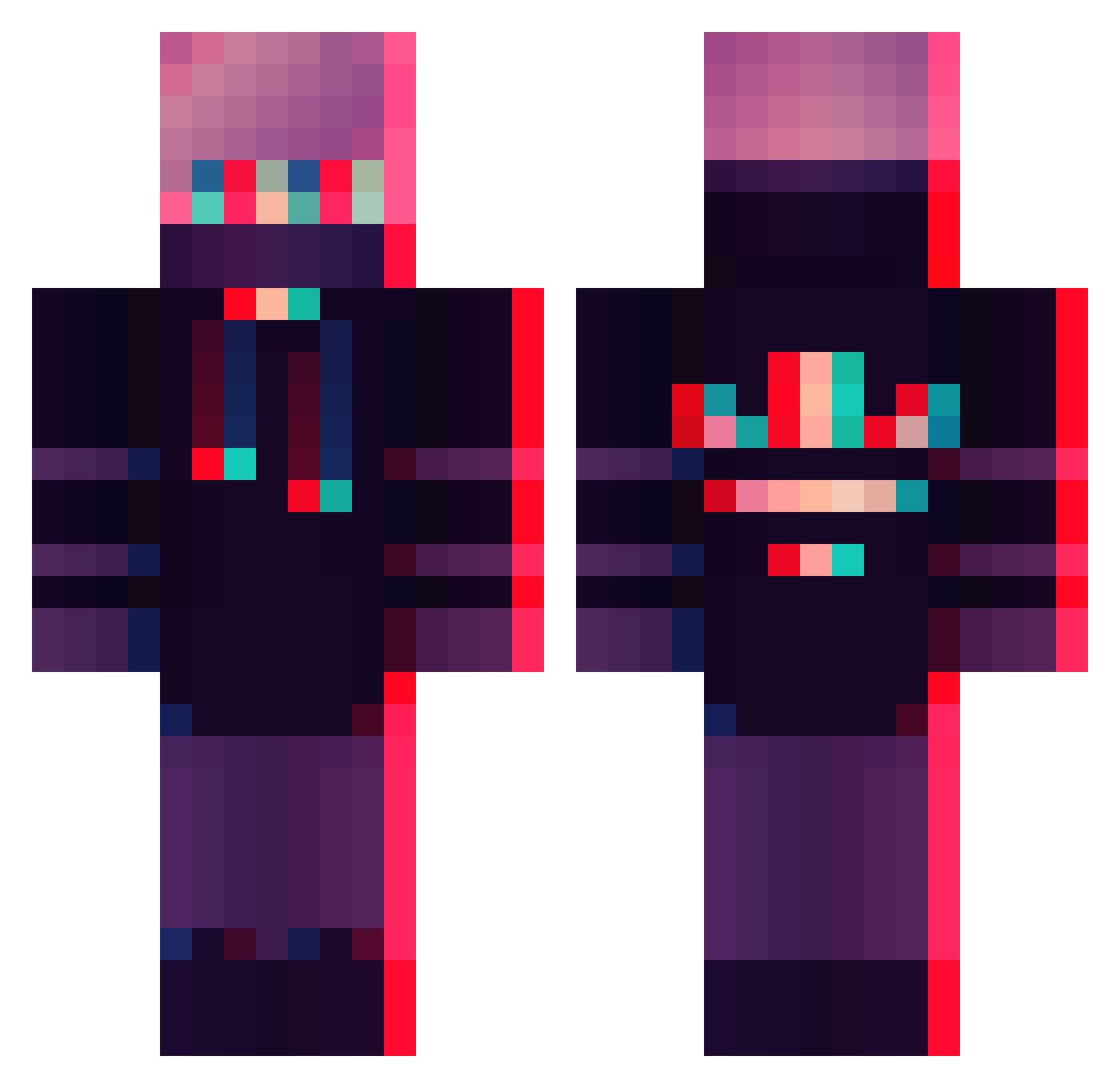
Minecraft skin of Stoowie. Rotate the 3D model with your mouse or finger to view the skin from every angle, then download it as a PNG file and use it in Minecraft: Bedrock Edition or Java Edition for free. Rate the skin with stars to help other players find the best skins in our collection.
How to install the Stoowie skin
- Press the Download button above to save the skin as a PNG file.
- Minecraft: Bedrock Edition (PE): open the Dressing Room from the main menu (or tap your character → Edit Character), go to Classic Skins → Owned, press the + (new skin) button, choose the downloaded PNG and pick the Classic (Steve) model. Works on PC and mobile; consoles cannot import custom skins.
- Minecraft: Java Edition: open the Minecraft Launcher, go to the Skins tab, click New Skin, load the PNG, pick the Classic (Steve) model and press Save & Use. You can also upload it at minecraft.net → Profile → Change Skin.
The skin does not show up after import - what should I do?
Restart Minecraft and open the Dressing Room again - imported skins sometimes appear only after a restart. Also make sure you selected the imported skin and picked the Classic (Steve) model.
Which model should I choose, Classic or Slim?
This skin is designed for the Classic (Steve) model. If you pick the wrong model, the arms of the skin will look stretched or squeezed.
Is this skin free to use?
Yes. Press Download, save the PNG file and use it in Minecraft: Bedrock Edition or Java Edition - no payment or registration needed. The skin also works on multiplayer servers and Realms.
More Glitch Minecraft skins
More skins
Looking for more? Go back to all Minecraft skins and check the top skins of the week, month and all time, or find any player's skin by nickname.