
 GallerTheHunter Shaa_Lp_YT 0xith Xeart_Cz KaRizMa_7 Vojtulal Rucinekk DarkMeliodas2115 Chrispzz12 Ins4n1tyz Zanpakto47 Flammerumeur kak4shi_420 Ricchimilia_0 MacRiccio fandekorra _CRYSTAF_ Milo_5347 GGiannis AvoyEU RonyPlays DoufeTT L1_Leo MaybeMonster DarkFloww thecutlight mp3jjk Gustheplayer UchihaVasco EXOTIC_1013 Tsene61m iiChips lautarin123 ZodiiacV2 Ncnoxic Hanoux FelipeFelipetite jorgeperdomo Bunoden amooree NoLxVVe HAKSAL_op Douum _Qu3st_ Salmanoffs13 ToggleGlitch McMana Pro_Tiger ZedooFlaggt silenthunterLL pizza_rollz_ Jaxmax1111 Blackzrr lTAZERl _xxDark_ 2565 mirkue jimjamsky erafehT Koidency
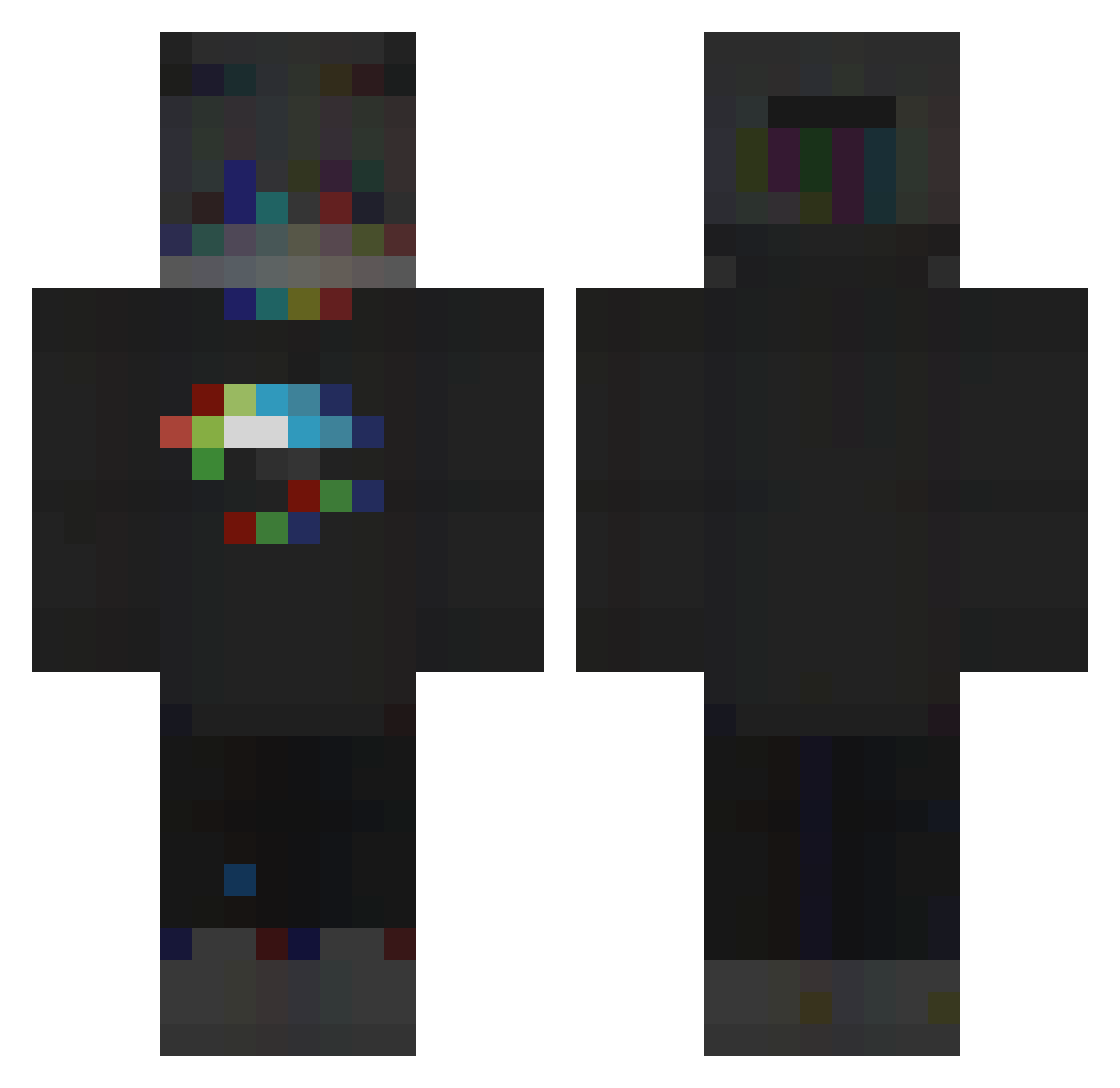
Minecraft skin of zhenxi. Rotate the 3D model with your mouse or finger to view the skin from every angle, then download it as a PNG file and use it in Minecraft: Bedrock Edition or Java Edition for free. Rate the skin with stars to help other players find the best skins in our collection.
How to install the zhenxi skin
- Press the Download button above to save the skin as a PNG file.
- Minecraft: Bedrock Edition (PE): open the Dressing Room from the main menu (or tap your character → Edit Character), go to Classic Skins → Owned, press the + (new skin) button, choose the downloaded PNG and pick the Classic (Steve) model. Works on PC and mobile; consoles cannot import custom skins.
- Minecraft: Java Edition: open the Minecraft Launcher, go to the Skins tab, click New Skin, load the PNG, pick the Classic (Steve) model and press Save & Use. You can also upload it at minecraft.net → Profile → Change Skin.
The skin does not show up after import - what should I do?
Restart Minecraft and open the Dressing Room again - imported skins sometimes appear only after a restart. Also make sure you selected the imported skin and picked the Classic (Steve) model.
Which model should I choose, Classic or Slim?
This skin is designed for the Classic (Steve) model. If you pick the wrong model, the arms of the skin will look stretched or squeezed.
Is this skin free to use?
Yes. Press Download, save the PNG file and use it in Minecraft: Bedrock Edition or Java Edition - no payment or registration needed. The skin also works on multiplayer servers and Realms.
More RGB Minecraft skins
More skins
Looking for more? Go back to all Minecraft skins and check the top skins of the week, month and all time, or find any player's skin by nickname.