
 ruoved WdeWilly Kkhon AngeliqueDreamer Seokjin_02 alyssaaa PineappleLyds305 OwOflux_faze beccaboop2 RyaNova089 Putsneak hwpang electric_fire7 nexish ricosleben XLSpiro Thofo TheFYouiry Ringofdecades QuikMC seb_dad09 PigDigEgg Kaxia_exe cookiefussel polonesa grapefanta_ Vizored herpleasure69 MidNight_64 Monozym FlashRocket99 Temill Aur55 KozuHak IMON_0907 Zequess Anilo_1050 JayKwood Naker21 Radagast83 bartjann CasronaVirus MAISOW haven1122 SEPTAGRAM_ NirvanaMF Husske AlpacaNomics Marionski ReAgain_ homeland000 Turu513 SHEABRIDGE KxeroKxxiv Chrisi163 GodSky3765 JoeySpumoni Akimotu Chips_Ahoy3521 Ahbengqi
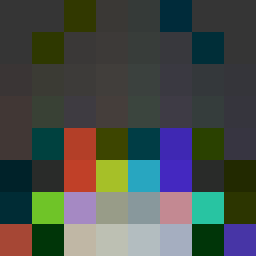
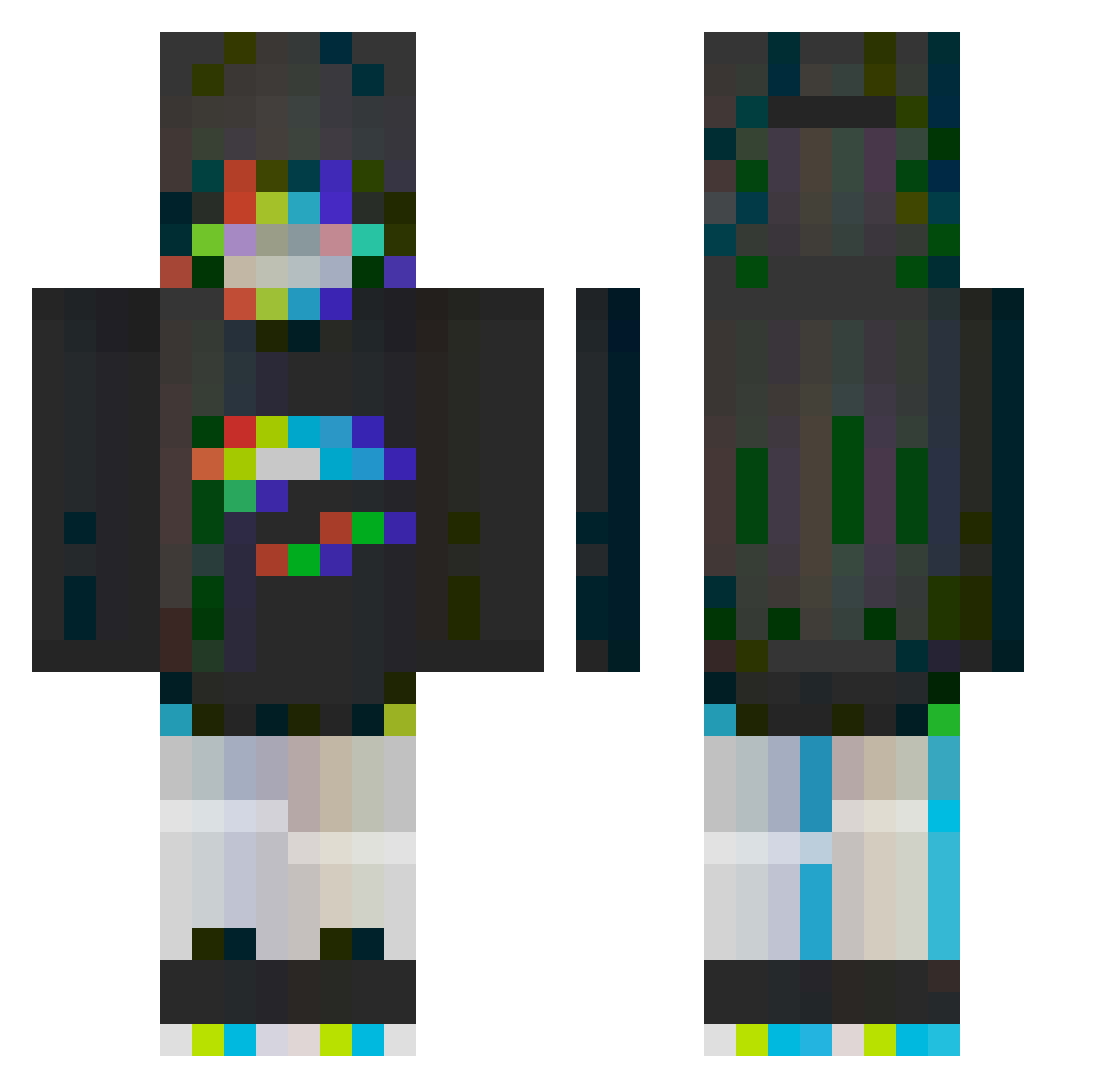
Minecraft skin of Hachirooooo. Rotate the 3D model with your mouse or finger to view the skin from every angle, then download it as a PNG file and use it in Minecraft: Bedrock Edition or Java Edition for free. Rate the skin with stars to help other players find the best skins in our collection.
How to install the Hachirooooo skin
- Press the Download button above to save the skin as a PNG file.
- Minecraft: Bedrock Edition (PE): open the Dressing Room from the main menu (or tap your character → Edit Character), go to Classic Skins → Owned, press the + (new skin) button, choose the downloaded PNG and pick the Classic (Steve) model. Works on PC and mobile; consoles cannot import custom skins.
- Minecraft: Java Edition: open the Minecraft Launcher, go to the Skins tab, click New Skin, load the PNG, pick the Classic (Steve) model and press Save & Use. You can also upload it at minecraft.net → Profile → Change Skin.
The skin does not show up after import - what should I do?
Restart Minecraft and open the Dressing Room again - imported skins sometimes appear only after a restart. Also make sure you selected the imported skin and picked the Classic (Steve) model.
Which model should I choose, Classic or Slim?
This skin is designed for the Classic (Steve) model. If you pick the wrong model, the arms of the skin will look stretched or squeezed.
Is this skin free to use?
Yes. Press Download, save the PNG file and use it in Minecraft: Bedrock Edition or Java Edition - no payment or registration needed. The skin also works on multiplayer servers and Realms.
More Glitch Minecraft skins
More skins
Looking for more? Go back to all Minecraft skins and check the top skins of the week, month and all time, or find any player's skin by nickname.