
 BruceWinter tkuno jungsin0823 showyourseonjeok lasabri NeYo0 zaffizapper Artick qiubai_v5 hanritian1 jminejm lil_hampe ManuelXD_ BANANATATO 0scill4tor Chewyball10 tonycafe Timmy07 cheng0721 Creative_ranger MorrowMist blackcloud001 SDGamer_YT _bragging_ cheesedood12 Tymek97517 Drunken_Shark1 Steve_like_fruit gangan0602 Dark_263 DwistErr Pascal22 luminous121 Jguiche kub3kk_1 T_Money5365 Victor_Arreola xujiancheng Wild_K1tty Rebuto Neck06 yie_sha BaiDu0604 DSCDS Dinins hongy266 Bluecan IceHedgehog88 ImMoaz Qing_Ju RuFa0603 songshang123 MyLitInspWor Qubr Spade_Six ZHAOJINYU Jacthlad0698 smc_93 Kiertjeee river_bin
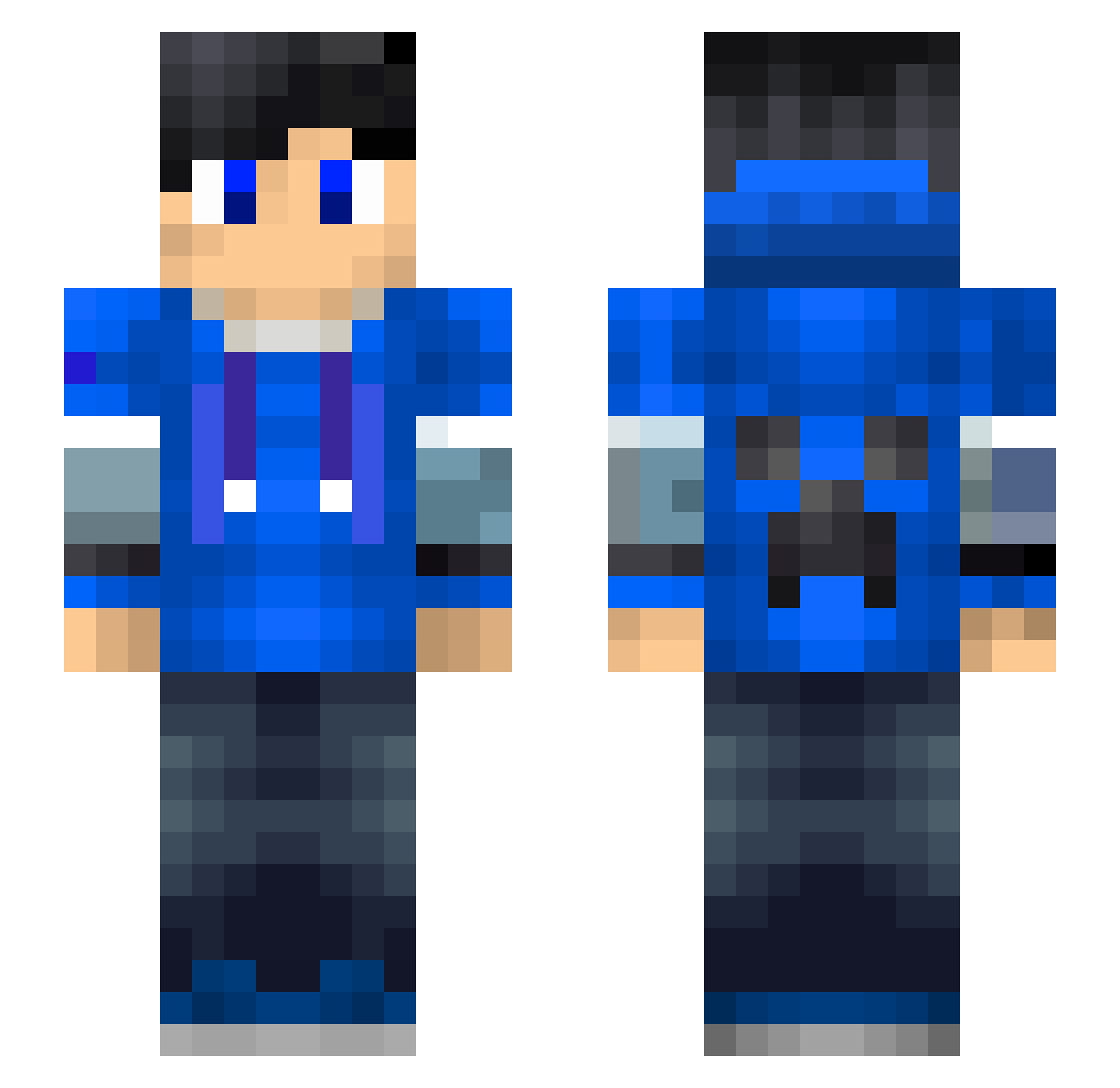
Minecraft skin of Tapasvi. Rotate the 3D model with your mouse or finger to view the skin from every angle, then download it as a PNG file and use it in Minecraft: Bedrock Edition or Java Edition for free. Rate the skin with stars to help other players find the best skins in our collection.
How to install the Tapasvi skin
- Press the Download button above to save the skin as a PNG file.
- Minecraft: Bedrock Edition (PE): open the Dressing Room from the main menu (or tap your character → Edit Character), go to Classic Skins → Owned, press the + (new skin) button, choose the downloaded PNG and pick the Slim (Alex) model. Works on PC and mobile; consoles cannot import custom skins.
- Minecraft: Java Edition: open the Minecraft Launcher, go to the Skins tab, click New Skin, load the PNG, pick the Slim (Alex) model and press Save & Use. You can also upload it at minecraft.net → Profile → Change Skin.
The skin does not show up after import - what should I do?
Restart Minecraft and open the Dressing Room again - imported skins sometimes appear only after a restart. Also make sure you selected the imported skin and picked the Slim (Alex) model.
Which model should I choose, Classic or Slim?
This skin is designed for the Slim (Alex) model. If you pick the wrong model, the arms of the skin will look stretched or squeezed.
Is this skin free to use?
Yes. Press Download, save the PNG file and use it in Minecraft: Bedrock Edition or Java Edition - no payment or registration needed. The skin also works on multiplayer servers and Realms.
More Creeper Minecraft skins
More skins
Looking for more? Go back to all Minecraft skins and check the top skins of the week, month and all time, or find any player's skin by nickname.