
Rebuto - Minecraft Skins & Skin History
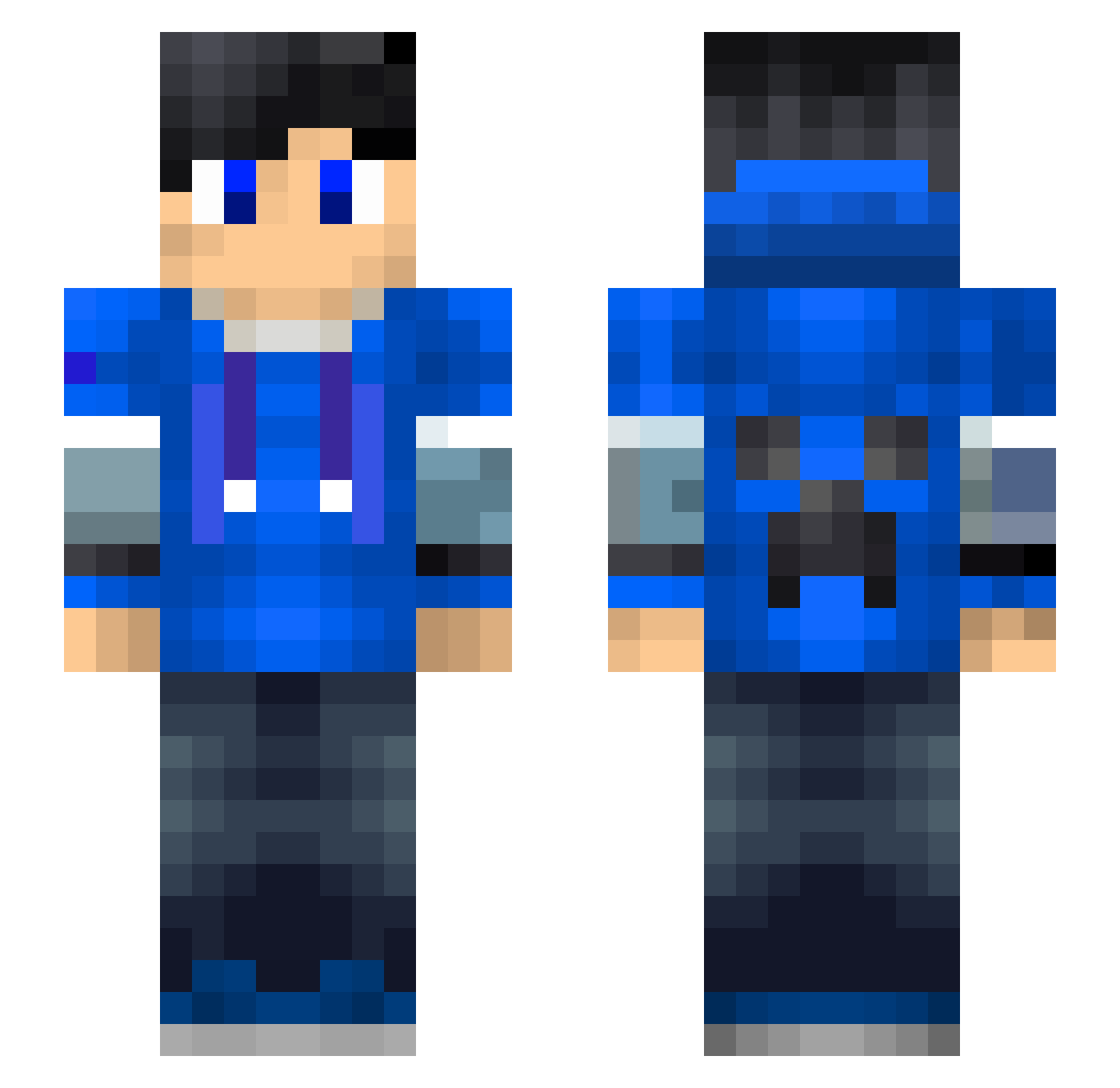
Current Minecraft skin of the player Rebuto, loaded from the official Mojang API. Rotate the 3D model with your mouse or finger, then download the skin as a PNG file and use it in Minecraft: Bedrock Edition or Java Edition for free. When Rebuto changes their skin, this page updates automatically and the old skin stays in the history below.
Other players with this skin (194)
Rebuto was the 156th player we have seen with this skin, first spotted on 21.10.2026. The same skin was seen on these players. Open a nickname to see their current skin and skin history.
 Wild_K1tty xujiancheng Neck06 Victor_Arreola yie_sha T_Money5365 kub3kk_1 BaiDu0604 DSCDS Jguiche Dinins luminous121 Pascal22 DwistErr Dark_263 Gamingxflo gangan0602 Steve_like_fruit wang1209 Drunken_Shark1 AAAxing_ye oliverr99 Tymek97517 cheesedood12 _bragging_ CGMVP cjx1314520 GAMETWANNIE SDGamer_YT kub3kk_79 blackcloud001 MorrowMist Creative_ranger cheng0721 Timmy07 Minecraft6310 xiaofeng2230 tonycafe MengXun666 Chewyball10 Legoblock3000 0scill4tor Arrow168 xXantor BANANATATO ManuelXD_ lil_hampe Audblue jminejm LcReEE hanritian1 qiubai_v5 Jayson_Zhou Artick braylon233 ChampionNZ KILMORE_COVE zaffizapper NeYo0 lasabri
More Creeper Minecraft skins
How to install the Rebuto skin
- Press the Download button above to save the skin as a PNG file.
- Minecraft: Bedrock Edition (PE): open the Dressing Room from the main menu (or tap your character → Edit Character), go to Classic Skins → Owned, press the + (new skin) button, choose the downloaded PNG and pick the Slim (Alex) model. Works on PC and mobile; consoles cannot import custom skins.
- Minecraft: Java Edition: open the Minecraft Launcher, go to the Skins tab, click New Skin, load the PNG, pick the Slim (Alex) model and press Save & Use. You can also upload it at minecraft.net → Profile → Change Skin.
The skin does not show up after import - what should I do?
Restart Minecraft and open the Dressing Room again - imported skins sometimes appear only after a restart. Also make sure you selected the imported skin and picked the Slim (Alex) model.
Which model should I choose, Classic or Slim?
This skin is designed for the Slim (Alex) model. If you pick the wrong model, the arms of the skin will look stretched or squeezed.
Is the skin of Rebuto free to download?
Yes. Press Download, save the PNG file and use it in Minecraft: Bedrock Edition or Java Edition - no payment or registration needed. The skin also works on multiplayer servers and Realms.
More skins
Looking for more? Go back to all Minecraft skins and check the top skins of the week, month and all time, or find any player's skin by nickname.