
Qubr - Minecraft Skins & Skin History
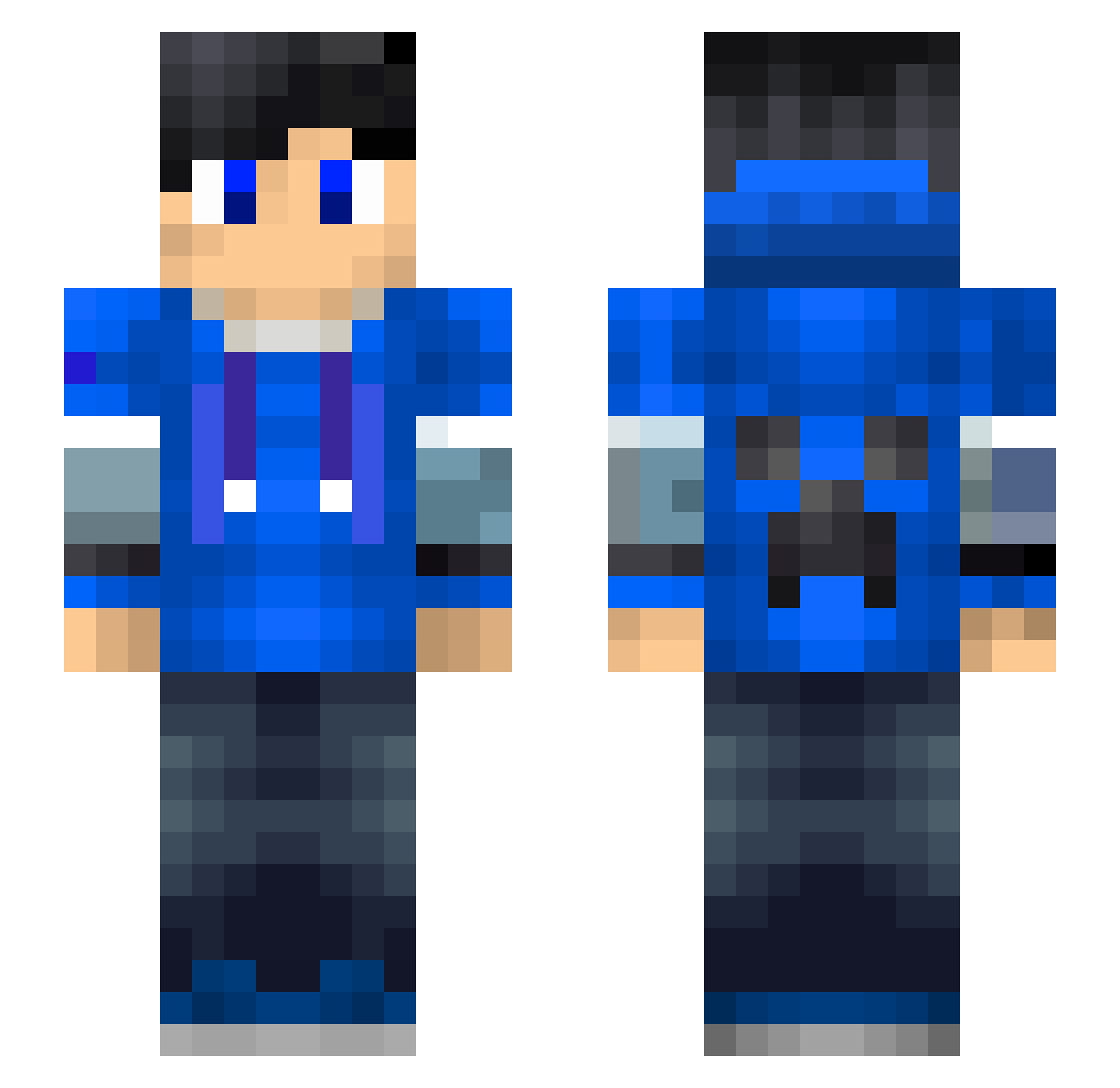
Current Minecraft skin of the player Qubr, loaded from the official Mojang API. Rotate the 3D model with your mouse or finger, then download the skin as a PNG file and use it in Minecraft: Bedrock Edition or Java Edition for free. When Qubr changes their skin, this page updates automatically and the old skin stays in the history below.
Other players with this skin (194)
Qubr was the 27th player we have seen with this skin, first spotted on 12.08.2026. The same skin was seen on these players. Open a nickname to see their current skin and skin history.
 Kiertjeee Creperkiller2005 john4star NightFinding yoyo_blue songshang123
 AAASSwe Zakyrobottino MyLitInspWor dsms1234 SangitoYT samzzzk Nogamer2006 _Awen Tony_Xin Grayfirebird Spade_Six ImMoaz UserCyk Lord_Bimbrdlik mainidea_ty Jimik AndreaskochV2 Nagisa173 Juaaanito STARstarV hyx212 lacrymaria Needham xuioi L0rdB3st Niggi2222 4assassin7 KMasalws amirhossein20 Zelox_
 qweal 144ms07 TheLuckyDawn Aqua_Light Eastman725 Isthos KAKAAIN Limdull pit_pandaV43 yav12 Bluecan Amobby Dani_Boii TomWilson666 smc_93 Jhotdog21 Northern__lights Jacthlad0698 HayfayD dawidziomek1 Quirell milktea31 Andreaskoch swuiqag
More Creeper Minecraft skins
How to install the Qubr skin
- Press the Download button above to save the skin as a PNG file.
- Minecraft: Bedrock Edition (PE): open the Dressing Room from the main menu (or tap your character → Edit Character), go to Classic Skins → Owned, press the + (new skin) button, choose the downloaded PNG and pick the Slim (Alex) model. Works on PC and mobile; consoles cannot import custom skins.
- Minecraft: Java Edition: open the Minecraft Launcher, go to the Skins tab, click New Skin, load the PNG, pick the Slim (Alex) model and press Save & Use. You can also upload it at minecraft.net → Profile → Change Skin.
The skin does not show up after import - what should I do?
Restart Minecraft and open the Dressing Room again - imported skins sometimes appear only after a restart. Also make sure you selected the imported skin and picked the Slim (Alex) model.
Which model should I choose, Classic or Slim?
This skin is designed for the Slim (Alex) model. If you pick the wrong model, the arms of the skin will look stretched or squeezed.
Is the skin of Qubr free to download?
Yes. Press Download, save the PNG file and use it in Minecraft: Bedrock Edition or Java Edition - no payment or registration needed. The skin also works on multiplayer servers and Realms.
More skins
Looking for more? Go back to all Minecraft skins and check the top skins of the week, month and all time, or find any player's skin by nickname.