
 DieHeart marcodelgiacco ItsNemiBro Evelone00 xLippx Tajoo091 lightamonder ANBLOX natanielpap andorime Pegas007 Alfrxd egqd Mathfofo latinoamerica20 dxmonchinito Godito332 PuppyLover1092 Francyfive5 BuzzingCargo867 Dmitry_3245 skorczu_korczi shadowgogo ZaZaSk1 NightFall4857 Polux982 Timozil Noot83 WaruToji No_name911 nglfcku ejderha123321 Creeper_222 Dracoflex17 FreeRafah Pusat_123 LartsaK IDarkAzan Cdcoolness starmaple2020 marcosax12 DoHGscs P4RPL3 Hayak_ akgucluerahmetss NotSenpai27 BlazeReapar jesusfighter Shercodr manrique2026 biiigflexi StevieJobbie Linixvyt Vayw Qutef vasbilly45 Hon3y__Bee Mela_Man Roronazoro06 qazerkiller
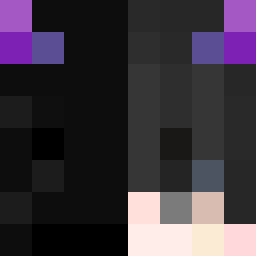
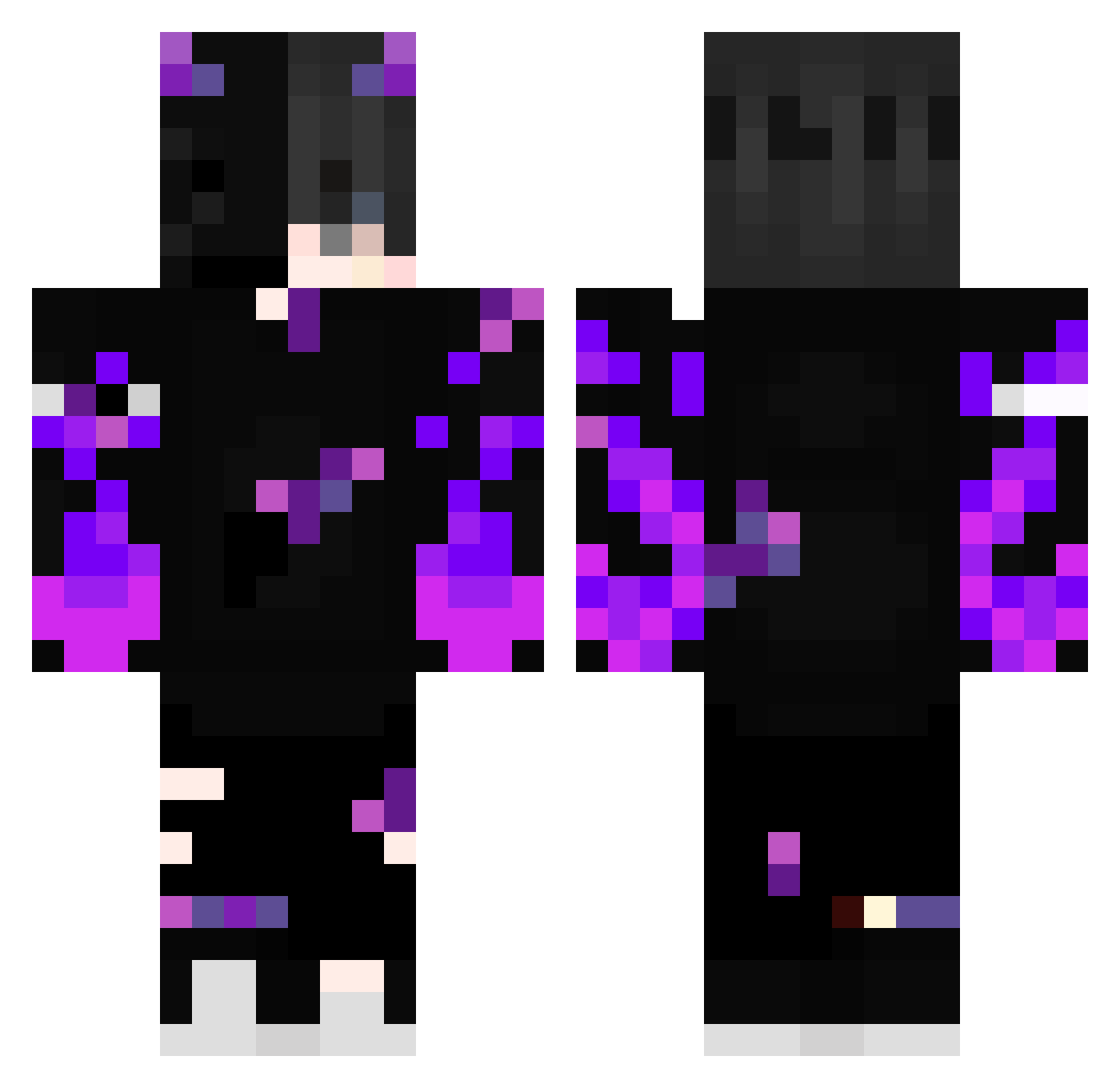
Minecraft skin of qEnderK. Rotate the 3D model with your mouse or finger to view the skin from every angle, then download it as a PNG file and use it in Minecraft: Bedrock Edition or Java Edition for free. Rate the skin with stars to help other players find the best skins in our collection.
How to install the qEnderK skin
- Press the Download button above to save the skin as a PNG file.
- Minecraft: Bedrock Edition (PE): open the Dressing Room from the main menu (or tap your character → Edit Character), go to Classic Skins → Owned, press the + (new skin) button, choose the downloaded PNG and pick the Classic (Steve) model. Works on PC and mobile; consoles cannot import custom skins.
- Minecraft: Java Edition: open the Minecraft Launcher, go to the Skins tab, click New Skin, load the PNG, pick the Classic (Steve) model and press Save & Use. You can also upload it at minecraft.net → Profile → Change Skin.
The skin does not show up after import - what should I do?
Restart Minecraft and open the Dressing Room again - imported skins sometimes appear only after a restart. Also make sure you selected the imported skin and picked the Classic (Steve) model.
Which model should I choose, Classic or Slim?
This skin is designed for the Classic (Steve) model. If you pick the wrong model, the arms of the skin will look stretched or squeezed.
Is this skin free to use?
Yes. Press Download, save the PNG file and use it in Minecraft: Bedrock Edition or Java Edition - no payment or registration needed. The skin also works on multiplayer servers and Realms.
More Demon Minecraft skins
More skins
Looking for more? Go back to all Minecraft skins and check the top skins of the week, month and all time, or find any player's skin by nickname.