
Ninjafox4828 - Minecraft Skins & Skin History
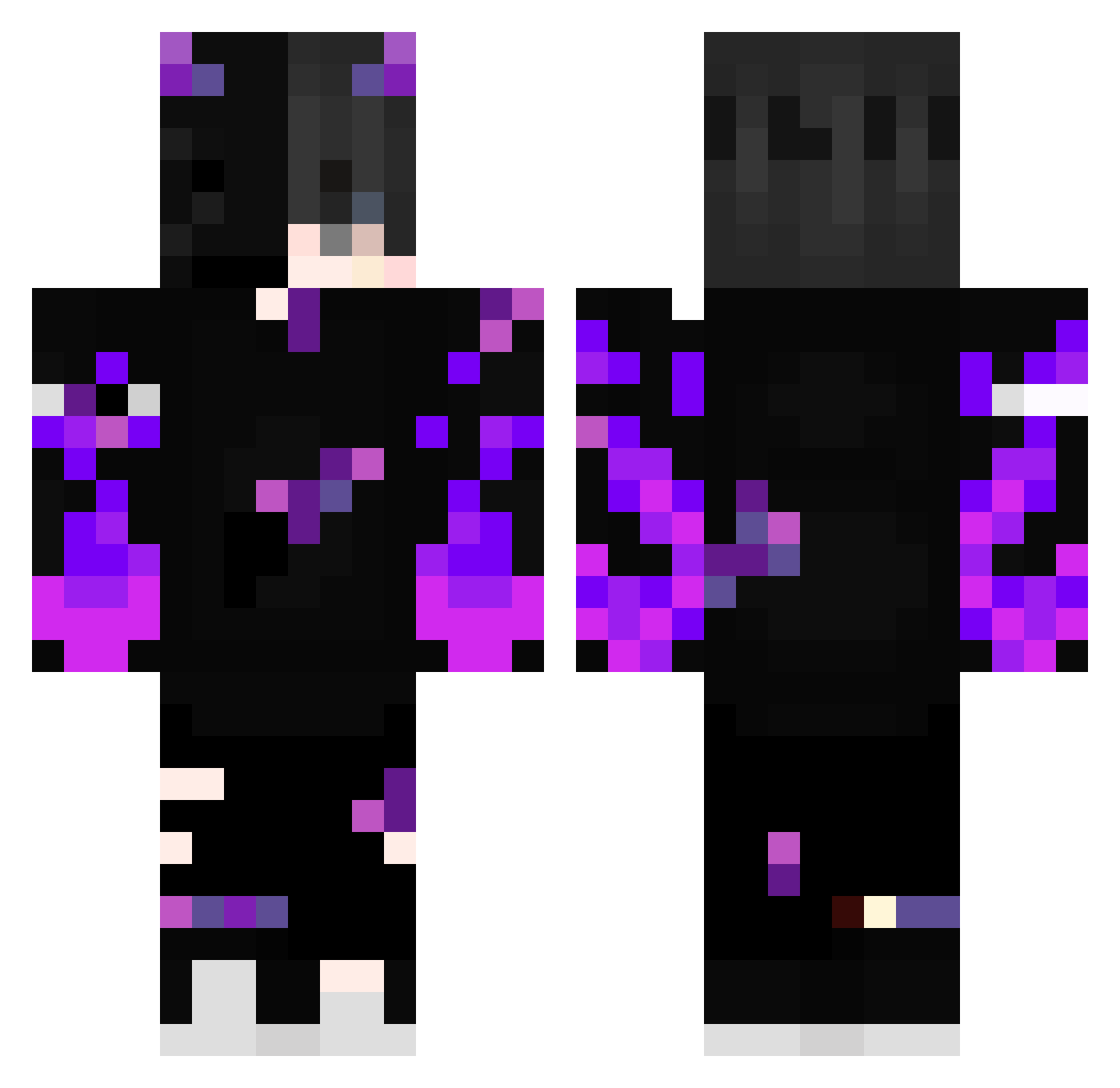
Current Minecraft skin of the player Ninjafox4828, loaded from the official Mojang API. Rotate the 3D model with your mouse or finger, then download the skin as a PNG file and use it in Minecraft: Bedrock Edition or Java Edition for free. When Ninjafox4828 changes their skin, this page updates automatically and the old skin stays in the history below.
Other players with this skin (475)
Ninjafox4828 was the 457th player we have seen with this skin, first spotted on 15.11.2026. The same skin was seen on these players. Open a nickname to see their current skin and skin history.
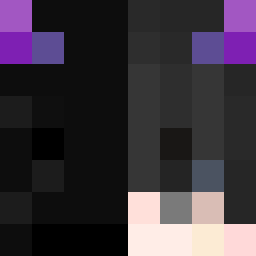 BiGBan0G Thor4022 Wolfseele9356 Inbi4444 SkyBananaG3Z FireStep26 Terrorzwerg2201 Ecat1 AAA____AAA laz1010 raffabear23 Filip_PL PYOJK M4RLC _Lemmih_ DoctorBananas ximax Abelero RUP0N Pablooo272727 Realaty197 malex2412 WolleHDTV trovaodegelo norahc666 ElMarcoo3 Marogant1h3 Dima_59411 LH44aki Prysmatic00 CADIAN_LOGISTICS supermot40 yafa415 lgc000001 HebeRabbit CA_1115 UgsJay SHAIMEN3817 Feuninjavert21 yeeter000001 chicopinheiro Alees2011 Himmelkodel414 _Ezze Entity_0_EXE MaybeHELIX kaiiiiii1202 Dark_Pulsar7884 robbi344 KAALAANTAAR Neo444am OlsenGamerH yahye637 END4444 d3mk0 LateSphere63702 WindSteps LinhrgIvC0203 Chickat samusdddd
More Demon Minecraft skins
How to install the Ninjafox4828 skin
- Press the Download button above to save the skin as a PNG file.
- Minecraft: Bedrock Edition (PE): open the Dressing Room from the main menu (or tap your character → Edit Character), go to Classic Skins → Owned, press the + (new skin) button, choose the downloaded PNG and pick the Classic (Steve) model. Works on PC and mobile; consoles cannot import custom skins.
- Minecraft: Java Edition: open the Minecraft Launcher, go to the Skins tab, click New Skin, load the PNG, pick the Classic (Steve) model and press Save & Use. You can also upload it at minecraft.net → Profile → Change Skin.
The skin does not show up after import - what should I do?
Restart Minecraft and open the Dressing Room again - imported skins sometimes appear only after a restart. Also make sure you selected the imported skin and picked the Classic (Steve) model.
Which model should I choose, Classic or Slim?
This skin is designed for the Classic (Steve) model. If you pick the wrong model, the arms of the skin will look stretched or squeezed.
Is the skin of Ninjafox4828 free to download?
Yes. Press Download, save the PNG file and use it in Minecraft: Bedrock Edition or Java Edition - no payment or registration needed. The skin also works on multiplayer servers and Realms.
More skins
Looking for more? Go back to all Minecraft skins and check the top skins of the week, month and all time, or find any player's skin by nickname.