
 myngh Amigo0_ Foldiee JoeFastFox15 H4rrys0n lxmbers hpmy Crispybumlover Mecrow TutkuEti raleqz Lajtmann010 Matixoxx ohlee76 DaDuck_Mj xUnknwn8 Yekzerr Chardock BLOBBYINJ StevoTheGreat32 Akashi_wrld SektionMantis DrKiller0 Roznoss n4pu bigmnt3 TimDeg62 RickBonez Diamondplop4808 BobThePlayer007 dnlsxjj Lightanth Dado04_ LimesLemons bambam_2 Artifici4l GanonZbotw Det_jo_E xKosciu cool_miner2021 cryptcVoid GucciKanin axoyberkant pajkaevertsson nuki2 DivinoTaty TenKDrams Luckitzz c0c0sh Deert7 dukesin1 AsretyBot cazela Guimi_ Marto_00 Emojix06 CK060611 Crombied Ralphk44 wizardaim01
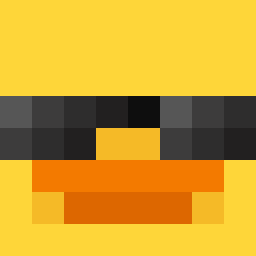
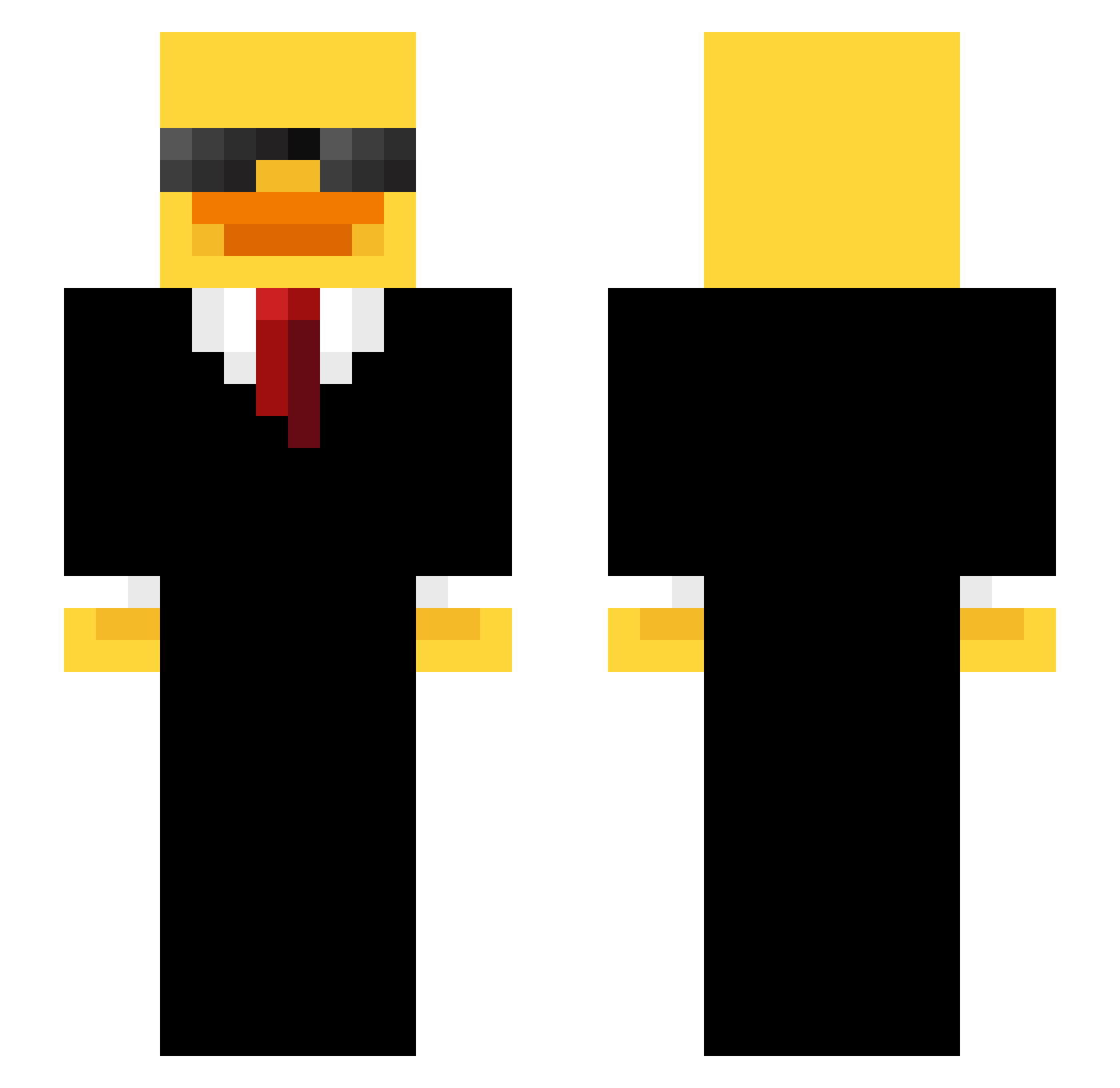
Minecraft skin of Crombied. Rotate the 3D model with your mouse or finger to view the skin from every angle, then download it as a PNG file and use it in Minecraft: Bedrock Edition or Java Edition for free. Rate the skin with stars to help other players find the best skins in our collection.
How to install the Crombied skin
- Press the Download button above to save the skin as a PNG file.
- Minecraft: Bedrock Edition (PE): open the Dressing Room from the main menu (or tap your character → Edit Character), go to Classic Skins → Owned, press the + (new skin) button, choose the downloaded PNG and pick the Slim (Alex) model. Works on PC and mobile; consoles cannot import custom skins.
- Minecraft: Java Edition: open the Minecraft Launcher, go to the Skins tab, click New Skin, load the PNG, pick the Slim (Alex) model and press Save & Use. You can also upload it at minecraft.net → Profile → Change Skin.
The skin does not show up after import - what should I do?
Restart Minecraft and open the Dressing Room again - imported skins sometimes appear only after a restart. Also make sure you selected the imported skin and picked the Slim (Alex) model.
Which model should I choose, Classic or Slim?
This skin is designed for the Slim (Alex) model. If you pick the wrong model, the arms of the skin will look stretched or squeezed.
Is this skin free to use?
Yes. Press Download, save the PNG file and use it in Minecraft: Bedrock Edition or Java Edition - no payment or registration needed. The skin also works on multiplayer servers and Realms.
More Duck Minecraft skins
More skins
Looking for more? Go back to all Minecraft skins and check the top skins of the week, month and all time, or find any player's skin by nickname.