
xMrksa - Minecraft Skins & Skin History
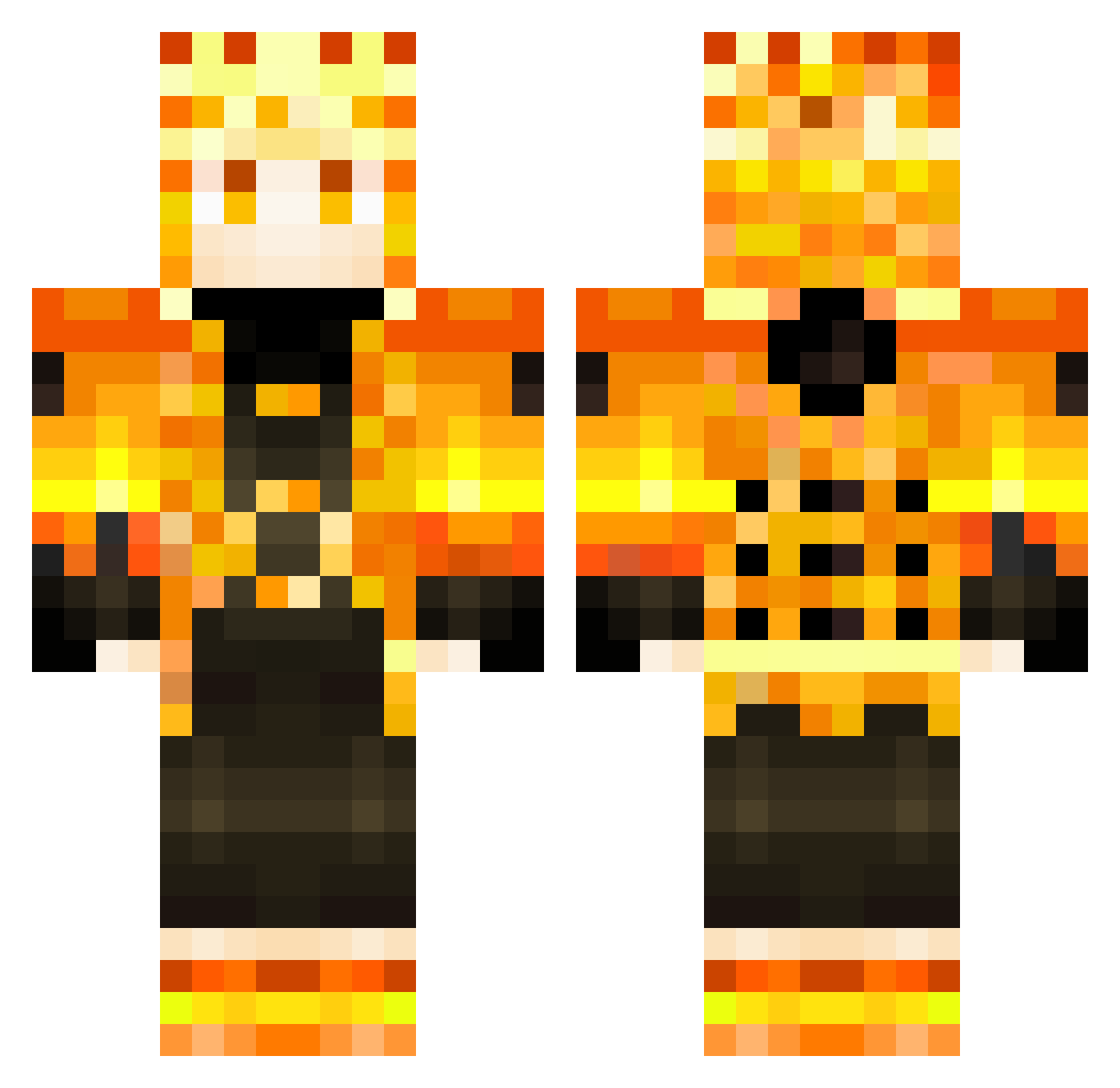
Current Minecraft skin of the player xMrksa, loaded from the official Mojang API. Rotate the 3D model with your mouse or finger, then download the skin as a PNG file and use it in Minecraft: Bedrock Edition or Java Edition for free. When xMrksa changes their skin, this page updates automatically and the old skin stays in the history below.
Other players with this skin (266)
xMrksa was the 199th player we have seen with this skin, first spotted on 29.09.2026. The same skin was seen on these players. Open a nickname to see their current skin and skin history.
 Navihamada Krishn_roy tchum08 Sabuca00 RED_VELOSTR_13 KuramaNaruto186 hangukuga_suki Gamer_Operation TNZInw123 Kadibug1025 Gooddkat Blutabec Admin123x maiki_0307 _flow__ UWG_Ghoul Doremu LucaBazooka2006 Ericliu11 Krazykayra DiamondRacer05 Tharingan Flx1227 Chu_9_vui_ve SNDETECTED404 AlisonBruno10 Kannaaaa WAKI_le_OUISTITI Adiuvant gorecringe Alhimick Ucihiha Wandrers Boatoa ariel9008 Dragonlagin Nedglodz peachestastegood Trakorrr Abramgod SuperMais97 StickItInMy6 Demobilezator28 SauC676 MaatGodBr JustAlph4 YonaDanyKings naruto_uchiha GERMES22822 Probllama4u GlaucioLIma NaujXz Sinistro__ bffbffbf Chisenri E51011 papita_x Nijuu LuckyKasp Seaweed0920_HK
More Zenitsu Agatsuma Minecraft skins
See all 170 Zenitsu Agatsuma skins
How to install the xMrksa skin
- Press the Download button above to save the skin as a PNG file.
- Minecraft: Bedrock Edition (PE): open the Dressing Room from the main menu (or tap your character → Edit Character), go to Classic Skins → Owned, press the + (new skin) button, choose the downloaded PNG and pick the Classic (Steve) model. Works on PC and mobile; consoles cannot import custom skins.
- Minecraft: Java Edition: open the Minecraft Launcher, go to the Skins tab, click New Skin, load the PNG, pick the Classic (Steve) model and press Save & Use. You can also upload it at minecraft.net → Profile → Change Skin.
The skin does not show up after import - what should I do?
Restart Minecraft and open the Dressing Room again - imported skins sometimes appear only after a restart. Also make sure you selected the imported skin and picked the Classic (Steve) model.
Which model should I choose, Classic or Slim?
This skin is designed for the Classic (Steve) model. If you pick the wrong model, the arms of the skin will look stretched or squeezed.
Is the skin of xMrksa free to download?
Yes. Press Download, save the PNG file and use it in Minecraft: Bedrock Edition or Java Edition - no payment or registration needed. The skin also works on multiplayer servers and Realms.
More skins
Looking for more? Go back to all Minecraft skins and check the top skins of the week, month and all time, or find any player's skin by nickname.