
 DaAntwani Passintotheass k75091 ROY_XU Potato823 Niyatree carson5 macbud1 UslessKid Woopiic kkjn rudals1026 LokGor Deouane Aesi01 XiaoZhi980 Lee_mingyu HypeFox Kevin_Zaki RESHARKC Eriottoooo slokeur21 xSauce_Bossx Majouba widepeeposadge Maevets smag765 Joni1579_ ipekichi mSharp_ halo714 MoonTheBest Snickerr SamuraiTimson Faker878 ObviouslyNotTop xuyilo dasung22 Maroonx5 JohnnyC107 Xyleph00 campu00 lucassunflower locust_58 Pineapple_CH KvJos Ushushe Nataman95 Jamoosie Rmbeaster katsukiix Xaeal Jamo0303 onejin2 Very_Drunk darkiller44 Minchooo Elaryan Duhpho SirDaxington
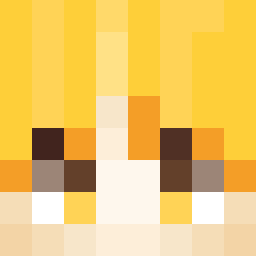
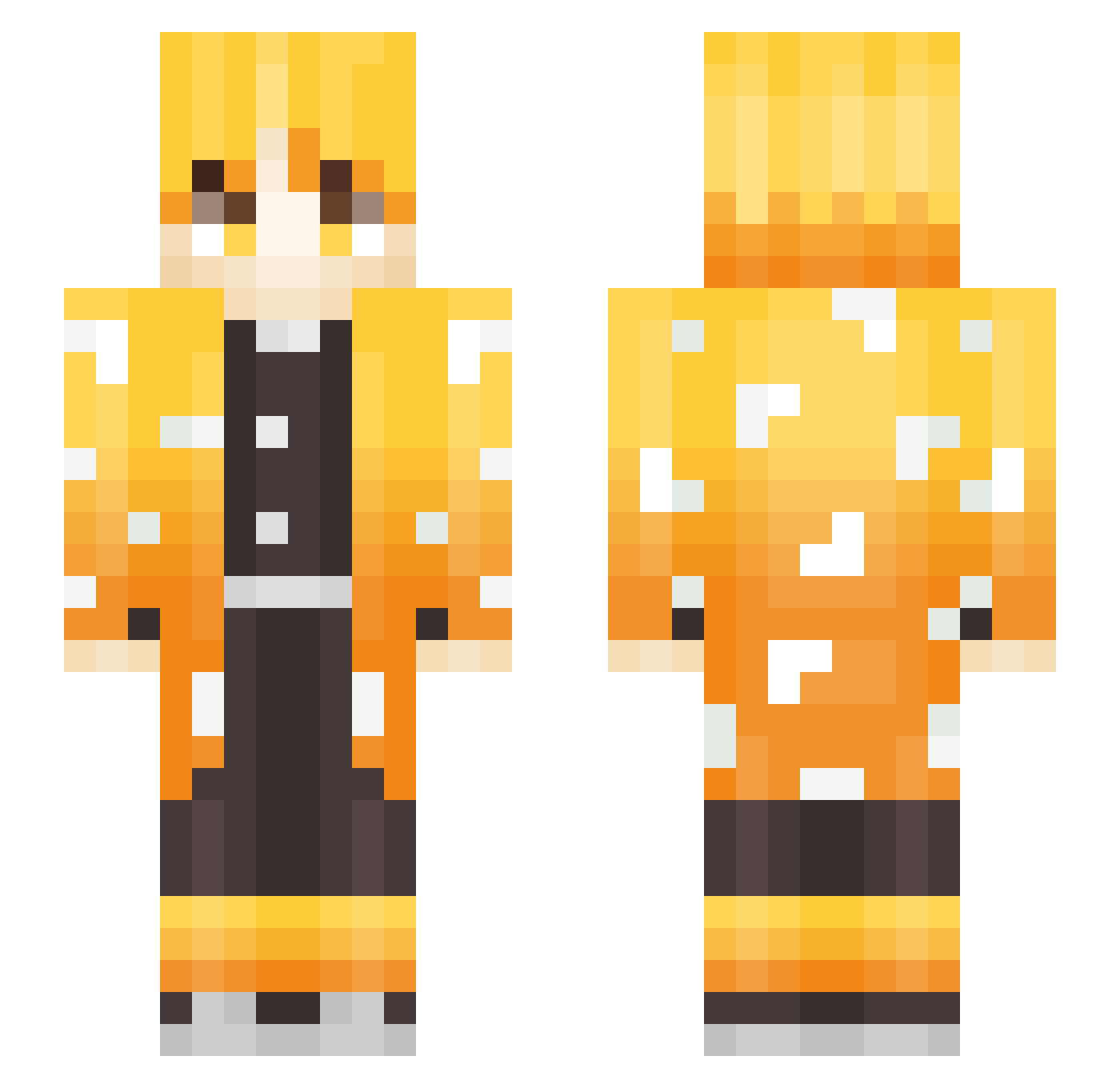
Minecraft skin of KooKaeng. Rotate the 3D model with your mouse or finger to view the skin from every angle, then download it as a PNG file and use it in Minecraft: Bedrock Edition or Java Edition for free. Rate the skin with stars to help other players find the best skins in our collection.
How to install the KooKaeng skin
- Press the Download button above to save the skin as a PNG file.
- Minecraft: Bedrock Edition (PE): open the Dressing Room from the main menu (or tap your character → Edit Character), go to Classic Skins → Owned, press the + (new skin) button, choose the downloaded PNG and pick the Slim (Alex) model. Works on PC and mobile; consoles cannot import custom skins.
- Minecraft: Java Edition: open the Minecraft Launcher, go to the Skins tab, click New Skin, load the PNG, pick the Slim (Alex) model and press Save & Use. You can also upload it at minecraft.net → Profile → Change Skin.
The skin does not show up after import - what should I do?
Restart Minecraft and open the Dressing Room again - imported skins sometimes appear only after a restart. Also make sure you selected the imported skin and picked the Slim (Alex) model.
Which model should I choose, Classic or Slim?
This skin is designed for the Slim (Alex) model. If you pick the wrong model, the arms of the skin will look stretched or squeezed.
Is this skin free to use?
Yes. Press Download, save the PNG file and use it in Minecraft: Bedrock Edition or Java Edition - no payment or registration needed. The skin also works on multiplayer servers and Realms.
More Zenitsu Agatsuma Minecraft skins
See all 177 Zenitsu Agatsuma skins
More skins
Looking for more? Go back to all Minecraft skins and check the top skins of the week, month and all time, or find any player's skin by nickname.