
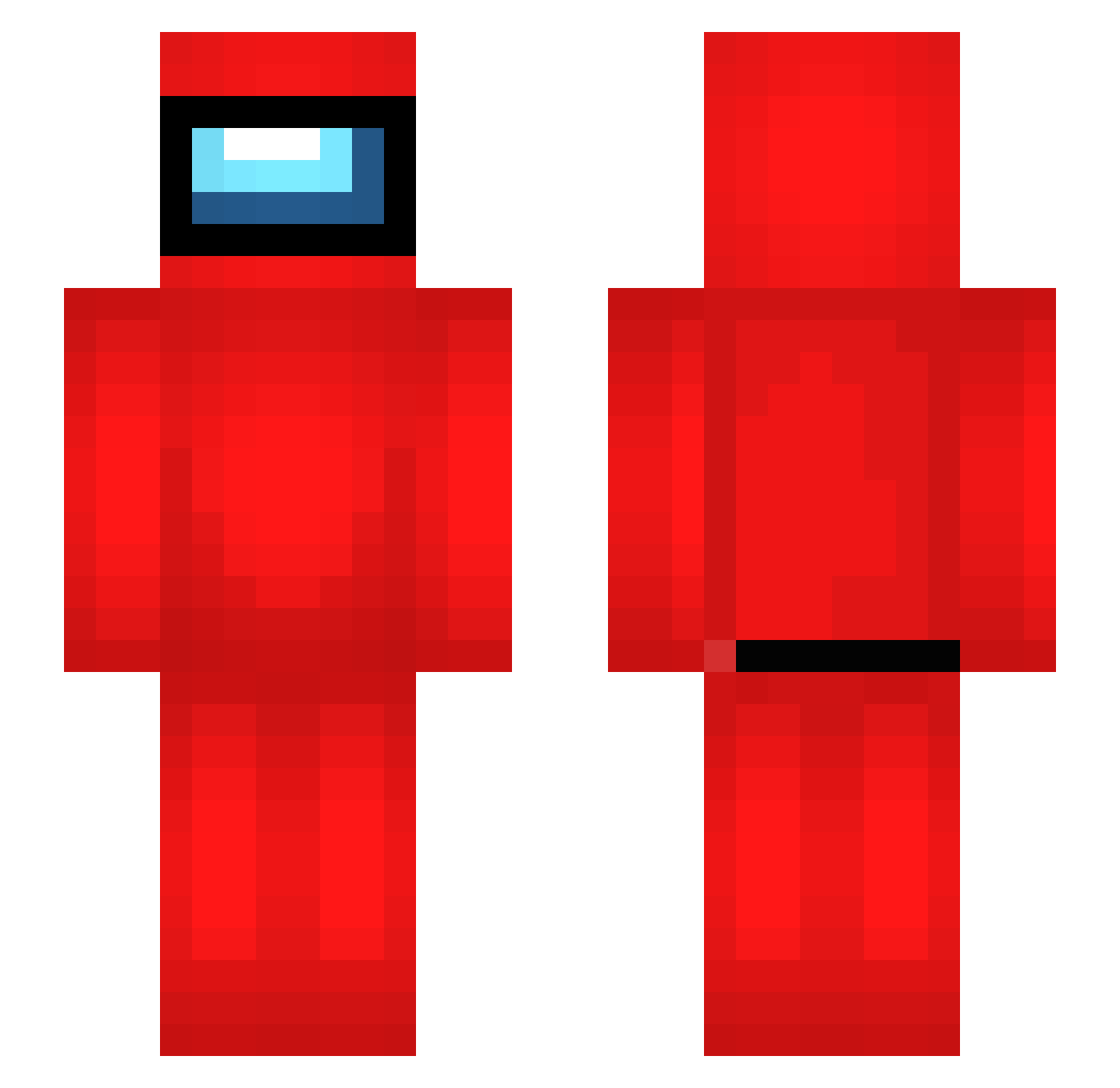
Current Minecraft skin of the player verysugar, loaded from the official Mojang API. Rotate the 3D model with your mouse or finger, then download the skin as a PNG file and use it in Minecraft: Bedrock Edition or Java Edition for free. When verysugar changes their skin, this page updates automatically and the old skin stays in the history below.
Other players with this skin (396)
verysugar was the 158th player we have seen with this skin, first spotted on 25.08.2026. The same skin was seen on these players. Open a nickname to see their current skin and skin history.
 Xaffekt KnotsWc melanrz RussellB45_ dzionselka7 motorcrossaren Knove01 DickRider420 KaiUwe97 bestbruhmoment MrTatorToot I_Am_Not_Wrong DLazarou Windmaster24 Malogie Niklectrick Clu663 Stefanthepoopie Scrubbiii bigcraic Mr_Crohns8 brecktyn AgentG0D Biings Gulupito HiperArtur davexxl Itzryxx IHaveNoDiamond alfieinnitpogg _T0bY_9 Lanfear1989 bifanass lil_loczek Florisssssss ax1972 txrrox datboaa Puppet6969 drkvanc aubr0 FreakyAdrian67 Line0224 iranai_ko
 LagoBigudel YuzVR Arriviste balou64400 ItsMii18 andrews2404 ProSlay3r_ DaffodilZoo7902 Gammab Littlerattus Bunnyterrestrial opso_pl erez_69420 sasho2k Josu_PvP amungoose
More Crewmate Minecraft skins
How to install the verysugar skin
- Press the Download button above to save the skin as a PNG file.
- Minecraft: Bedrock Edition (PE): open the Dressing Room from the main menu (or tap your character → Edit Character), go to Classic Skins → Owned, press the + (new skin) button, choose the downloaded PNG and pick the Slim (Alex) model. Works on PC and mobile; consoles cannot import custom skins.
- Minecraft: Java Edition: open the Minecraft Launcher, go to the Skins tab, click New Skin, load the PNG, pick the Slim (Alex) model and press Save & Use. You can also upload it at minecraft.net → Profile → Change Skin.
The skin does not show up after import - what should I do?
Restart Minecraft and open the Dressing Room again - imported skins sometimes appear only after a restart. Also make sure you selected the imported skin and picked the Slim (Alex) model.
Which model should I choose, Classic or Slim?
This skin is designed for the Slim (Alex) model. If you pick the wrong model, the arms of the skin will look stretched or squeezed.
Is the skin of verysugar free to download?
Yes. Press Download, save the PNG file and use it in Minecraft: Bedrock Edition or Java Edition - no payment or registration needed. The skin also works on multiplayer servers and Realms.
More skins
Looking for more? Go back to all Minecraft skins and check the top skins of the week, month and all time, or find any player's skin by nickname.