
 Skallow PaJoJa TW_JERRY0310 lnrd33 Oscarjames10 CN_zhubimao QelpekajDetKipoL Vannsy99 Sang_chul_ Rubitsboiis HoseongE YOLOmen468 Trikeratops Lord_Ayex Oxyde13 ApparentArtist tyotyo0 Jxprent Ardiloso KWH6974 jumping_priest imgullable martiian001 sasangfan silvayzf Fulano0987 Grace1010 celloman563 HATAEUK ssd8282 TasteTheF33ling DBZMaster100 CreasedHollow JORGEUSO ULTRAPUDGE SABOTAGE1540 r1sh123 DesiBhabhi SaintlyPear DXmk2 Jumper_Light BanishedDRILL Tapique23 hanzed Hazel91 MMMs23 mOiterei Cookieboy170 RamGThunderrr SkywarsMasters bladeN0 matchKang Frappe_OMG Travis_McGee Stijn_wp lalololz TXReznikoff Brimja gaea0920 JiveRaptor
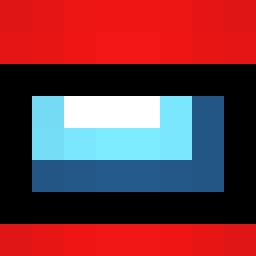
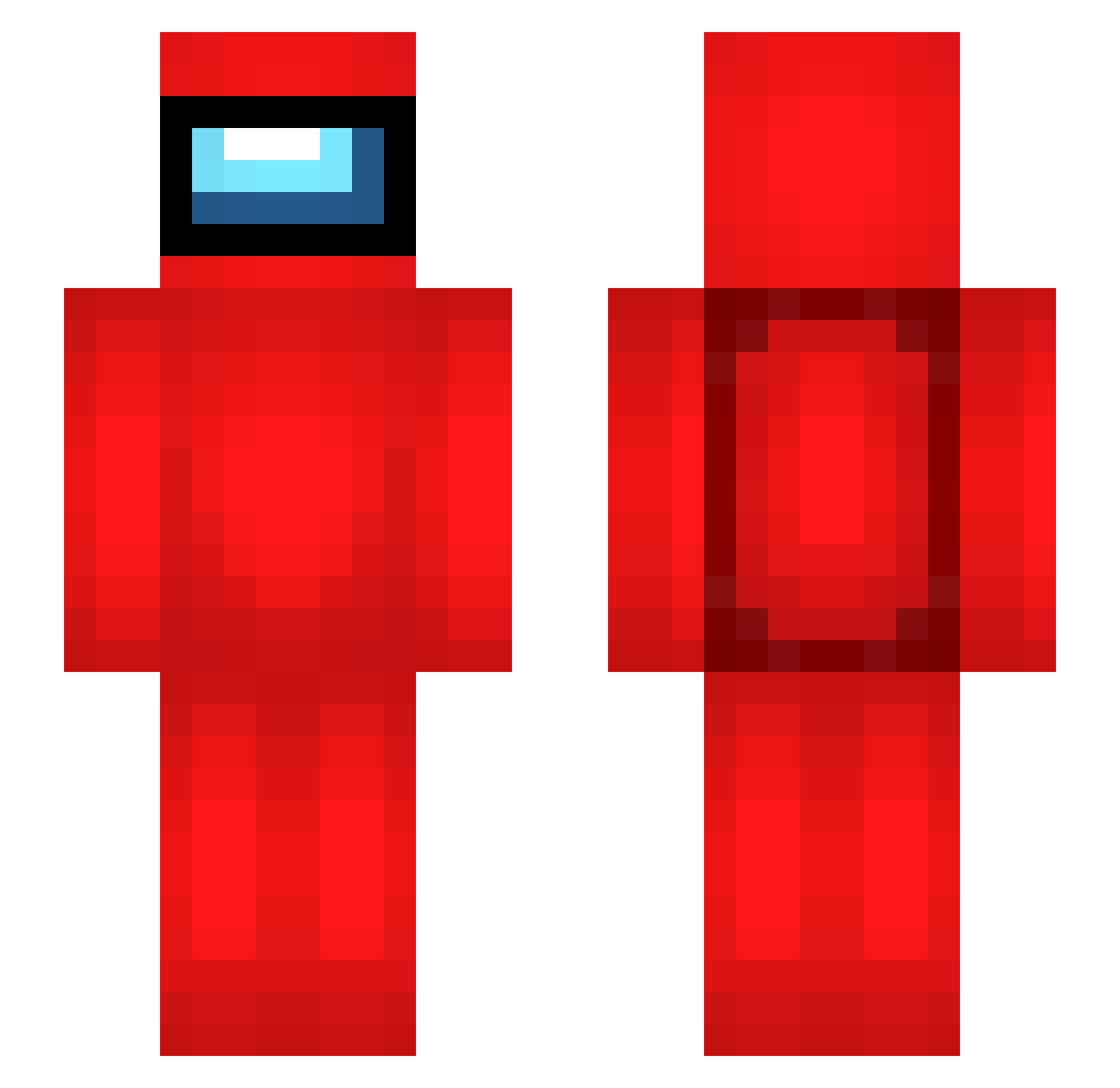
Minecraft skin of CreasedHollow. Rotate the 3D model with your mouse or finger to view the skin from every angle, then download it as a PNG file and use it in Minecraft: Bedrock Edition or Java Edition for free. Rate the skin with stars to help other players find the best skins in our collection.
How to install the CreasedHollow skin
- Press the Download button above to save the skin as a PNG file.
- Minecraft: Bedrock Edition (PE): open the Dressing Room from the main menu (or tap your character → Edit Character), go to Classic Skins → Owned, press the + (new skin) button, choose the downloaded PNG and pick the Slim (Alex) model. Works on PC and mobile; consoles cannot import custom skins.
- Minecraft: Java Edition: open the Minecraft Launcher, go to the Skins tab, click New Skin, load the PNG, pick the Slim (Alex) model and press Save & Use. You can also upload it at minecraft.net → Profile → Change Skin.
The skin does not show up after import - what should I do?
Restart Minecraft and open the Dressing Room again - imported skins sometimes appear only after a restart. Also make sure you selected the imported skin and picked the Slim (Alex) model.
Which model should I choose, Classic or Slim?
This skin is designed for the Slim (Alex) model. If you pick the wrong model, the arms of the skin will look stretched or squeezed.
Is this skin free to use?
Yes. Press Download, save the PNG file and use it in Minecraft: Bedrock Edition or Java Edition - no payment or registration needed. The skin also works on multiplayer servers and Realms.
More Crewmate Minecraft skins
More skins
Looking for more? Go back to all Minecraft skins and check the top skins of the week, month and all time, or find any player's skin by nickname.