
 Caradefsdgiuherd EvoOne xXNinjavebbe02Xx ZiJayZ Millis111 AmberTxxx Plattstein cmonyakhi DaGiorgio Expil0 OffKline 2wanderingsoul CubeSupreme RumiFckedUrGF Asil_38 Alex_Givens ScoobySnack8 rildo17 mret08 Dnc_071 Revivia_ Arriviste Daloen ASHASTER cham_micra CoolBeans3104 Unlakki ifart69420 crlsssu P4RZ1V4L690 stepcouch10123 Judeplays8975 Yasa27 rezalations Lucs2992 YVNG_Thanos rllyota AudiA3Sline damulero danypank RenatoNogare Pr3sto Crowtherrrrrrr edezinhow Revenge11 Nicky_Pickles bandit1001 Fabully DuszekMeepa johnny4242 Gui_Gouvea18 ad_091 Grauna05 Cartruct1410 Jescorda lilv9 Nicolas_pv19 Eazilyclapped03 Robertaum1 O_Lara
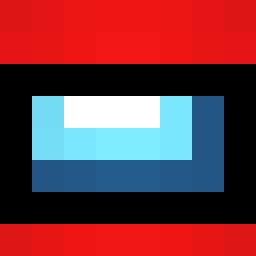
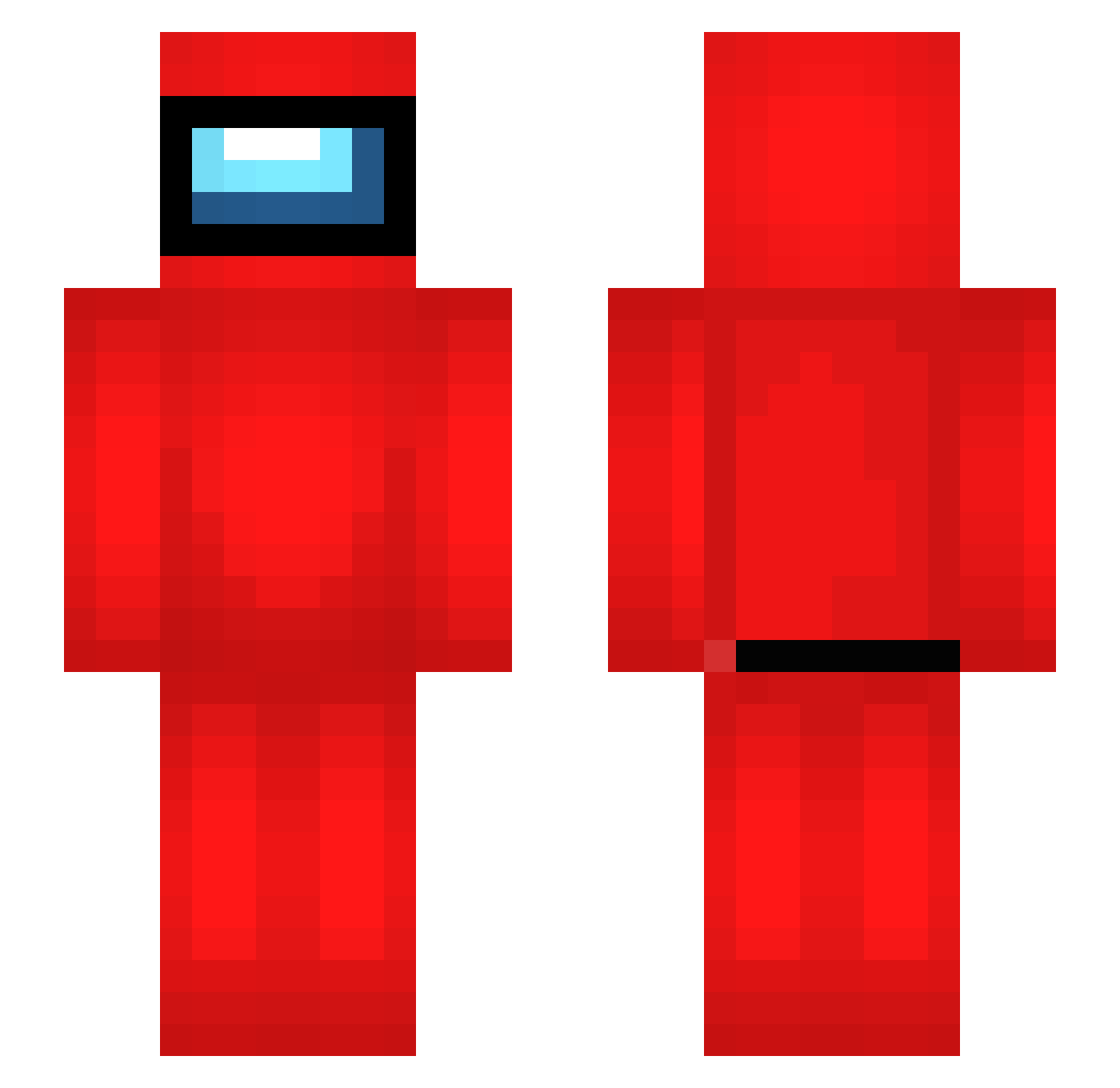
Minecraft skin of susboi420. Rotate the 3D model with your mouse or finger to view the skin from every angle, then download it as a PNG file and use it in Minecraft: Bedrock Edition or Java Edition for free. Rate the skin with stars to help other players find the best skins in our collection.
How to install the susboi420 skin
- Press the Download button above to save the skin as a PNG file.
- Minecraft: Bedrock Edition (PE): open the Dressing Room from the main menu (or tap your character → Edit Character), go to Classic Skins → Owned, press the + (new skin) button, choose the downloaded PNG and pick the Slim (Alex) model. Works on PC and mobile; consoles cannot import custom skins.
- Minecraft: Java Edition: open the Minecraft Launcher, go to the Skins tab, click New Skin, load the PNG, pick the Slim (Alex) model and press Save & Use. You can also upload it at minecraft.net → Profile → Change Skin.
The skin does not show up after import - what should I do?
Restart Minecraft and open the Dressing Room again - imported skins sometimes appear only after a restart. Also make sure you selected the imported skin and picked the Slim (Alex) model.
Which model should I choose, Classic or Slim?
This skin is designed for the Slim (Alex) model. If you pick the wrong model, the arms of the skin will look stretched or squeezed.
Is this skin free to use?
Yes. Press Download, save the PNG file and use it in Minecraft: Bedrock Edition or Java Edition - no payment or registration needed. The skin also works on multiplayer servers and Realms.
More Crewmate Minecraft skins
More skins
Looking for more? Go back to all Minecraft skins and check the top skins of the week, month and all time, or find any player's skin by nickname.