
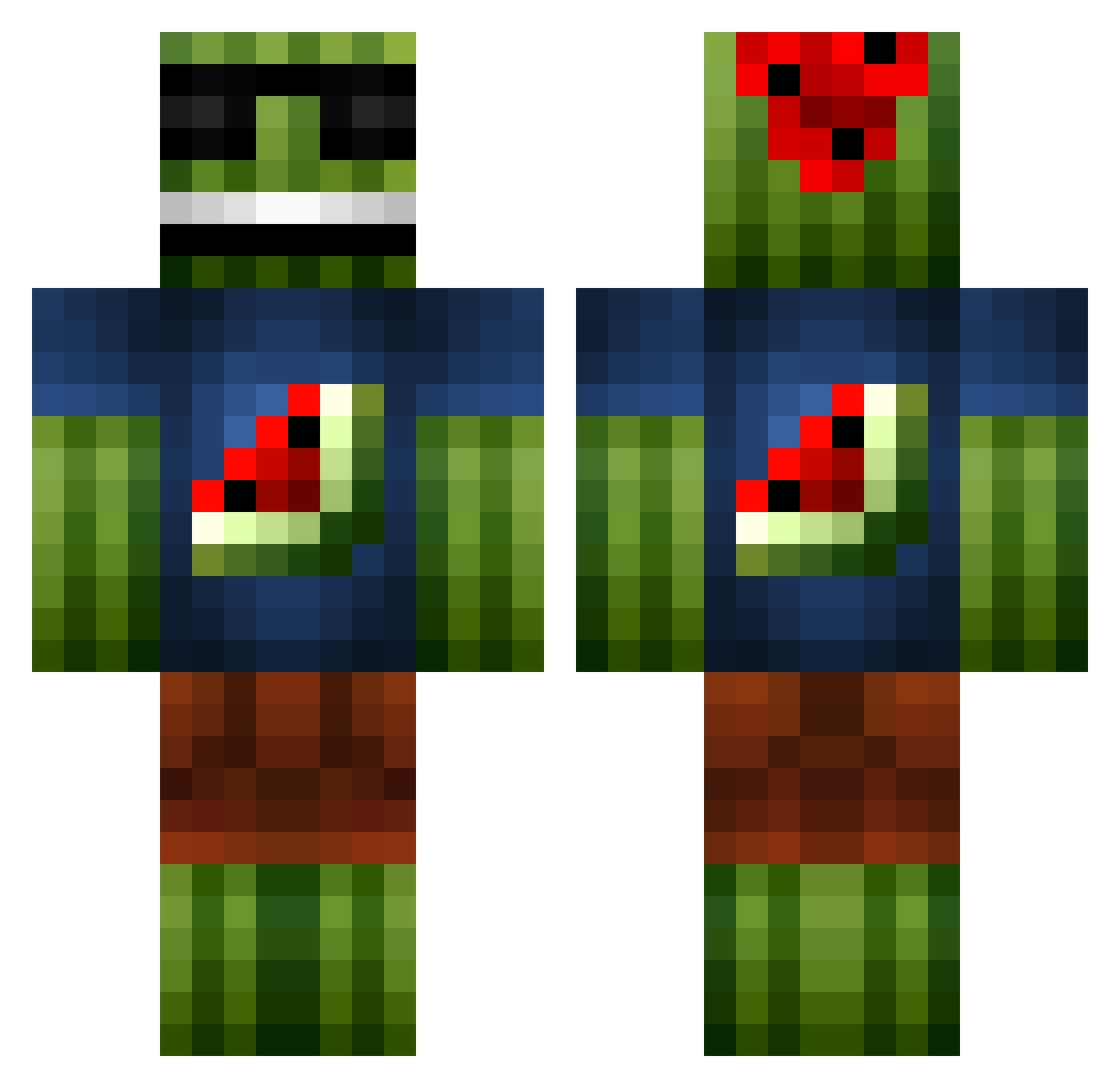
Current Minecraft skin of the player vasard, loaded from the official Mojang API. Rotate the 3D model with your mouse or finger, then download the skin as a PNG file and use it in Minecraft: Bedrock Edition or Java Edition for free. When vasard changes their skin, this page updates automatically and the old skin stays in the history below.
Other players with this skin (119)
vasard was the 67th player we have seen with this skin, first spotted on 16.09.2026. The same skin was seen on these players. Open a nickname to see their current skin and skin history.
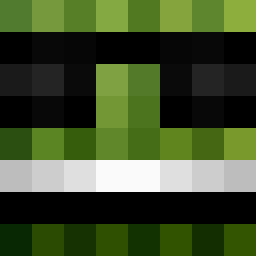 Immortal_Scrub2 xRiuCx 96livevil69 vik358 gamo29 Nicigeddon SamvelSuper 77Arthur77 McCubeLord kailance finfin8638 Tail__Wind musenhz Nicolinhoo bossjono Dani654871 BurroBirdMan i9c8 PCChatterbox RanchDannyDorito zaoms CommanderFast Madmas413 djFai Adia_putradia Airforce007 TickleMeElbow Archie3105 ajo1032 Mokasyn69 TheNicolas974 james_slugger PAVERFAN Liliannnn misheruu Repisto24 EricSquilliam69 mGxDesign Xandiy INFORCUS INF0RCUS Mephisto17 PERSENOK imsostrong5 Santtinix mathewT17 joshman126 NascarFastCar AliFin59 vicioushurley Aladroke matmcc XaltTo Skylark_Summer Niklason McRamboGoneMad T_B_1 Lobsterpickles ozdigger ChakAttac
More Watermelon Minecraft skins
How to install the vasard skin
- Press the Download button above to save the skin as a PNG file.
- Minecraft: Bedrock Edition (PE): open the Dressing Room from the main menu (or tap your character → Edit Character), go to Classic Skins → Owned, press the + (new skin) button, choose the downloaded PNG and pick the Classic (Steve) model. Works on PC and mobile; consoles cannot import custom skins.
- Minecraft: Java Edition: open the Minecraft Launcher, go to the Skins tab, click New Skin, load the PNG, pick the Classic (Steve) model and press Save & Use. You can also upload it at minecraft.net → Profile → Change Skin.
The skin does not show up after import - what should I do?
Restart Minecraft and open the Dressing Room again - imported skins sometimes appear only after a restart. Also make sure you selected the imported skin and picked the Classic (Steve) model.
Which model should I choose, Classic or Slim?
This skin is designed for the Classic (Steve) model. If you pick the wrong model, the arms of the skin will look stretched or squeezed.
Is the skin of vasard free to download?
Yes. Press Download, save the PNG file and use it in Minecraft: Bedrock Edition or Java Edition - no payment or registration needed. The skin also works on multiplayer servers and Realms.
More skins
Looking for more? Go back to all Minecraft skins and check the top skins of the week, month and all time, or find any player's skin by nickname.