
 wolffang2133 agent9898 Fruchtgesicht Mellon_PC Luke_Goose Timmeh820 Clay_Ninja MamFajnyNick Frytty00 Cosastra afroman7600 trash500 ECarter2012 payt101 Evista4 cowievader gallen38 JOlbas21 Moh799 DavidEliminator UdonNoodl lawandorder3 faggot332 Shitballs22 eamonn9 Gabbie735 axelmaz EricDaB0ss dinojoe100 KILLOUT110914 Sknox2002 Lancharaptor Blaukrebs blocks_of_fury The_Firm Baconator9001 steffenibru ThierryEngelkamp redking99 ChickMonk trex0605 brewerthecat _Cold_Water Johannesnice Murmel82 captinprice45 blackbear6676 YoureZooked madhat89 jobro311 marcneutron zesurikoyae CJPhil Sxczac svenypenny zook559 Linskey BigBoySilver 2898_sf dartsilvan
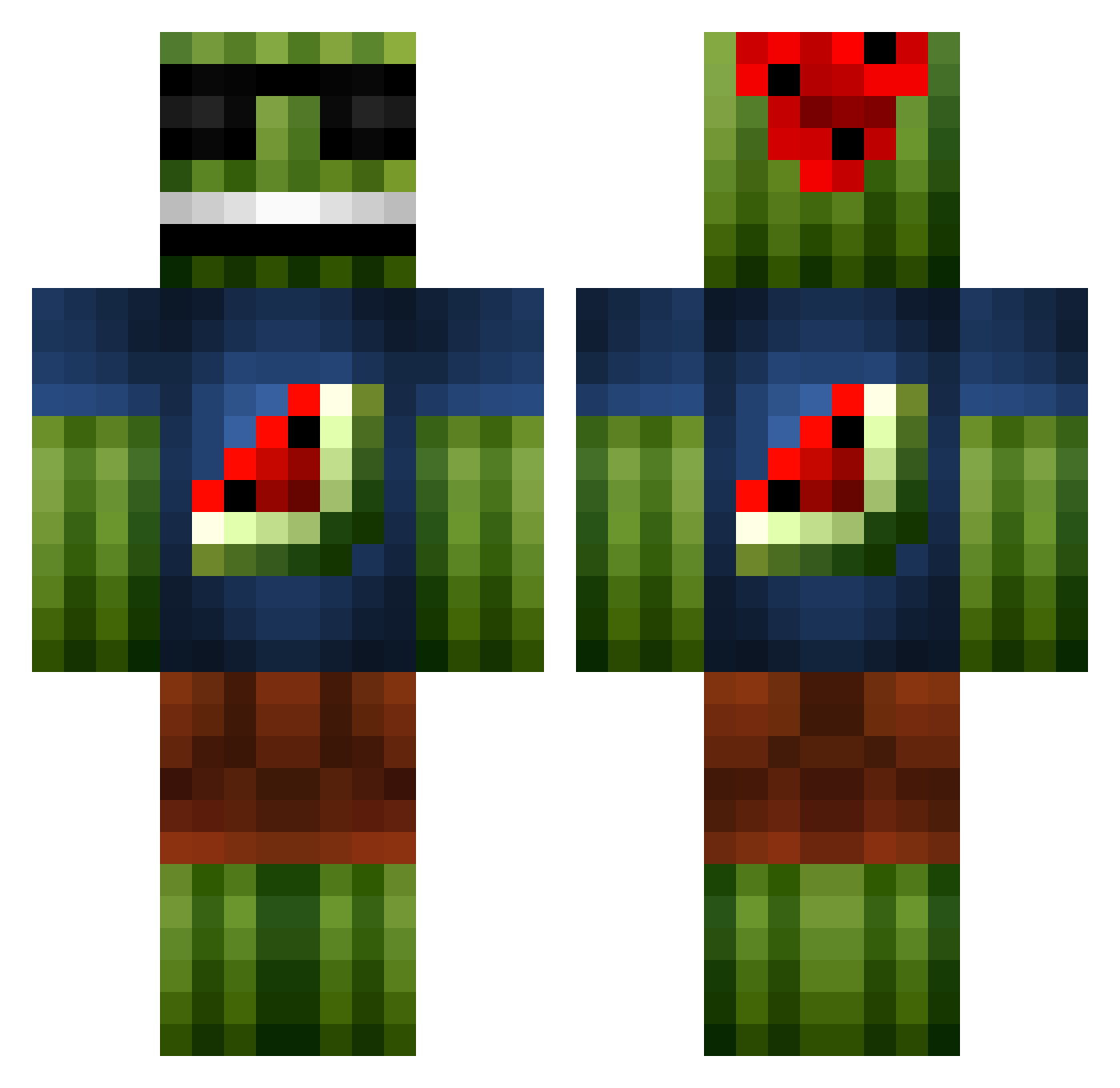
Minecraft skin of MrFlex19. Rotate the 3D model with your mouse or finger to view the skin from every angle, then download it as a PNG file and use it in Minecraft: Bedrock Edition or Java Edition for free. Rate the skin with stars to help other players find the best skins in our collection.
How to install the MrFlex19 skin
- Press the Download button above to save the skin as a PNG file.
- Minecraft: Bedrock Edition (PE): open the Dressing Room from the main menu (or tap your character → Edit Character), go to Classic Skins → Owned, press the + (new skin) button, choose the downloaded PNG and pick the Classic (Steve) model. Works on PC and mobile; consoles cannot import custom skins.
- Minecraft: Java Edition: open the Minecraft Launcher, go to the Skins tab, click New Skin, load the PNG, pick the Classic (Steve) model and press Save & Use. You can also upload it at minecraft.net → Profile → Change Skin.
The skin does not show up after import - what should I do?
Restart Minecraft and open the Dressing Room again - imported skins sometimes appear only after a restart. Also make sure you selected the imported skin and picked the Classic (Steve) model.
Which model should I choose, Classic or Slim?
This skin is designed for the Classic (Steve) model. If you pick the wrong model, the arms of the skin will look stretched or squeezed.
Is this skin free to use?
Yes. Press Download, save the PNG file and use it in Minecraft: Bedrock Edition or Java Edition - no payment or registration needed. The skin also works on multiplayer servers and Realms.
More Watermelon Minecraft skins
More skins
Looking for more? Go back to all Minecraft skins and check the top skins of the week, month and all time, or find any player's skin by nickname.