
 inchw0rm Tinouts_ TheEpicChicken69 TeaTime_Pizza Electrikj _Marian_ VyralX ElJereBienPiola Zach_Attack2000 Rugaz saljetta HyperMatters jones1026 a3rionN BICHASS T0oT AmyTheLlama Przemo2218 J_Mad_Skillz_08 NemCheiras Grantismalone GhostMonkeyFPS vicsonn zebbemann wulparto matbro999 Jexotam Echo0ooo Sarahxj sinceretheking Olay307 Xox089 Simi_341 Yonni0 MENTZOS08 Bass1L TheNasMan75 Sorontilas 4uzz icedlemonade DanielAguilar7 icehuzun1 Geezy94 wethenation1 Rodrysson ozdigger McRamboGoneMad Niklason XaltTo matmcc Aladroke macjoker joshman126 mathewT17 T_B_1 Mephisto17 INF0RCUS VinnieVeee INFORCUS Xandiy
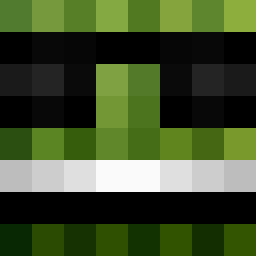
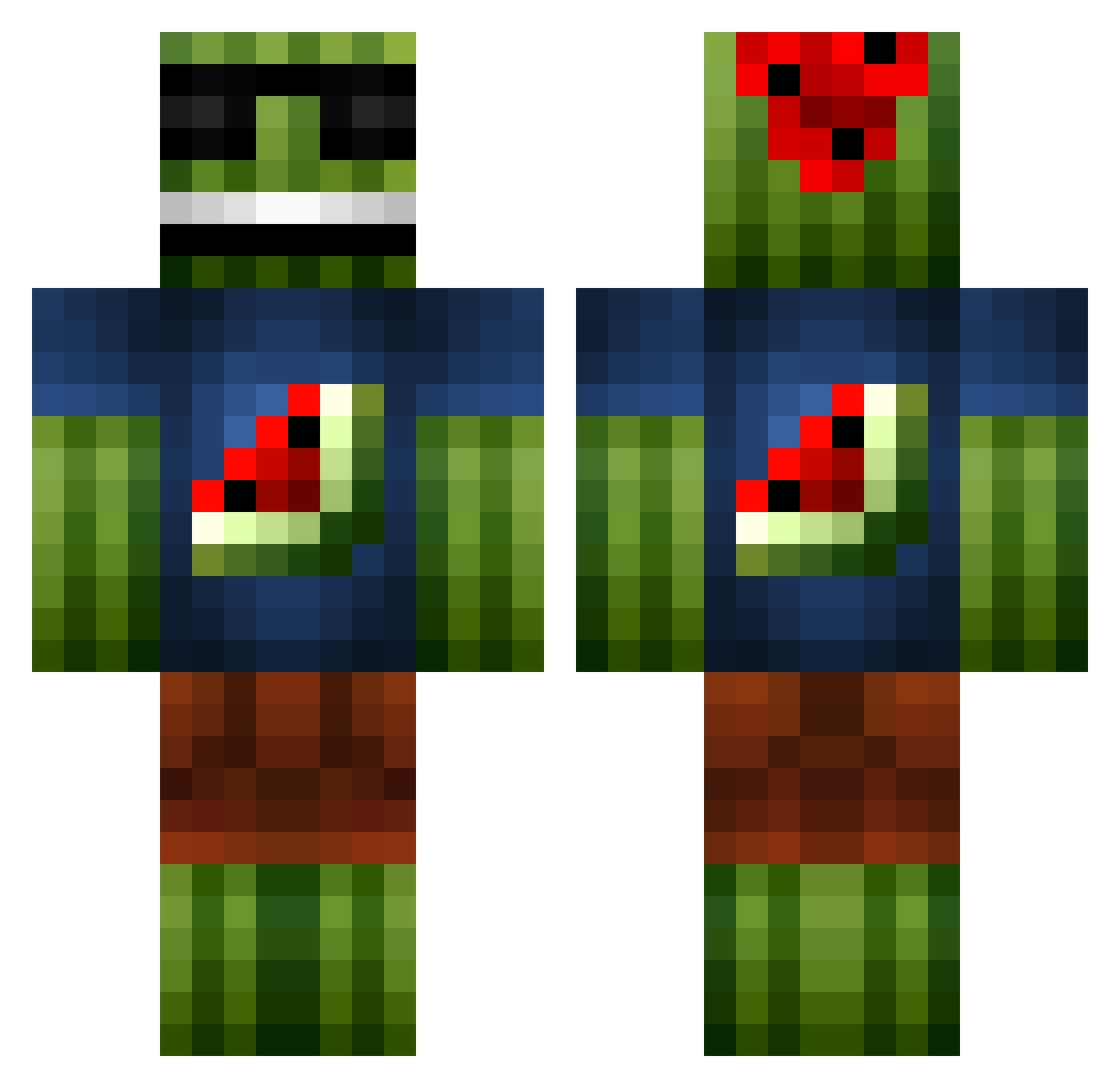
Minecraft skin of macjoker. Rotate the 3D model with your mouse or finger to view the skin from every angle, then download it as a PNG file and use it in Minecraft: Bedrock Edition or Java Edition for free. Rate the skin with stars to help other players find the best skins in our collection.
How to install the macjoker skin
- Press the Download button above to save the skin as a PNG file.
- Minecraft: Bedrock Edition (PE): open the Dressing Room from the main menu (or tap your character → Edit Character), go to Classic Skins → Owned, press the + (new skin) button, choose the downloaded PNG and pick the Classic (Steve) model. Works on PC and mobile; consoles cannot import custom skins.
- Minecraft: Java Edition: open the Minecraft Launcher, go to the Skins tab, click New Skin, load the PNG, pick the Classic (Steve) model and press Save & Use. You can also upload it at minecraft.net → Profile → Change Skin.
The skin does not show up after import - what should I do?
Restart Minecraft and open the Dressing Room again - imported skins sometimes appear only after a restart. Also make sure you selected the imported skin and picked the Classic (Steve) model.
Which model should I choose, Classic or Slim?
This skin is designed for the Classic (Steve) model. If you pick the wrong model, the arms of the skin will look stretched or squeezed.
Is this skin free to use?
Yes. Press Download, save the PNG file and use it in Minecraft: Bedrock Edition or Java Edition - no payment or registration needed. The skin also works on multiplayer servers and Realms.
More Watermelon Minecraft skins
More skins
Looking for more? Go back to all Minecraft skins and check the top skins of the week, month and all time, or find any player's skin by nickname.