
safelanding - Minecraft Skins & Skin History
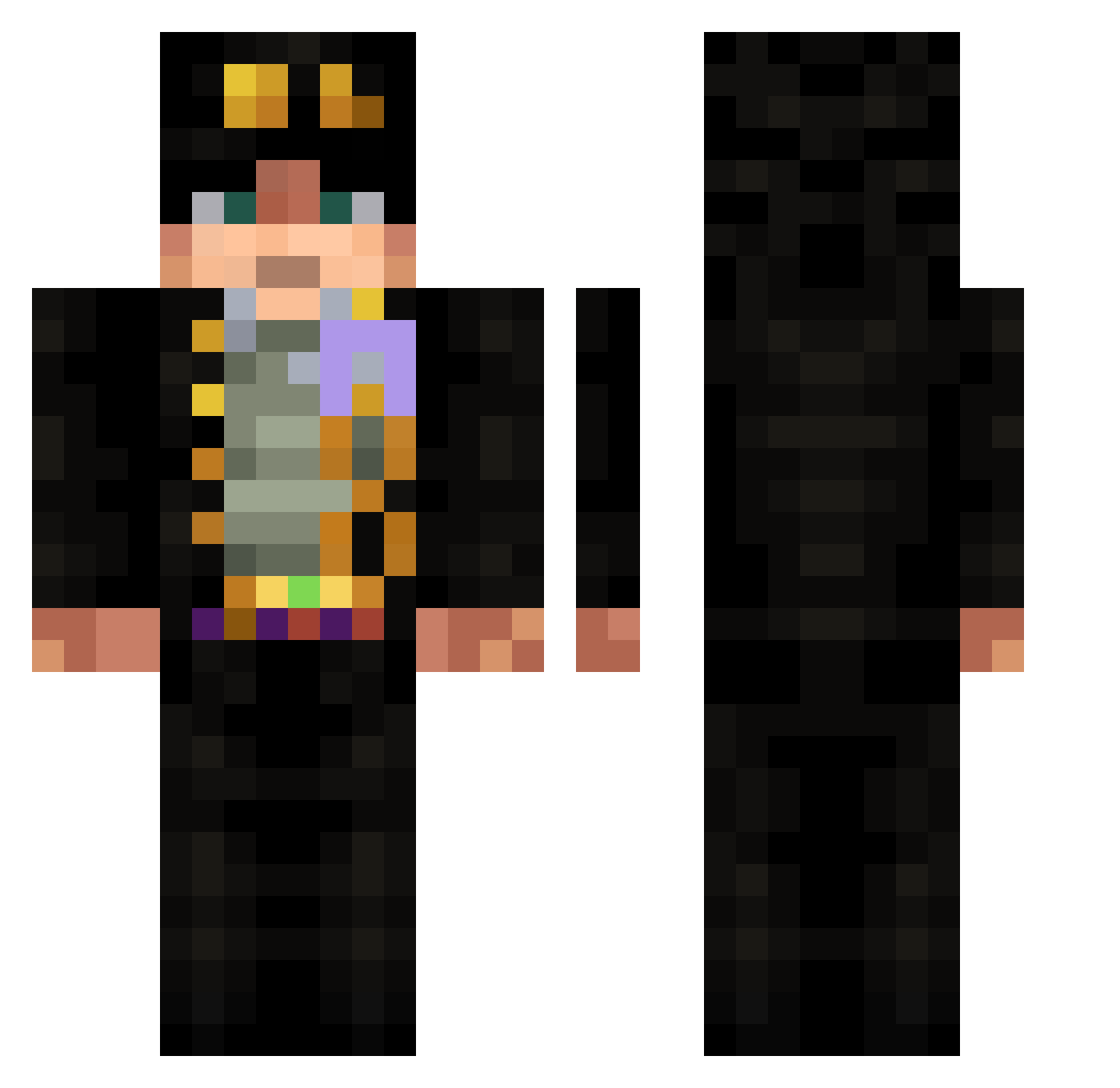
Current Minecraft skin of the player safelanding, loaded from the official Mojang API. Rotate the 3D model with your mouse or finger, then download the skin as a PNG file and use it in Minecraft: Bedrock Edition or Java Edition for free. When safelanding changes their skin, this page updates automatically and the old skin stays in the history below.
Other players with this skin (532)
safelanding was the 290th player we have seen with this skin, first spotted on 14.09.2026. The same skin was seen on these players. Open a nickname to see their current skin and skin history.
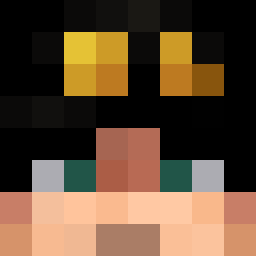 AnyCubik fslol2 tama1444 minecraftlord25 Eljota529 lgh1233 GaryGomez Vexzyzz Q_uackk 114514qwp FTZ2011A ReisGarten elfubio pu213 oweenhoomneer rafaaugusto MrKalaschnikow ramomaru25 Olkacek01 SAMIBOY1234 ruvilka_ pukibooh Eruyaean Tbvl whyamihere7709 JOJOMP Lambda132 brushhhhh diel7se Av_rsion MrNobody957 iHouby YYDZer RaiZzerr lLerol ucatik xGallu BlueTheBuilder Bestflex Ville389 tlovem Uwaeh2 ZackInLove MC_BRE4D ZLFCAT shin49 Kay0Ken Kinyoshiye DueFaccie jojoo123456 CHUPINGAS valentotor32 Alexrp73 joathom wj4644 Monocromatico Dovo0 Mr_sussyboy Sheb_AB UdyrJr
More Jotaro Kujo Minecraft skins
How to install the safelanding skin
- Press the Download button above to save the skin as a PNG file.
- Minecraft: Bedrock Edition (PE): open the Dressing Room from the main menu (or tap your character → Edit Character), go to Classic Skins → Owned, press the + (new skin) button, choose the downloaded PNG and pick the Classic (Steve) model. Works on PC and mobile; consoles cannot import custom skins.
- Minecraft: Java Edition: open the Minecraft Launcher, go to the Skins tab, click New Skin, load the PNG, pick the Classic (Steve) model and press Save & Use. You can also upload it at minecraft.net → Profile → Change Skin.
The skin does not show up after import - what should I do?
Restart Minecraft and open the Dressing Room again - imported skins sometimes appear only after a restart. Also make sure you selected the imported skin and picked the Classic (Steve) model.
Which model should I choose, Classic or Slim?
This skin is designed for the Classic (Steve) model. If you pick the wrong model, the arms of the skin will look stretched or squeezed.
Is the skin of safelanding free to download?
Yes. Press Download, save the PNG file and use it in Minecraft: Bedrock Edition or Java Edition - no payment or registration needed. The skin also works on multiplayer servers and Realms.
More skins
Looking for more? Go back to all Minecraft skins and check the top skins of the week, month and all time, or find any player's skin by nickname.