
rileycde - Minecraft Skins & Skin History
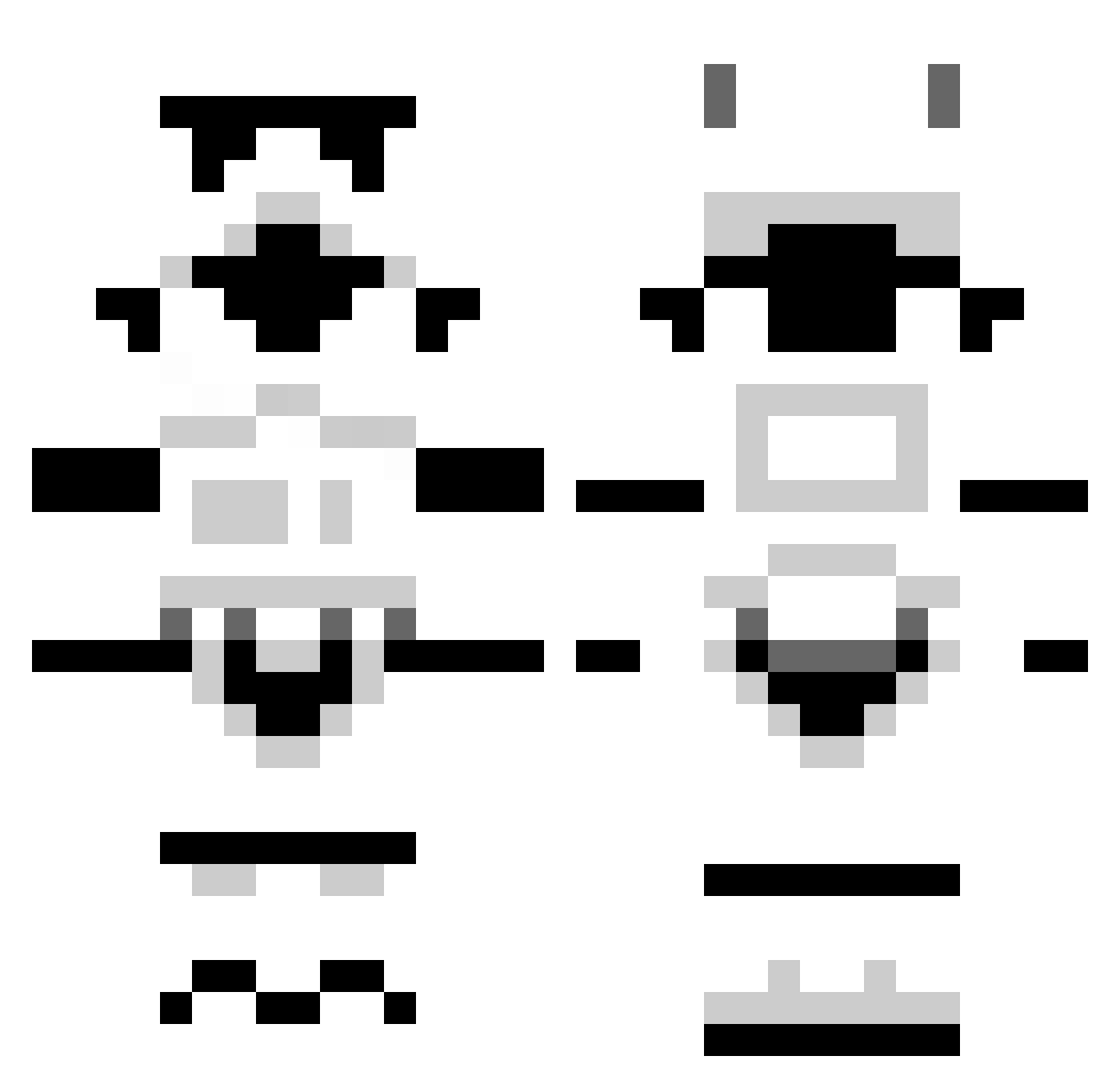
Current Minecraft skin of the player rileycde, loaded from the official Mojang API. Rotate the 3D model with your mouse or finger, then download the skin as a PNG file and use it in Minecraft: Bedrock Edition or Java Edition for free. When rileycde changes their skin, this page updates automatically and the old skin stays in the history below.
Other players with this skin (1259)
rileycde was the 854th player we have seen with this skin, first spotted on 06.10.2026. The same skin was seen on these players. Open a nickname to see their current skin and skin history.
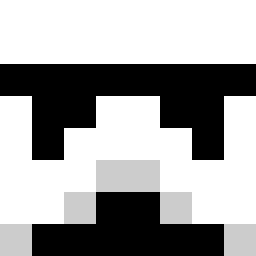 zewho Compound5150 fishbrad krisswhat bigbaldbobby mesoso OneRepublic_ im_Dieu squ1nn Dee_jay911 FrogKnight7579 Mattyholl Eoses mdpaul Meltdowns thesexiestgeek charlesross R3NIBAT goper86 Ravens64 Dewbs999 VebMeister Mr69SuperBee SCG_Elusive tzoltowski atat67e Stormy272 Your_Happiness DlAMANT mc_lls WakaFlocka0212 clonetrooperwas alexdavidson1995 Speedcorefan CHERRYxMUSTANG Falnukus warbers stardestroyer18 FlowingBeard tomislav12 ApeX_Snowman ScottyP00 VexedGanker anadolu1996 Unsere_Erde posterpuppet ClumsyJohn Risper DragonxJager purple199614 Black82Hawk pmoores TimBOB1100 zackkern213 iNoct dllpbl P1NAKAMALAKAS keegan26 Todel94 MediumSam
More Stormtrooper Minecraft skins
See all 516 Stormtrooper skins
How to install the rileycde skin
- Press the Download button above to save the skin as a PNG file.
- Minecraft: Bedrock Edition (PE): open the Dressing Room from the main menu (or tap your character → Edit Character), go to Classic Skins → Owned, press the + (new skin) button, choose the downloaded PNG and pick the Classic (Steve) model. Works on PC and mobile; consoles cannot import custom skins.
- Minecraft: Java Edition: open the Minecraft Launcher, go to the Skins tab, click New Skin, load the PNG, pick the Classic (Steve) model and press Save & Use. You can also upload it at minecraft.net → Profile → Change Skin.
The skin does not show up after import - what should I do?
Restart Minecraft and open the Dressing Room again - imported skins sometimes appear only after a restart. Also make sure you selected the imported skin and picked the Classic (Steve) model.
Which model should I choose, Classic or Slim?
This skin is designed for the Classic (Steve) model. If you pick the wrong model, the arms of the skin will look stretched or squeezed.
Is the skin of rileycde free to download?
Yes. Press Download, save the PNG file and use it in Minecraft: Bedrock Edition or Java Edition - no payment or registration needed. The skin also works on multiplayer servers and Realms.
More skins
Looking for more? Go back to all Minecraft skins and check the top skins of the week, month and all time, or find any player's skin by nickname.