
 Russellco54 NCW801 ButteerrHD gurra0419 MethLabor DSC_1119 gerardothebest leonartalius InactiveAccount_ thebendertheory harumaki0141 BlindingLightz ryan19 Cainpain Toby2187 Rasensprenger_ Pinkerton FLS_Phoenix NastyNate615 Lancrepper Rolando3698 cdutts DrDarkMatter Manyani2007 GoofysHere braces12 Botje2006 Watchdog117 Windeljoe21 TBNRRen ELOIBL10 luc1210 dxnibtw MinecraftAPI Alpha__Omega Naxurn96 williamannear10 Juni2009 DarkBlazing1 Dark_Veteran pjscowzz Dip_Razor N0rth_a Skj4ld BroganSkills ReconO GAMINGPOTATO246 Nate_Z_Great slayer7431 sokapex frosted_07 Gaming_Nife thei1618 DarthFille LysholmDK nyengaard123 Ch33zers Melloda Paddlmon xXbladedrcXx
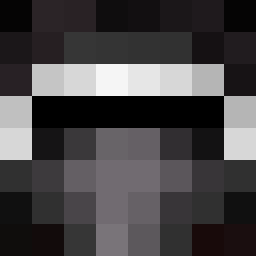
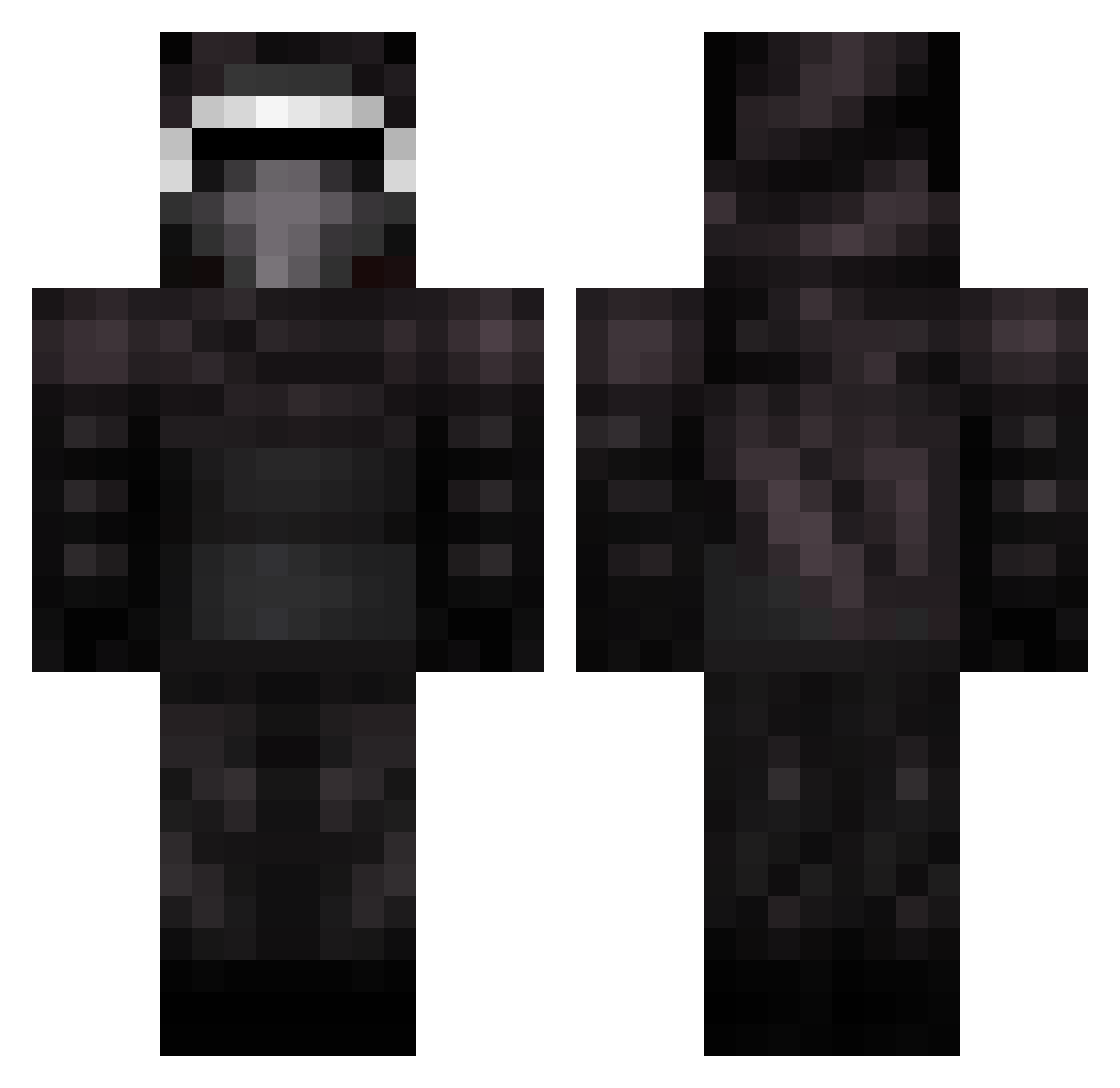
Minecraft skin of Jackdawgg. Rotate the 3D model with your mouse or finger to view the skin from every angle, then download it as a PNG file and use it in Minecraft: Bedrock Edition or Java Edition for free. Rate the skin with stars to help other players find the best skins in our collection.
How to install the Jackdawgg skin
- Press the Download button above to save the skin as a PNG file.
- Minecraft: Bedrock Edition (PE): open the Dressing Room from the main menu (or tap your character → Edit Character), go to Classic Skins → Owned, press the + (new skin) button, choose the downloaded PNG and pick the Classic (Steve) model. Works on PC and mobile; consoles cannot import custom skins.
- Minecraft: Java Edition: open the Minecraft Launcher, go to the Skins tab, click New Skin, load the PNG, pick the Classic (Steve) model and press Save & Use. You can also upload it at minecraft.net → Profile → Change Skin.
The skin does not show up after import - what should I do?
Restart Minecraft and open the Dressing Room again - imported skins sometimes appear only after a restart. Also make sure you selected the imported skin and picked the Classic (Steve) model.
Which model should I choose, Classic or Slim?
This skin is designed for the Classic (Steve) model. If you pick the wrong model, the arms of the skin will look stretched or squeezed.
Is this skin free to use?
Yes. Press Download, save the PNG file and use it in Minecraft: Bedrock Edition or Java Edition - no payment or registration needed. The skin also works on multiplayer servers and Realms.
More Kylo Ren Minecraft skins
More skins
Looking for more? Go back to all Minecraft skins and check the top skins of the week, month and all time, or find any player's skin by nickname.