
 Arixsus jesusblanket _XerXes_ DanTazMozzie max_mit_x Assblaster155 FluffyFata IVIint Kilroy1218 Snowie77 iamkylebitch _GOBLIN_____ marcus_monson2 tbanuelos96 maxterhd1 Rawdogin sicktodeaf Affliction992 LAWSON72 kRaSh197997 bighog Versow999 Kranaxei Triggerman68 dirtygreenbeetle Salt1337 Laxisnumber1 ssomnairda Stumpert94 CWplayer SepiaJericho141 lv70Butterfree lukelillywhite15 Puffy01 _Daniel BryceNomz Mike_Okurts 24HourClock Sidewinder1998 R88RBUG wambat125 Rinzetsu DerSucher92 Trevorrocks17 Shaneh8 Bsmith54 StarsWrapped luxray01 TheHONKY Zerba IKnowYouCare md4031 vincelescot MIRABELL69 Slayertip FruitCup224 Thootje92 Daragonek Horius flyingjellyfish2
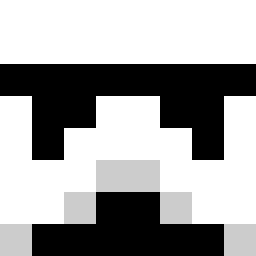
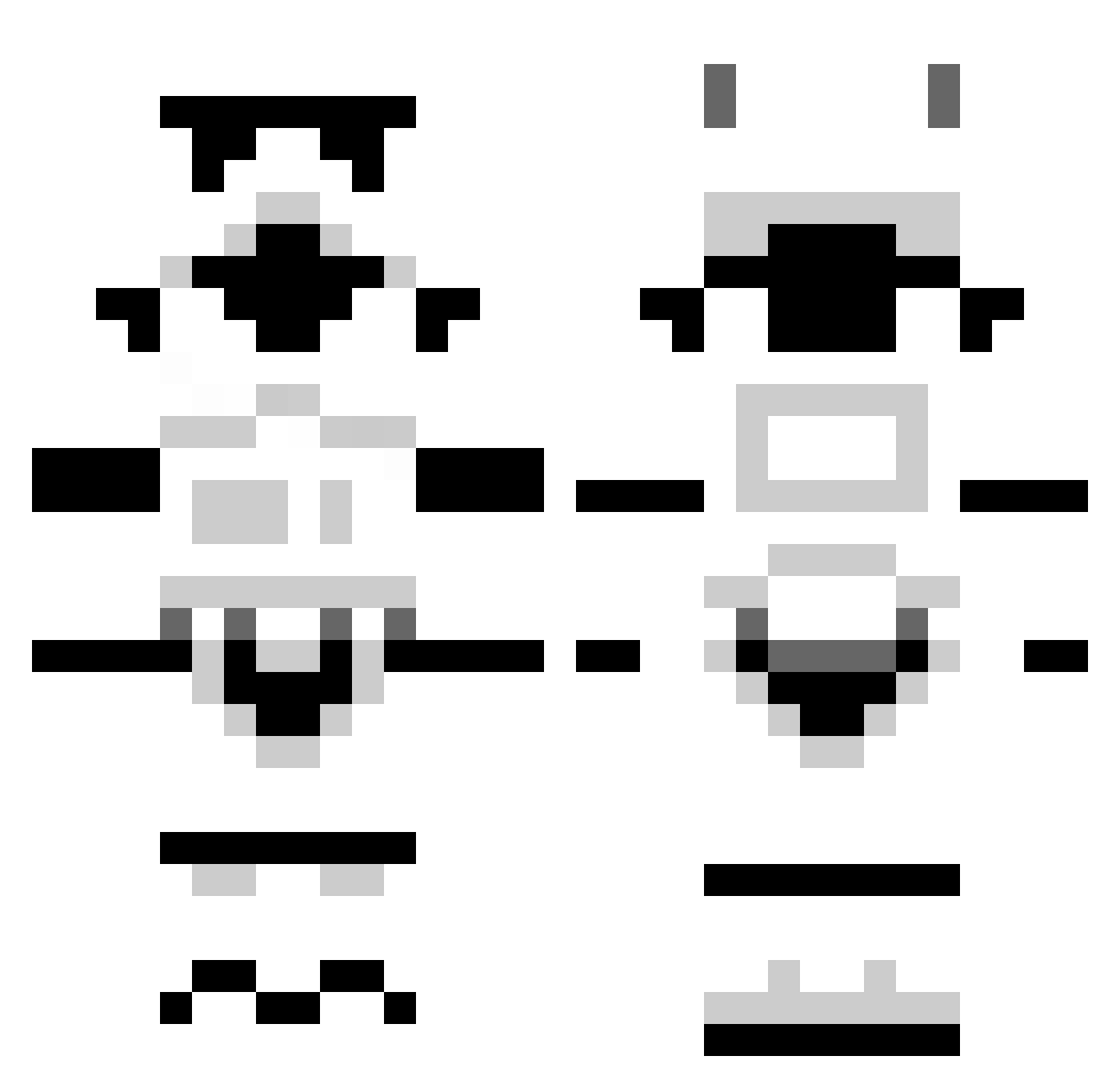
Minecraft skin of madin273. Rotate the 3D model with your mouse or finger to view the skin from every angle, then download it as a PNG file and use it in Minecraft: Bedrock Edition or Java Edition for free. Rate the skin with stars to help other players find the best skins in our collection.
How to install the madin273 skin
- Press the Download button above to save the skin as a PNG file.
- Minecraft: Bedrock Edition (PE): open the Dressing Room from the main menu (or tap your character → Edit Character), go to Classic Skins → Owned, press the + (new skin) button, choose the downloaded PNG and pick the Classic (Steve) model. Works on PC and mobile; consoles cannot import custom skins.
- Minecraft: Java Edition: open the Minecraft Launcher, go to the Skins tab, click New Skin, load the PNG, pick the Classic (Steve) model and press Save & Use. You can also upload it at minecraft.net → Profile → Change Skin.
The skin does not show up after import - what should I do?
Restart Minecraft and open the Dressing Room again - imported skins sometimes appear only after a restart. Also make sure you selected the imported skin and picked the Classic (Steve) model.
Which model should I choose, Classic or Slim?
This skin is designed for the Classic (Steve) model. If you pick the wrong model, the arms of the skin will look stretched or squeezed.
Is this skin free to use?
Yes. Press Download, save the PNG file and use it in Minecraft: Bedrock Edition or Java Edition - no payment or registration needed. The skin also works on multiplayer servers and Realms.
More Stormtrooper Minecraft skins
See all 528 Stormtrooper skins
More skins
Looking for more? Go back to all Minecraft skins and check the top skins of the week, month and all time, or find any player's skin by nickname.