
mor_cohen - Minecraft Skins & Skin History
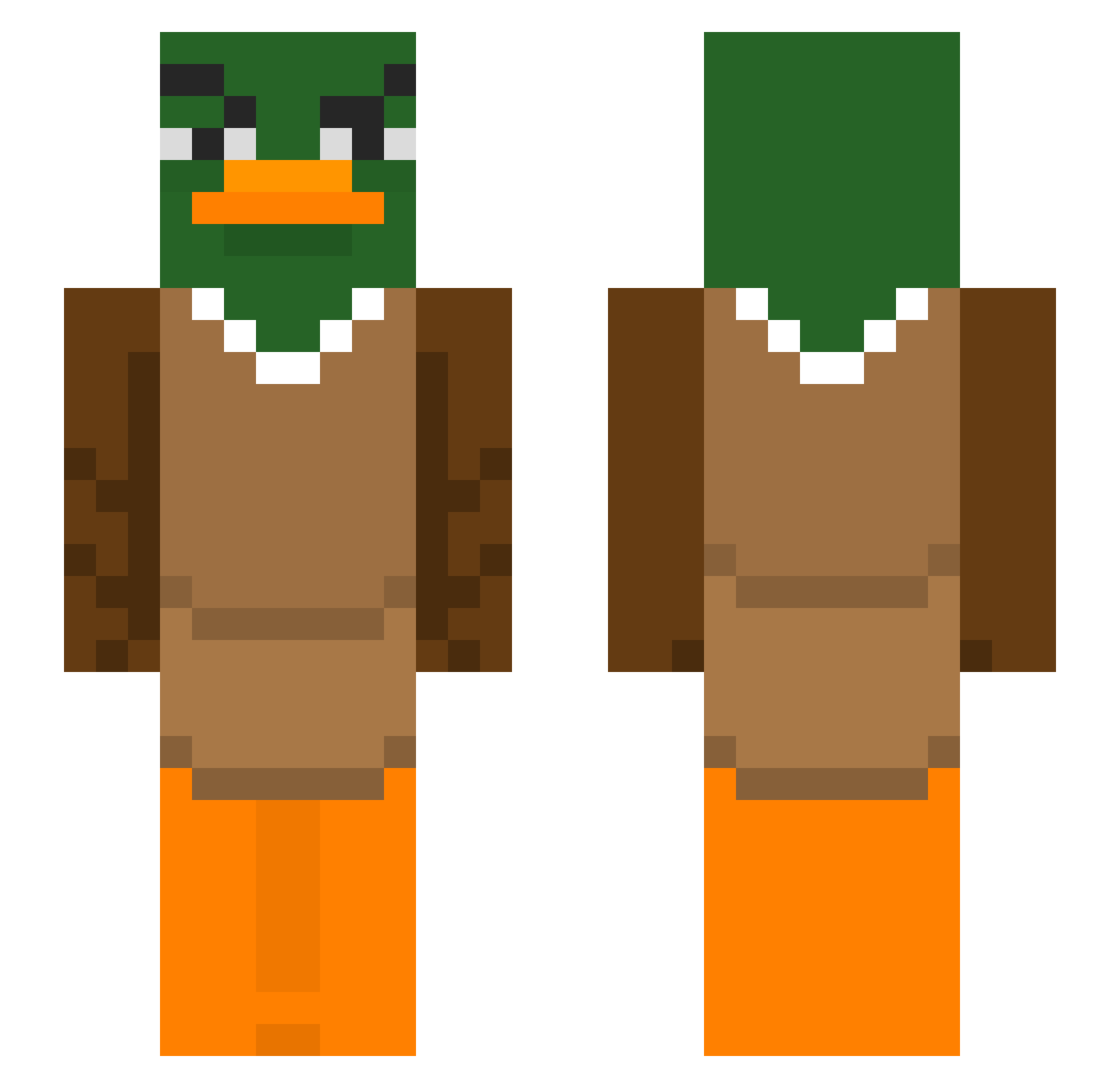
Current Minecraft skin of the player mor_cohen, loaded from the official Mojang API. Rotate the 3D model with your mouse or finger, then download the skin as a PNG file and use it in Minecraft: Bedrock Edition or Java Edition for free. When mor_cohen changes their skin, this page updates automatically and the old skin stays in the history below.
Other players with this skin (427)
mor_cohen was the 398th player we have seen with this skin, first spotted on 12.11.2026. The same skin was seen on these players. Open a nickname to see their current skin and skin history.
 yuhao34 SantiCS2010 VeniCulos GUkaimark Keyllla ImNoSuperTuba Hosssi poteteulego MaareX YMingg Zqx5 LuciferDog Skrozy Nyrox23 Mezaty jimmytheorphan _N0Obly Troyyyy56 5gieta Jake_M1574 LaFerra cqp4 gamezaza2003 Viljarbeddy Tyler_26 Schmidti900 Tiefbegabters XxXandreas3 shiifuuu Kutuluhk Thunderpuzz THEOKER pablodersigna124 oMendola Destlovia DerpDuck153 budrys1996 Quality1313 skibidirizzgod42 cute_Darum Jll22 ph_45 sunshybro Lil_Ilie SonyaChkaLyarva S2CARLOS soupischilly BacaAL omardlfm Kitch710 Squashua14 R4GER Hayboo PAODEFORMA12 DisDuck05 Archiduque FrickKayaks Qoo95 eatyourmeds Nbesty
More Duck Minecraft skins
How to install the mor_cohen skin
- Press the Download button above to save the skin as a PNG file.
- Minecraft: Bedrock Edition (PE): open the Dressing Room from the main menu (or tap your character → Edit Character), go to Classic Skins → Owned, press the + (new skin) button, choose the downloaded PNG and pick the Slim (Alex) model. Works on PC and mobile; consoles cannot import custom skins.
- Minecraft: Java Edition: open the Minecraft Launcher, go to the Skins tab, click New Skin, load the PNG, pick the Slim (Alex) model and press Save & Use. You can also upload it at minecraft.net → Profile → Change Skin.
The skin does not show up after import - what should I do?
Restart Minecraft and open the Dressing Room again - imported skins sometimes appear only after a restart. Also make sure you selected the imported skin and picked the Slim (Alex) model.
Which model should I choose, Classic or Slim?
This skin is designed for the Slim (Alex) model. If you pick the wrong model, the arms of the skin will look stretched or squeezed.
Is the skin of mor_cohen free to download?
Yes. Press Download, save the PNG file and use it in Minecraft: Bedrock Edition or Java Edition - no payment or registration needed. The skin also works on multiplayer servers and Realms.
More skins
Looking for more? Go back to all Minecraft skins and check the top skins of the week, month and all time, or find any player's skin by nickname.