
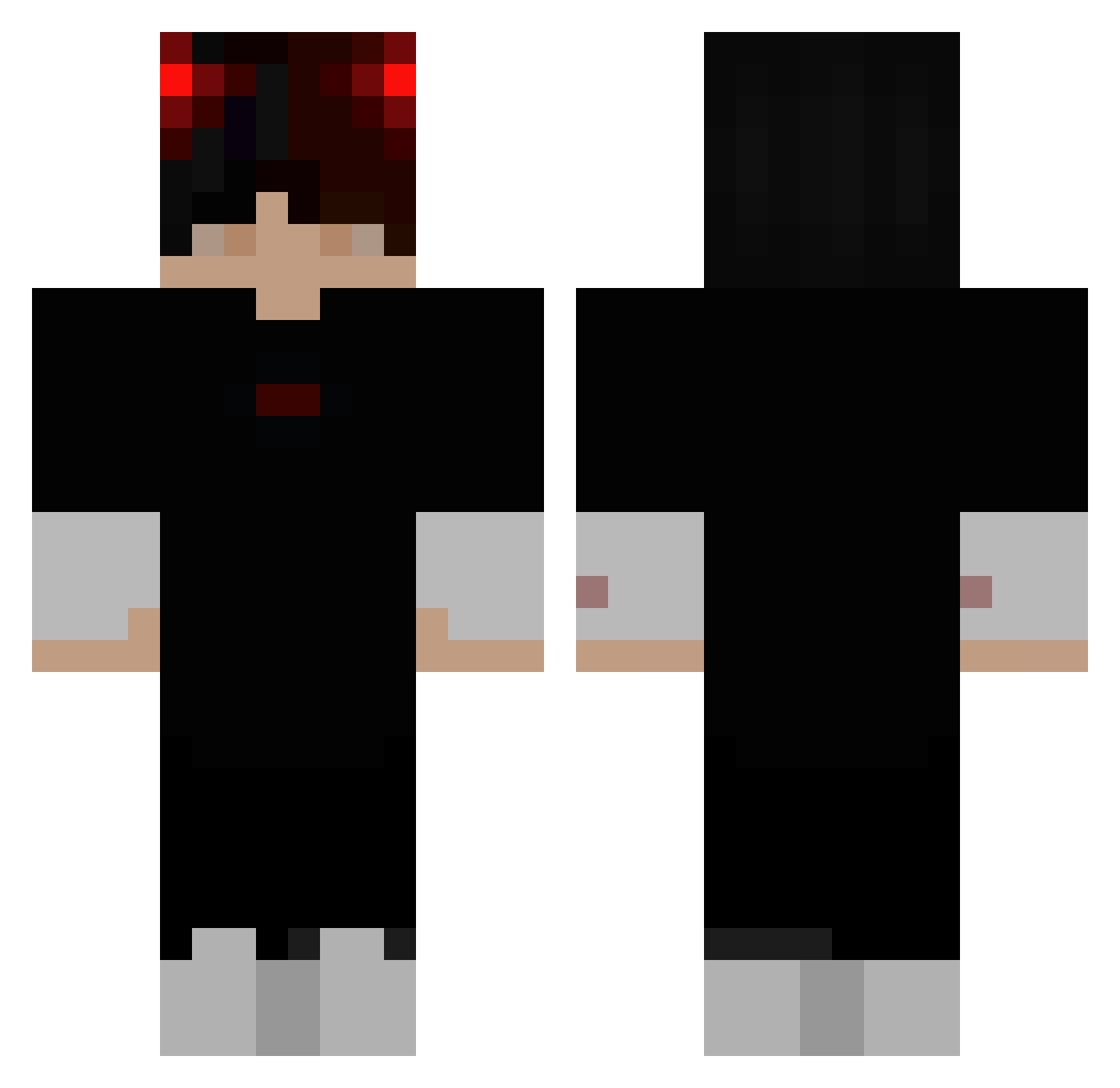
Current Minecraft skin of the player mkipps, loaded from the official Mojang API. Rotate the 3D model with your mouse or finger, then download the skin as a PNG file and use it in Minecraft: Bedrock Edition or Java Edition for free. When mkipps changes their skin, this page updates automatically and the old skin stays in the history below.
Other players with this skin (273)
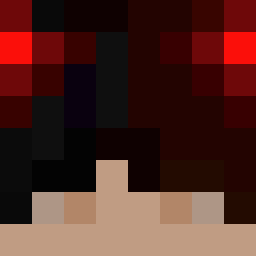
mkipps was the 91st player we have seen with this skin, first spotted on 28.08.2026. The same skin was seen on these players. Open a nickname to see their current skin and skin history.
 Zng0gunner
 Darksilver118 JACOBisWRIGHT DDu_DDa_ TokyoV1bes 1Bl_ank Wanna_pop d_c0ns picco_99 Bra8000 Rezacci YURNoob Im_mandarin Szemenix YxngRice Krypt0_Yeet Iandrewman martinek6666 Househouse10370 lexsx Woody0930 BigDracoooo _Strannik_ Darknesspiz Tm3my lellioss WildMonkey3 VooDooMonK3y steezgi Confi99 javkt knknaber DonDingle43 DerPopelGeier PeppasKind PatryQ2347 Felipe_Hndz777 MickeGro YEJUN_08 Akjest YuxzAppend Carlos1728 EliteSnipe Kemalismyboi wordsaremyname XxMM10xX dakin_2911 7LACKY _Fixn_ Phoenix_on_crack darkzinho0906 JlLA1 Stiff_Bauer UsualDoctorRage Qeny_ Yann12354 tatarka64 Turtleswagger_09 DZK71 WakeUpM0rzyn
More Demon Minecraft skins
How to install the mkipps skin
- Press the Download button above to save the skin as a PNG file.
- Minecraft: Bedrock Edition (PE): open the Dressing Room from the main menu (or tap your character → Edit Character), go to Classic Skins → Owned, press the + (new skin) button, choose the downloaded PNG and pick the Classic (Steve) model. Works on PC and mobile; consoles cannot import custom skins.
- Minecraft: Java Edition: open the Minecraft Launcher, go to the Skins tab, click New Skin, load the PNG, pick the Classic (Steve) model and press Save & Use. You can also upload it at minecraft.net → Profile → Change Skin.
The skin does not show up after import - what should I do?
Restart Minecraft and open the Dressing Room again - imported skins sometimes appear only after a restart. Also make sure you selected the imported skin and picked the Classic (Steve) model.
Which model should I choose, Classic or Slim?
This skin is designed for the Classic (Steve) model. If you pick the wrong model, the arms of the skin will look stretched or squeezed.
Is the skin of mkipps free to download?
Yes. Press Download, save the PNG file and use it in Minecraft: Bedrock Edition or Java Edition - no payment or registration needed. The skin also works on multiplayer servers and Realms.
More skins
Looking for more? Go back to all Minecraft skins and check the top skins of the week, month and all time, or find any player's skin by nickname.