
medmenbr - Minecraft Skins & Skin History
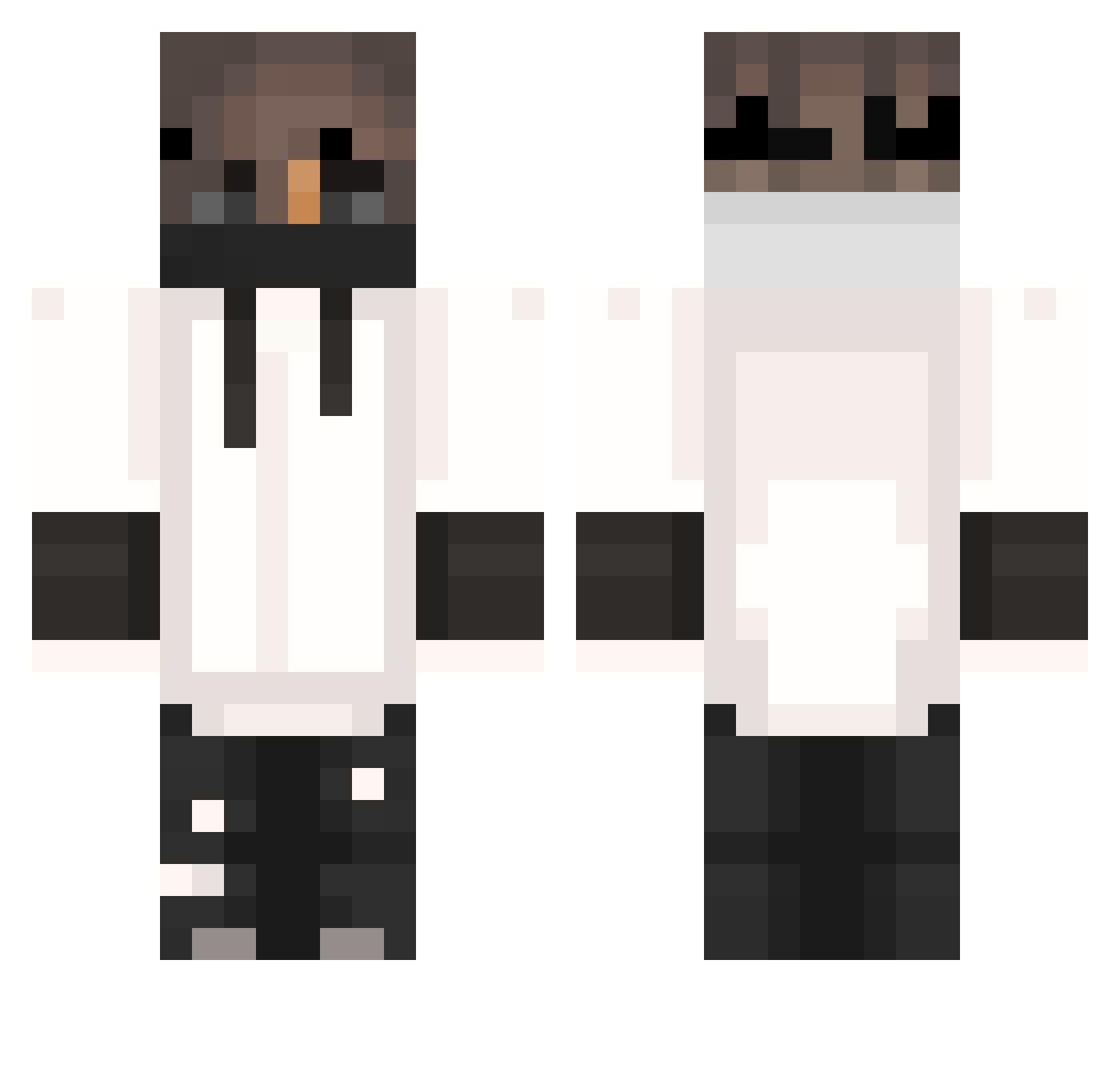
Current Minecraft skin of the player medmenbr, loaded from the official Mojang API. Rotate the 3D model with your mouse or finger, then download the skin as a PNG file and use it in Minecraft: Bedrock Edition or Java Edition for free. When medmenbr changes their skin, this page updates automatically and the old skin stays in the history below.
Other players with this skin (404)
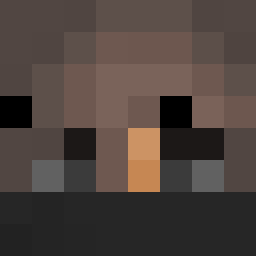
medmenbr was the 203rd player we have seen with this skin, first spotted on 24.09.2026. The same skin was seen on these players. Open a nickname to see their current skin and skin history.
 fistaszek_f3 12Mokj AlexTitan KfirGX ethan8855 YourDadXD zTenZ Tw0retz InLandyyy ozurylcn BigKrzys2137 Vladko121 whokilledcaleb iiSwicher Vate0301 Fabled_x Kill3rxx That_Weirdo795 OAOJEE Rusekk_ G4bry05 Pejtyzi_GBS __QiU__ Ropsito ctoi Caden2Game langi666 Chip_Kruemel_RHM FynnAbi_ xCentoss ivafozne BorisBroMaster DeeLoo22 Chixm2 Patrik0820 TrAmX TrkZ_NooB SickCrow Manix12310 ROSER999 Allumnii Antekoper2k8 BlackDavy Achronos _SqezzY_ spector_er Sikee53 Pepsi_Maxx9523 romi8391 Blipacchino Benajos HaBe05 KJohnstonYT Ary_96 hi_i_am_gokke __gliched__ God_Benxian bertcraft007 Ervinec Opticsnail
More Mask Minecraft skins
How to install the medmenbr skin
- Press the Download button above to save the skin as a PNG file.
- Minecraft: Bedrock Edition (PE): open the Dressing Room from the main menu (or tap your character → Edit Character), go to Classic Skins → Owned, press the + (new skin) button, choose the downloaded PNG and pick the Classic (Steve) model. Works on PC and mobile; consoles cannot import custom skins.
- Minecraft: Java Edition: open the Minecraft Launcher, go to the Skins tab, click New Skin, load the PNG, pick the Classic (Steve) model and press Save & Use. You can also upload it at minecraft.net → Profile → Change Skin.
The skin does not show up after import - what should I do?
Restart Minecraft and open the Dressing Room again - imported skins sometimes appear only after a restart. Also make sure you selected the imported skin and picked the Classic (Steve) model.
Which model should I choose, Classic or Slim?
This skin is designed for the Classic (Steve) model. If you pick the wrong model, the arms of the skin will look stretched or squeezed.
Is the skin of medmenbr free to download?
Yes. Press Download, save the PNG file and use it in Minecraft: Bedrock Edition or Java Edition - no payment or registration needed. The skin also works on multiplayer servers and Realms.
More skins
Looking for more? Go back to all Minecraft skins and check the top skins of the week, month and all time, or find any player's skin by nickname.