
 Morteo21 gul87 WhackyMussel264 Elliotloven Hugo_ID Juxnito DARK_SEIJURO9 Grimerxis BattleAngel7B SAPAYEE lZEROXx Toxicjebuh Oliveiradl ricardolopez99 Kabounoux xSTRIDERx06 EmsiFuluri metinkorkmaz Psyxx_ caderantes yiSUSprogamer777 SpareBicycle Teezow_ SinNoCos Onorek LilSpida The_Rzeki West23 Calcifer00 Apollon147 alfax2137 davidsosa504 Kaankav05 hibou851 Henriuu SquishyOng Gwynnbleiddd Dark_Soez YTSapp _Astalos_ Moosin_1 dao_latern PecPerec SSxEndless AndreiBL Sanseiken XxAngelDeadxX allusionaryation Hyeonj23 Korvmannen2009 Congratulations2 Tyrantir MRhizze dantessbtw FrancisFootlong Fenrir_992 TinyTiger149 M_DHalluin Rytautas KK_9234
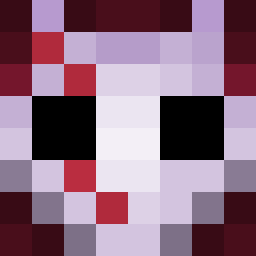
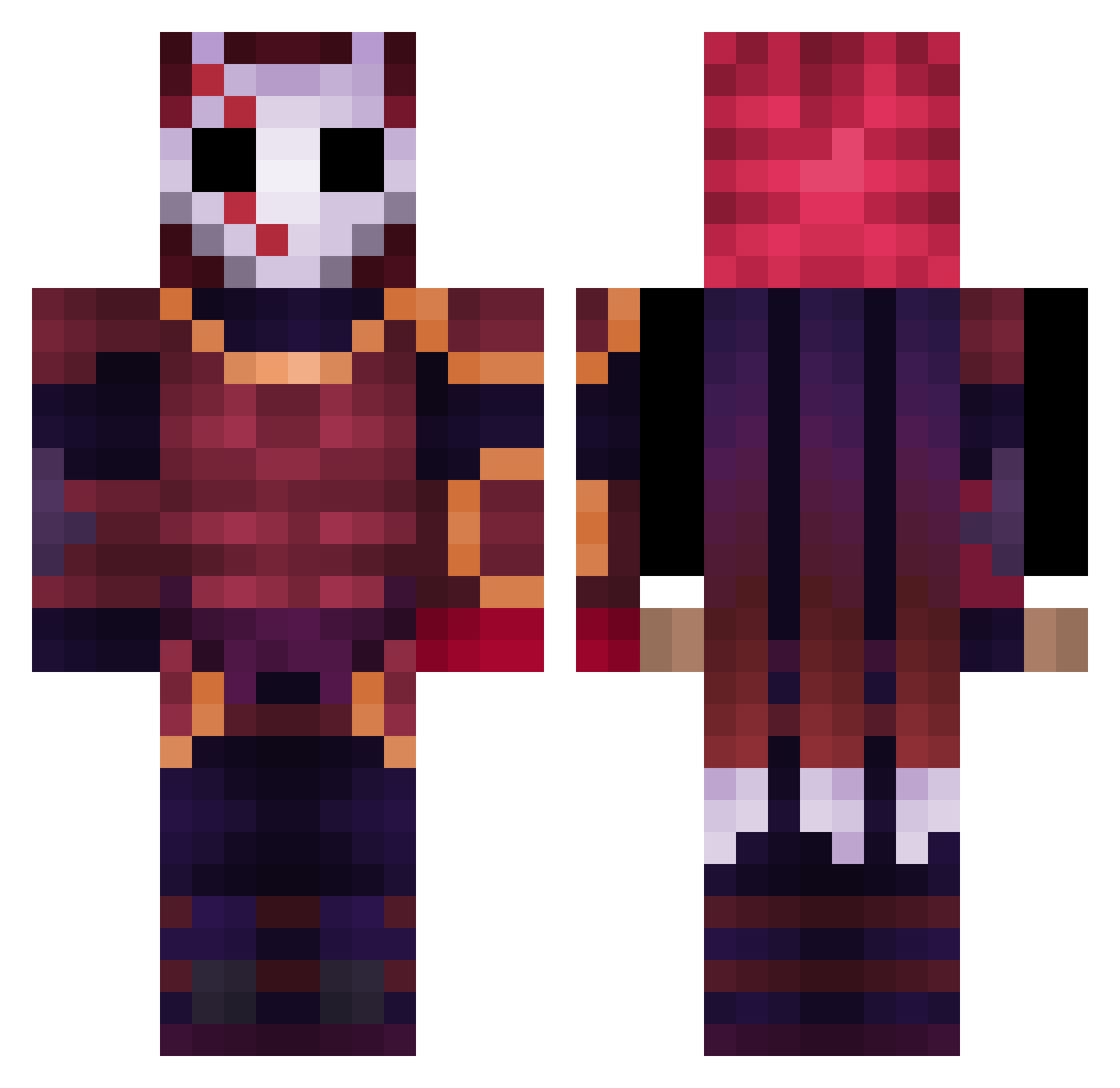
Minecraft skin of LeeSid. Rotate the 3D model with your mouse or finger to view the skin from every angle, then download it as a PNG file and use it in Minecraft: Bedrock Edition or Java Edition for free. Rate the skin with stars to help other players find the best skins in our collection.
How to install the LeeSid skin
- Press the Download button above to save the skin as a PNG file.
- Minecraft: Bedrock Edition (PE): open the Dressing Room from the main menu (or tap your character → Edit Character), go to Classic Skins → Owned, press the + (new skin) button, choose the downloaded PNG and pick the Classic (Steve) model. Works on PC and mobile; consoles cannot import custom skins.
- Minecraft: Java Edition: open the Minecraft Launcher, go to the Skins tab, click New Skin, load the PNG, pick the Classic (Steve) model and press Save & Use. You can also upload it at minecraft.net → Profile → Change Skin.
The skin does not show up after import - what should I do?
Restart Minecraft and open the Dressing Room again - imported skins sometimes appear only after a restart. Also make sure you selected the imported skin and picked the Classic (Steve) model.
Which model should I choose, Classic or Slim?
This skin is designed for the Classic (Steve) model. If you pick the wrong model, the arms of the skin will look stretched or squeezed.
Is this skin free to use?
Yes. Press Download, save the PNG file and use it in Minecraft: Bedrock Edition or Java Edition - no payment or registration needed. The skin also works on multiplayer servers and Realms.
More Warrior Minecraft skins
More skins
Looking for more? Go back to all Minecraft skins and check the top skins of the week, month and all time, or find any player's skin by nickname.