
 Plaszczak seronj AliHeRisty ImpS3nsei papi1101 Sjakaler pasxalis090609 chialer WDgaster2404 Dvmi1 Qt_Mango Tihago56 dg7k2474 TheSammuk JeremGaming GodFire076 _M23 Mick004 e61an GUTIgu Extrem0 Aezorix itsmeakk agabriel3232 Nia_7 NIRO179 Dodoo2009 MiNI777_ VoidMonolith CROSS0V Joxa05 LoveDrxplet VulgoShilohh ZkySiuuu ZiroWasTaken egezx Unicolax oreia006 BridgerOP TrinkRedBull 1ly4babyandy LUCAS_1223 Sneekzz pvpjayy Ace_The_Wolf633 Stuntet Pshyco123 MichiTheKing13 Deezerko Qtsenpai001 iDqrkness_ woxz1n Grollfinka8888 Emanuel__ AdeLode lolfifty 777art Nxvr01 FARHAN_COMBO BeratMert
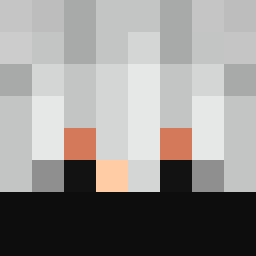
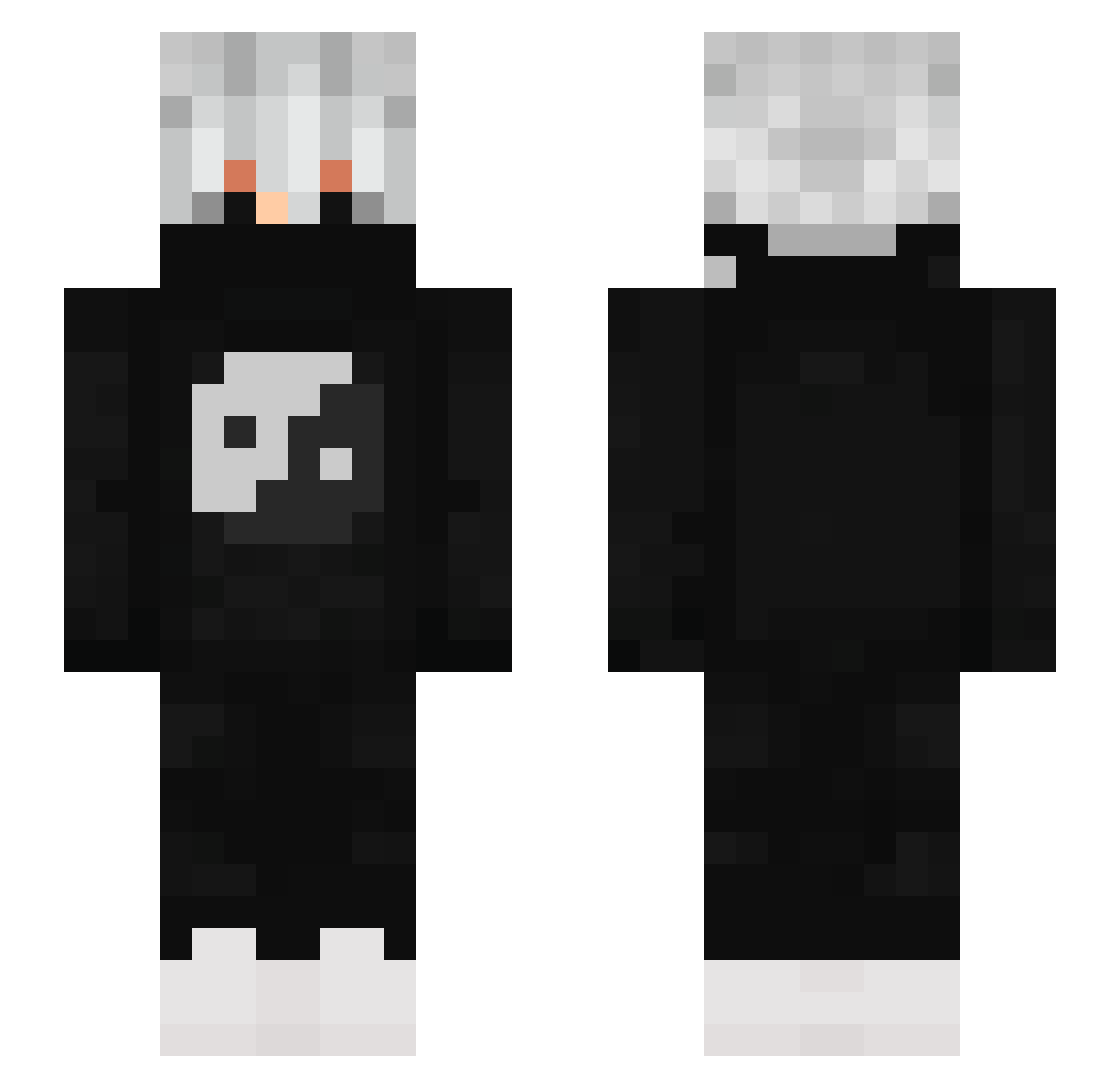
Minecraft skin of 96neko0127. Rotate the 3D model with your mouse or finger to view the skin from every angle, then download it as a PNG file and use it in Minecraft: Bedrock Edition or Java Edition for free. Rate the skin with stars to help other players find the best skins in our collection.
How to install the 96neko0127 skin
- Press the Download button above to save the skin as a PNG file.
- Minecraft: Bedrock Edition (PE): open the Dressing Room from the main menu (or tap your character → Edit Character), go to Classic Skins → Owned, press the + (new skin) button, choose the downloaded PNG and pick the Slim (Alex) model. Works on PC and mobile; consoles cannot import custom skins.
- Minecraft: Java Edition: open the Minecraft Launcher, go to the Skins tab, click New Skin, load the PNG, pick the Slim (Alex) model and press Save & Use. You can also upload it at minecraft.net → Profile → Change Skin.
The skin does not show up after import - what should I do?
Restart Minecraft and open the Dressing Room again - imported skins sometimes appear only after a restart. Also make sure you selected the imported skin and picked the Slim (Alex) model.
Which model should I choose, Classic or Slim?
This skin is designed for the Slim (Alex) model. If you pick the wrong model, the arms of the skin will look stretched or squeezed.
Is this skin free to use?
Yes. Press Download, save the PNG file and use it in Minecraft: Bedrock Edition or Java Edition - no payment or registration needed. The skin also works on multiplayer servers and Realms.
More Yin Yang Minecraft skins
More skins
Looking for more? Go back to all Minecraft skins and check the top skins of the week, month and all time, or find any player's skin by nickname.