
makennam04 - Minecraft Skins & Skin History
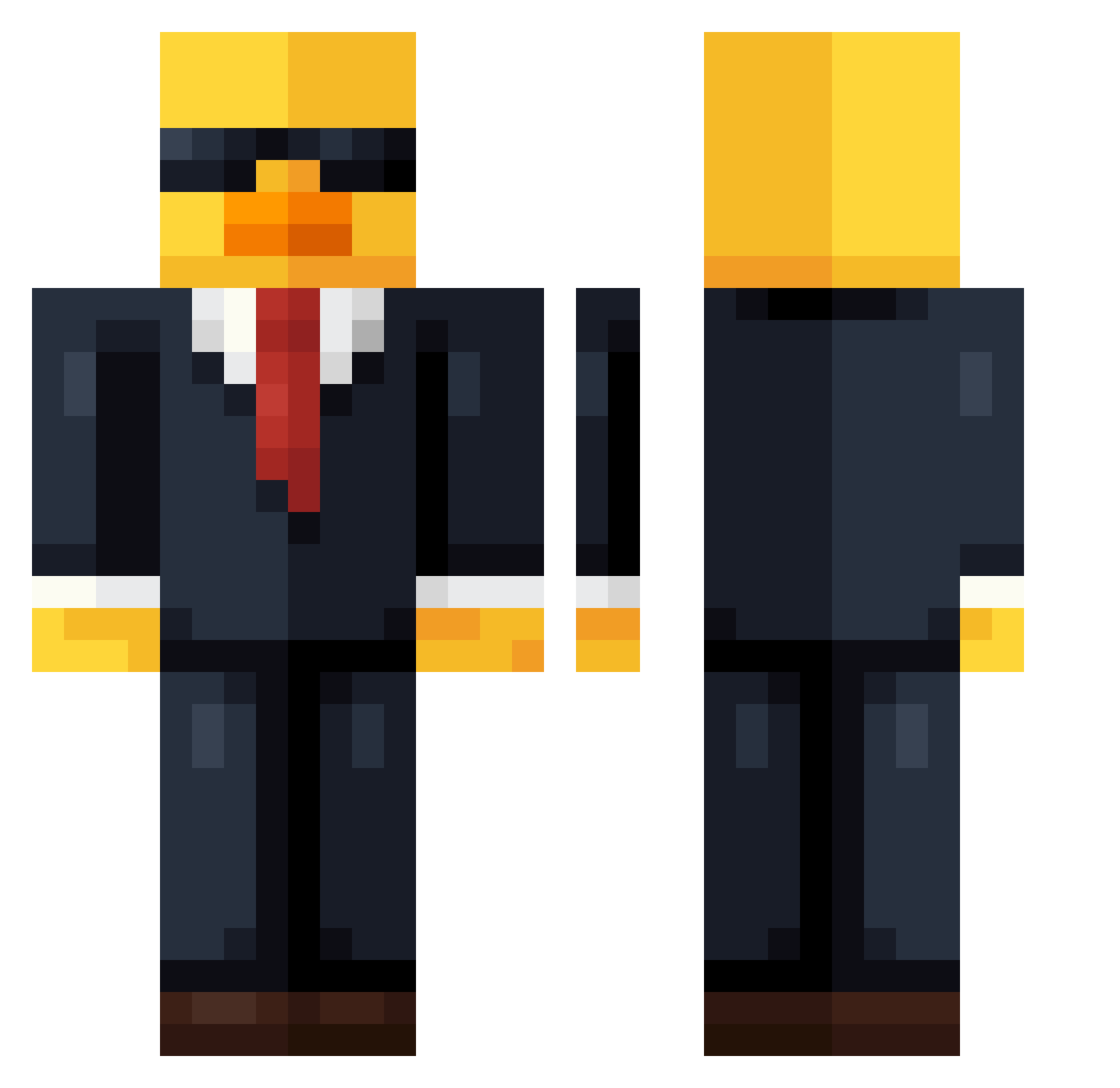
Current Minecraft skin of the player makennam04, loaded from the official Mojang API. Rotate the 3D model with your mouse or finger, then download the skin as a PNG file and use it in Minecraft: Bedrock Edition or Java Edition for free. When makennam04 changes their skin, this page updates automatically and the old skin stays in the history below.
Other players with this skin (622)
makennam04 was the 13th player we have seen with this skin, first spotted on 24.07.2026. The same skin was seen on these players. Open a nickname to see their current skin and skin history.
 YaBoiiArtzz Ben112802 Chickenlord6969 MAMATYARIl Cr4fTeXe MaTiSs22_ duck_g4mer risface az4400 skeletonman1243 sebevrazda jeff_thechicken TALRAM2012 Nick1170 Strangepanda17 arlen134 Medeeia LaserHannes banana_vortex typxshi on7y mzqIy Memer666 xGuestz RandomNugget5 Progamer2020296 Reyem1008 Travieso_ KelloggsKing zDequix_1 Im_Coreano Em_Fonzi bigbig_yang Joeking_100 Xochicalco Puffy05 NLitee xKepapinlihax Modern_Stealth chullkup BigBlackBanana12 Aarong_ l3ol Gameguy1 JoshJackson AmazingLembo MigueNachito gukin11 joe_sushi
 GingerF1234 TheShadow4837 Darkvisiter Apfelbauum0909 Meeniaaa Dxrww mango31415926 SocialPATO Leinad0103 NexarSk Zixpss
More Duck Minecraft skins
How to install the makennam04 skin
- Press the Download button above to save the skin as a PNG file.
- Minecraft: Bedrock Edition (PE): open the Dressing Room from the main menu (or tap your character → Edit Character), go to Classic Skins → Owned, press the + (new skin) button, choose the downloaded PNG and pick the Classic (Steve) model. Works on PC and mobile; consoles cannot import custom skins.
- Minecraft: Java Edition: open the Minecraft Launcher, go to the Skins tab, click New Skin, load the PNG, pick the Classic (Steve) model and press Save & Use. You can also upload it at minecraft.net → Profile → Change Skin.
The skin does not show up after import - what should I do?
Restart Minecraft and open the Dressing Room again - imported skins sometimes appear only after a restart. Also make sure you selected the imported skin and picked the Classic (Steve) model.
Which model should I choose, Classic or Slim?
This skin is designed for the Classic (Steve) model. If you pick the wrong model, the arms of the skin will look stretched or squeezed.
Is the skin of makennam04 free to download?
Yes. Press Download, save the PNG file and use it in Minecraft: Bedrock Edition or Java Edition - no payment or registration needed. The skin also works on multiplayer servers and Realms.
More skins
Looking for more? Go back to all Minecraft skins and check the top skins of the week, month and all time, or find any player's skin by nickname.