
lostcarlos - Minecraft Skins & Skin History
Current Minecraft skin of the player lostcarlos, loaded from the official Mojang API. Rotate the 3D model with your mouse or finger, then download the skin as a PNG file and use it in Minecraft: Bedrock Edition or Java Edition for free. When lostcarlos changes their skin, this page updates automatically and the old skin stays in the history below.
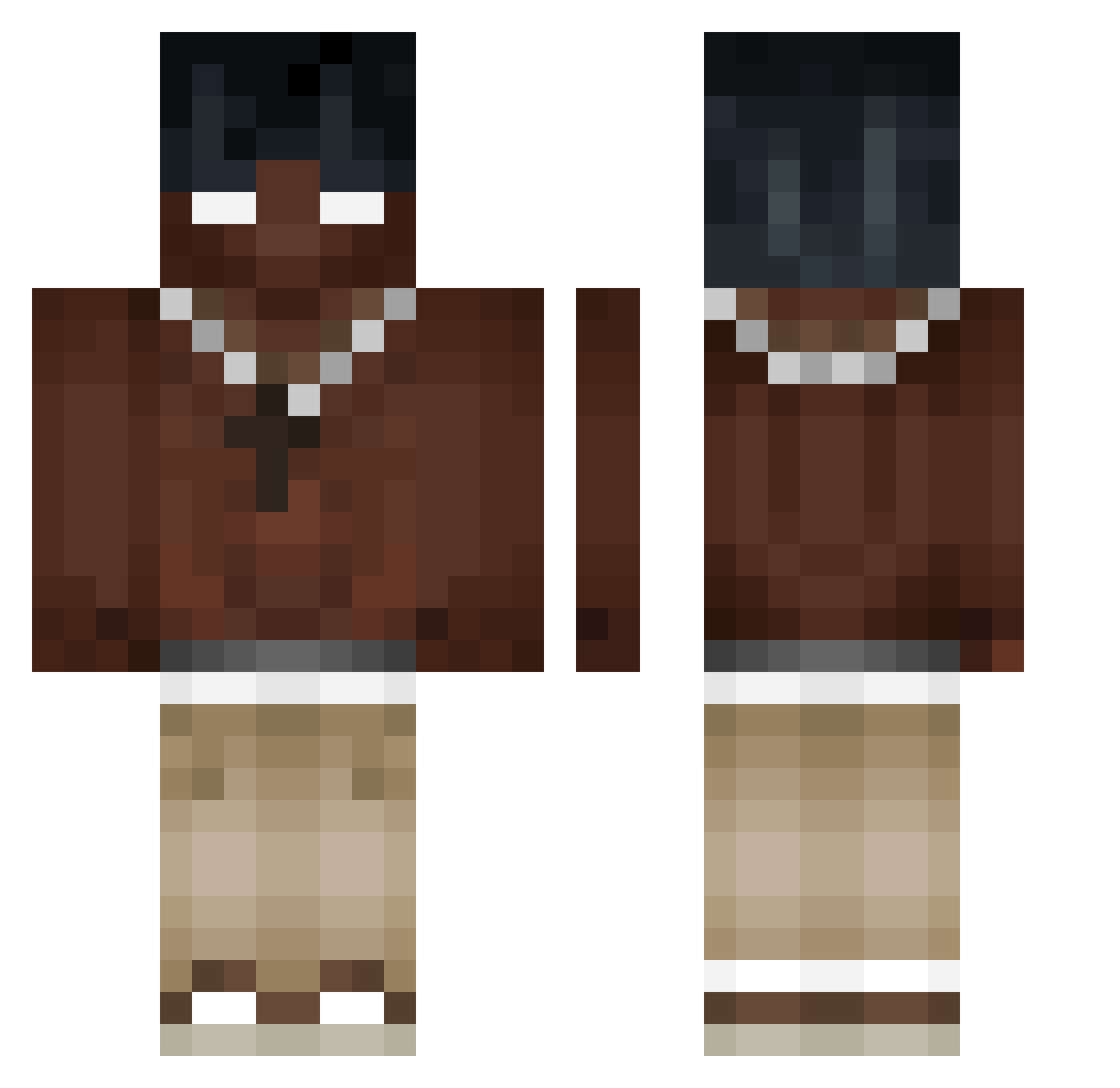
Other players with this skin (405)
lostcarlos was the 292nd player we have seen with this skin, first spotted on 11.10.2026. The same skin was seen on these players. Open a nickname to see their current skin and skin history.
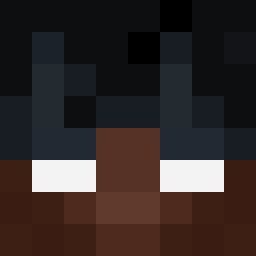 Nikcol KEEEEEEEEE7 raczaj67 cashmeup Tomsinclayin ARIANDIVAR kauanzn toriko_z natansil xmystickk opsobig mammon2890 xtomsonn JGUIz Thvre Saminoiz tjsjmc issaty SEKO_DAYI pasznedagoatlel Xbayn gesucristian Lanya_322 lsolated0 405M GuizinDaZs _Unknownn Haumdaucher342 Marczukk TicTac53 D3Xy_LYR Toslam Miketys0n_ 1c3ybear Beatriz_Torres Itz_Filipson xranxon EyoSKER genny64 1rzk kgtooquiet mazo_TV akayyyyyy JoeyCHEN1104 Davizao01 wojtala3123 Kaioxys__ PANDATOZ Nedeysun vskfael germancito0520 drift_oDai ice0bearrrr IINormal jinhan3788 Muuuttt santty42 tlsdlstjd Sopciu Kenshiro9
More Necklace Minecraft skins
How to install the lostcarlos skin
- Press the Download button above to save the skin as a PNG file.
- Minecraft: Bedrock Edition (PE): open the Dressing Room from the main menu (or tap your character → Edit Character), go to Classic Skins → Owned, press the + (new skin) button, choose the downloaded PNG and pick the Classic (Steve) model. Works on PC and mobile; consoles cannot import custom skins.
- Minecraft: Java Edition: open the Minecraft Launcher, go to the Skins tab, click New Skin, load the PNG, pick the Classic (Steve) model and press Save & Use. You can also upload it at minecraft.net → Profile → Change Skin.
The skin does not show up after import - what should I do?
Restart Minecraft and open the Dressing Room again - imported skins sometimes appear only after a restart. Also make sure you selected the imported skin and picked the Classic (Steve) model.
Which model should I choose, Classic or Slim?
This skin is designed for the Classic (Steve) model. If you pick the wrong model, the arms of the skin will look stretched or squeezed.
Is the skin of lostcarlos free to download?
Yes. Press Download, save the PNG file and use it in Minecraft: Bedrock Edition or Java Edition - no payment or registration needed. The skin also works on multiplayer servers and Realms.
More skins
Looking for more? Go back to all Minecraft skins and check the top skins of the week, month and all time, or find any player's skin by nickname.