
 P0raszkq_ V1CHQ iim_Gab vvsjohny CapitaineStif ParrotKonst19 Deadsavaz MrCrixs Kussay21 JorisBaww axiomzz Cartifps iLxrd_ Merokzz Doble360 SooW_ DanieloxJr10 pulpet3030 Jonoxx _seataaak_ DrezzCypher Andreilbro yslcosmin bombowyruter jtuber12 Typicalspakrk708 Look4512 merx_911 seensss3 MicekKicek DEDES_303 Wintersonn IniAgil iKidX IBRATHEPRO2010 Konst19km EvoZeek JFKkrk Biscuit4573 Kazless Doritos_youtubee Zenki1JZ TenZ_1 jayysolit MiguteGamer_HD Requiem15 hrstw TrentLv Wartts Ruincata JonnyJonhs 0Czubaka0 TT_Srax420 4ZRAZ Wojtunello_ junior140 Tasdiang DROPP3DBYSZEF Qetrax kamopsyko
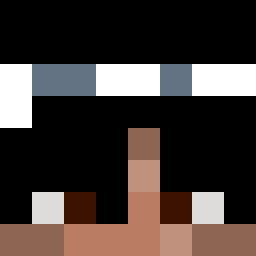
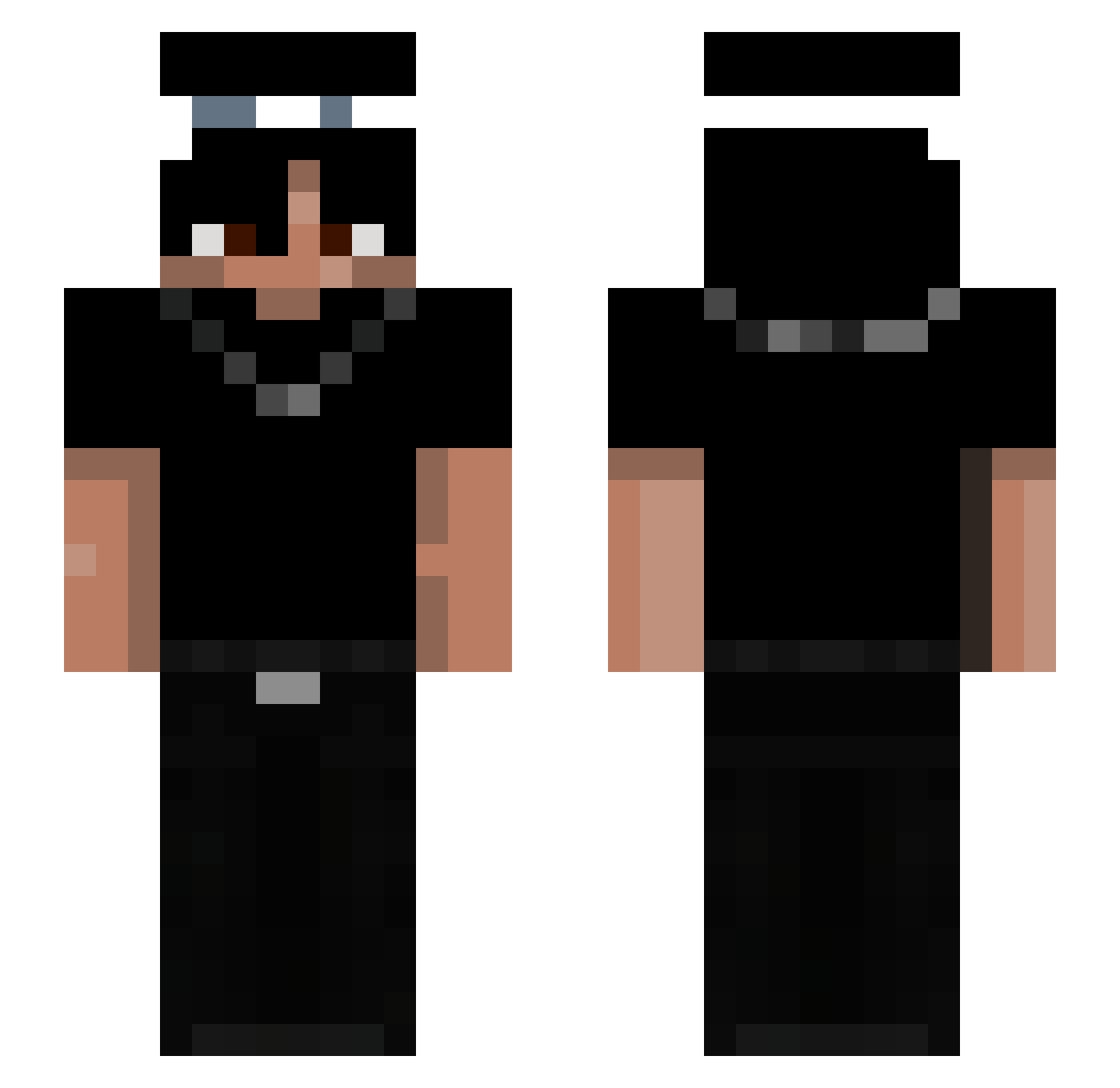
Minecraft skin of GodLefy. Rotate the 3D model with your mouse or finger to view the skin from every angle, then download it as a PNG file and use it in Minecraft: Bedrock Edition or Java Edition for free. Rate the skin with stars to help other players find the best skins in our collection.
How to install the GodLefy skin
- Press the Download button above to save the skin as a PNG file.
- Minecraft: Bedrock Edition (PE): open the Dressing Room from the main menu (or tap your character → Edit Character), go to Classic Skins → Owned, press the + (new skin) button, choose the downloaded PNG and pick the Slim (Alex) model. Works on PC and mobile; consoles cannot import custom skins.
- Minecraft: Java Edition: open the Minecraft Launcher, go to the Skins tab, click New Skin, load the PNG, pick the Slim (Alex) model and press Save & Use. You can also upload it at minecraft.net → Profile → Change Skin.
The skin does not show up after import - what should I do?
Restart Minecraft and open the Dressing Room again - imported skins sometimes appear only after a restart. Also make sure you selected the imported skin and picked the Slim (Alex) model.
Which model should I choose, Classic or Slim?
This skin is designed for the Slim (Alex) model. If you pick the wrong model, the arms of the skin will look stretched or squeezed.
Is this skin free to use?
Yes. Press Download, save the PNG file and use it in Minecraft: Bedrock Edition or Java Edition - no payment or registration needed. The skin also works on multiplayer servers and Realms.
More Necklace Minecraft skins
More skins
Looking for more? Go back to all Minecraft skins and check the top skins of the week, month and all time, or find any player's skin by nickname.