
 DlaCiebiePan DREKII11 V1nesh SneaX350 Rafael20800 IIyad13 PPPP01 chychy_14 endertolfin hiuccup xXeeP Rocksmasher2721 TambxhzzZ _The_Snow RICO0221 zRevenTopZz 4Yeat Teufelskicker AZERAK2 icebucket_nep MisterOfcoco Al3xFC Rungullibleflowi DennerSFS Kingtoddy FoxyThePirate11 MikeCSS Eren1907Ka Ulti77 shok3r_ Brunin_69 LuKkLash Virus369 solidnation K1nqTy autisticdog52 Canierovic14 ThatNippa PeeeedroBR luiscraft2010 peemzaa02 VaTARUs Sassydesire TXeira_17 DioguinhoGamer RS21i Divya_8055 IloveApple1223 _k4nap3czka77 YWZ0127 MyNameIsBz55 Don_Miki JulaM13 H3KI_ mss0432 COlnesss Hat717 kevnnard krypz123 xCarteXx
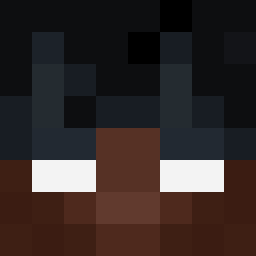
Minecraft skin of TROLL1DEV. Rotate the 3D model with your mouse or finger to view the skin from every angle, then download it as a PNG file and use it in Minecraft: Bedrock Edition or Java Edition for free. Rate the skin with stars to help other players find the best skins in our collection.
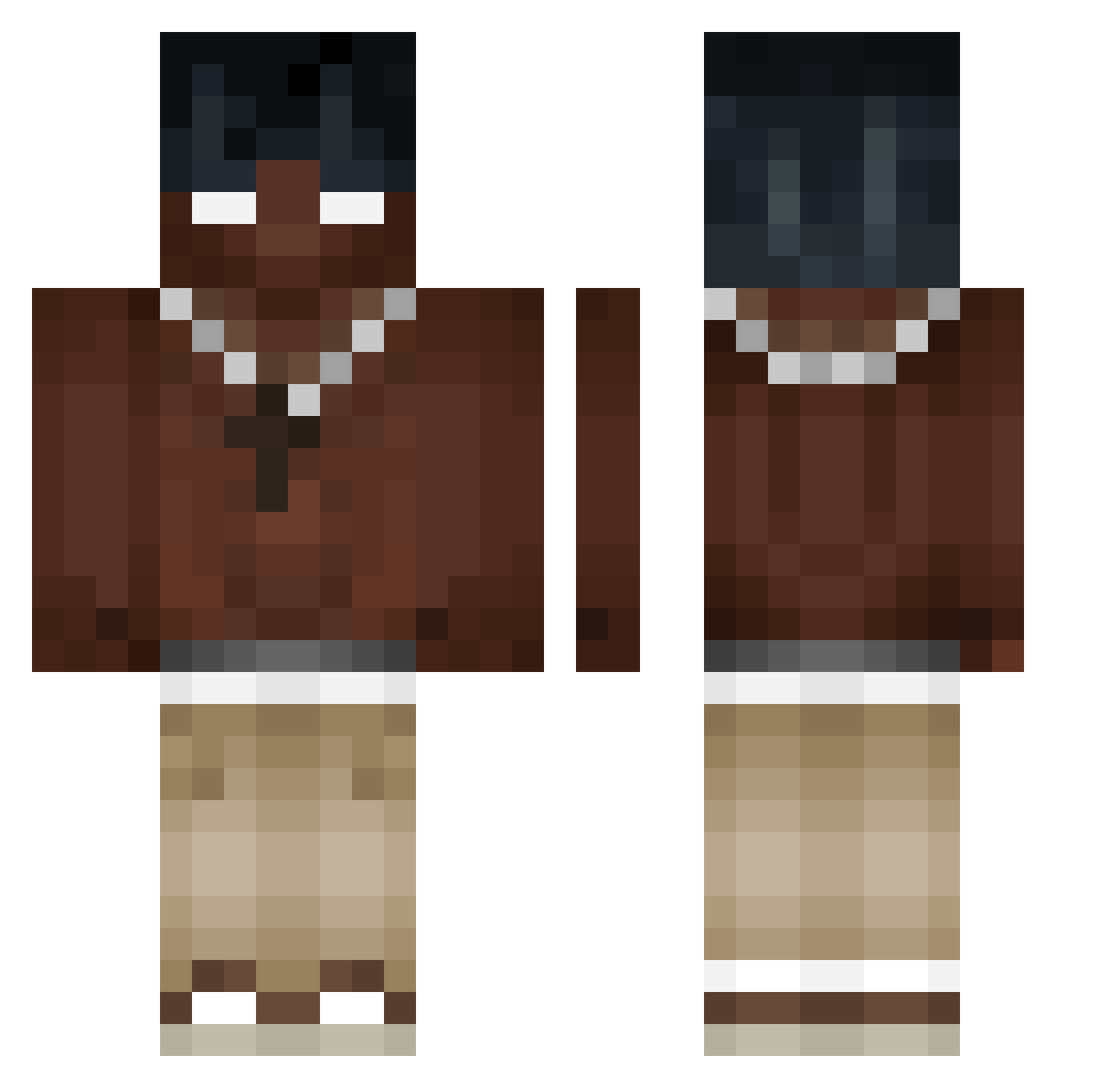
How to install the TROLL1DEV skin
- Press the Download button above to save the skin as a PNG file.
- Minecraft: Bedrock Edition (PE): open the Dressing Room from the main menu (or tap your character → Edit Character), go to Classic Skins → Owned, press the + (new skin) button, choose the downloaded PNG and pick the Classic (Steve) model. Works on PC and mobile; consoles cannot import custom skins.
- Minecraft: Java Edition: open the Minecraft Launcher, go to the Skins tab, click New Skin, load the PNG, pick the Classic (Steve) model and press Save & Use. You can also upload it at minecraft.net → Profile → Change Skin.
The skin does not show up after import - what should I do?
Restart Minecraft and open the Dressing Room again - imported skins sometimes appear only after a restart. Also make sure you selected the imported skin and picked the Classic (Steve) model.
Which model should I choose, Classic or Slim?
This skin is designed for the Classic (Steve) model. If you pick the wrong model, the arms of the skin will look stretched or squeezed.
Is this skin free to use?
Yes. Press Download, save the PNG file and use it in Minecraft: Bedrock Edition or Java Edition - no payment or registration needed. The skin also works on multiplayer servers and Realms.
More Necklace Minecraft skins
More skins
Looking for more? Go back to all Minecraft skins and check the top skins of the week, month and all time, or find any player's skin by nickname.