
Arkeav - Minecraft Skins & Skin History
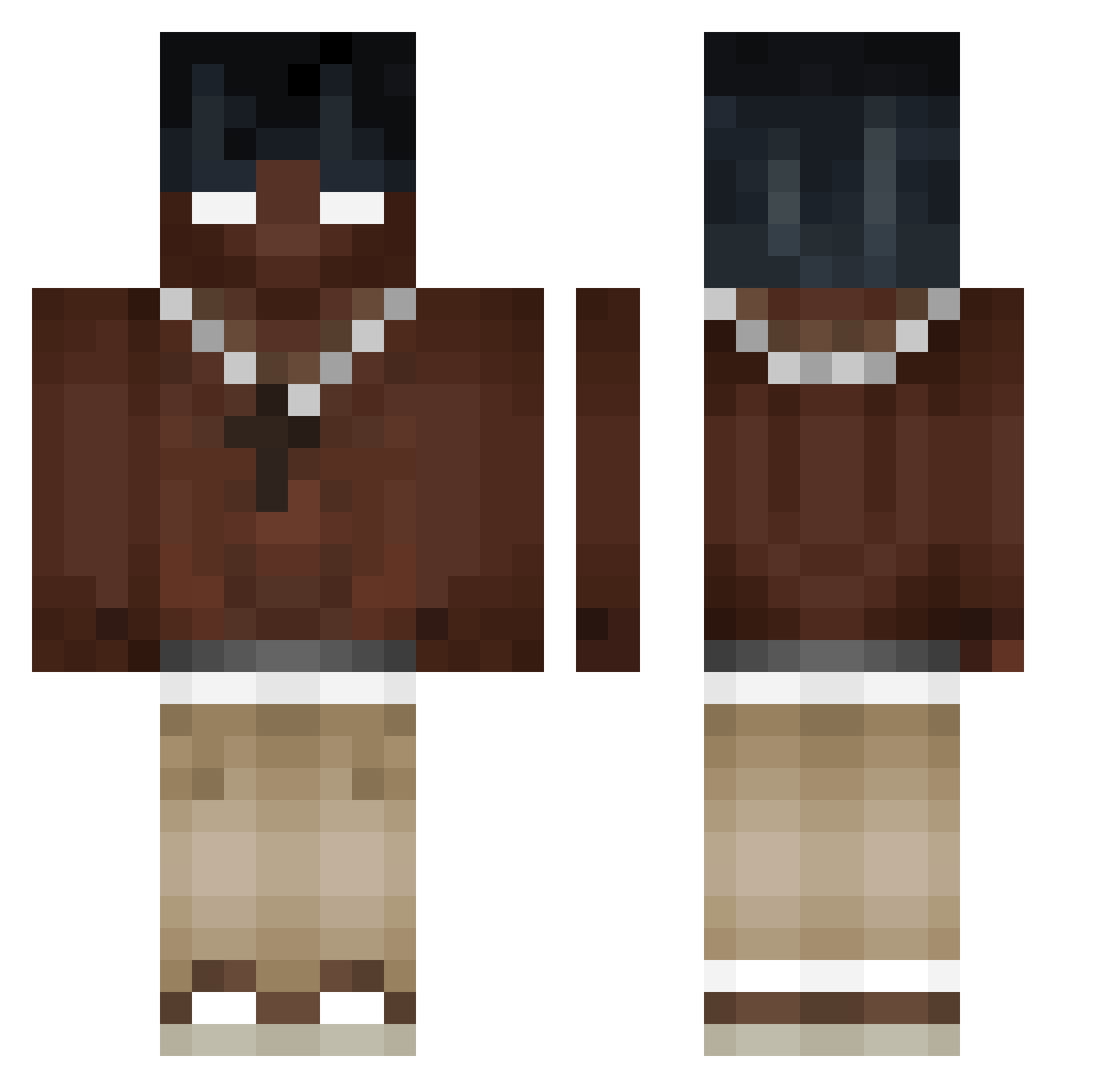
Current Minecraft skin of the player Arkeav, loaded from the official Mojang API. Rotate the 3D model with your mouse or finger, then download the skin as a PNG file and use it in Minecraft: Bedrock Edition or Java Edition for free. When Arkeav changes their skin, this page updates automatically and the old skin stays in the history below.
Other players with this skin (521)
Arkeav was the 494th player we have seen with this skin, first spotted on 06.11.2026. The same skin was seen on these players. Open a nickname to see their current skin and skin history.
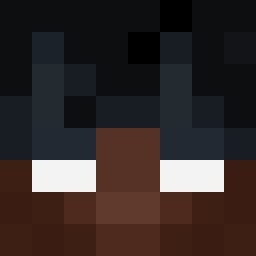 Squezzecol Sayen_Goku szymonekxdb06 XSmoke_XD Shadowkills309 l3w1tO dudi_777 kadu112008 Sir_soupiest erzasmis StacyII Morizz123 Swaxz03 Vhsflexxe R4y4n_8 programer100 Caiox_NyxPosse Bolt1241 Essunia_Mle3o TomBummiman Iceage_ Midnight5632 Santi201231 ZarPokera skuteas Breno1029 grumpypants6077 adrixikk andric26 Dakross11 YuanYuan7 alwaysattach YU2215 popelfurzer6077 eyswels angxl_fr Nic_gug pxndx21 DeLaYeezy toxizek D3STRUIDOR13 RifleMacro F1nAx com3back13 BlackedDotOrg xChaosBringerx xamam9999 KrizAuruzz guncuk tierryboss777 ImRoy32 napalonyalbert67 Galowie SleepyDudus VENENO0 thawin2008 swilly_ schnappi08 Zakkary8 xGunnerrr
More Necklace Minecraft skins
How to install the Arkeav skin
- Press the Download button above to save the skin as a PNG file.
- Minecraft: Bedrock Edition (PE): open the Dressing Room from the main menu (or tap your character → Edit Character), go to Classic Skins → Owned, press the + (new skin) button, choose the downloaded PNG and pick the Classic (Steve) model. Works on PC and mobile; consoles cannot import custom skins.
- Minecraft: Java Edition: open the Minecraft Launcher, go to the Skins tab, click New Skin, load the PNG, pick the Classic (Steve) model and press Save & Use. You can also upload it at minecraft.net → Profile → Change Skin.
The skin does not show up after import - what should I do?
Restart Minecraft and open the Dressing Room again - imported skins sometimes appear only after a restart. Also make sure you selected the imported skin and picked the Classic (Steve) model.
Which model should I choose, Classic or Slim?
This skin is designed for the Classic (Steve) model. If you pick the wrong model, the arms of the skin will look stretched or squeezed.
Is the skin of Arkeav free to download?
Yes. Press Download, save the PNG file and use it in Minecraft: Bedrock Edition or Java Edition - no payment or registration needed. The skin also works on multiplayer servers and Realms.
More skins
Looking for more? Go back to all Minecraft skins and check the top skins of the week, month and all time, or find any player's skin by nickname.