
 Aksuposkari fideles__ ozzerf wayyluvv AUNIX667 iTrapped__ 92130 IamPippo_ ProsteWojta NeverDead46 WizzBird j4az virtual1345 Majer_ quigrem Wenyse LeLoupDeMer6387 ghingu lewand09 thur22 drakkz_ Majkel_7 Kyoshoflame1 xT_Leon_Tx XrMelon Lazorracuatromil josekete ALANOWY062012 IlikeYourCutGx Quuezi IITriksII1 _JA_PI_3 Antiikss zkwvlr BxrkeScolfixld nen0va rronzu Macklovyn meyverss M8Zytrox cziterek99 peter2654 Ozzjr ElPaddyGsz VapeV4AgentTom Majster727 Itz_maty297 Shaarkss_ ItsDomme8 Haammzzaa Gambass9 zey_roxx ChiefMcNugz lean5281 Swindqw Olusek112011 Jot4de07 NigolPmk_ Syntoliah Nesska001
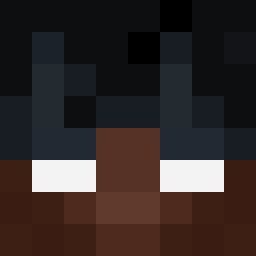
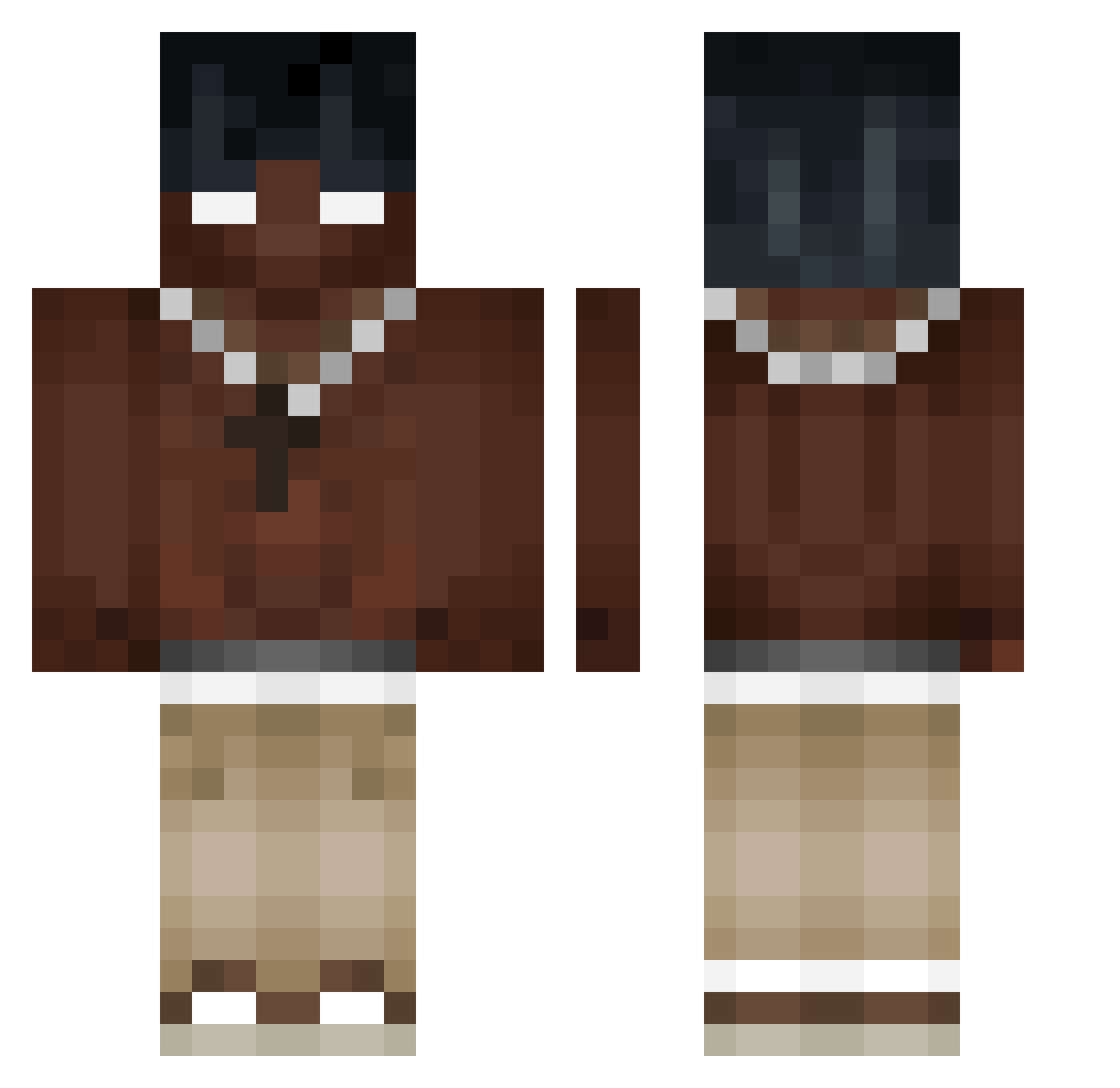
Minecraft skin of hellish0. Rotate the 3D model with your mouse or finger to view the skin from every angle, then download it as a PNG file and use it in Minecraft: Bedrock Edition or Java Edition for free. Rate the skin with stars to help other players find the best skins in our collection.
How to install the hellish0 skin
- Press the Download button above to save the skin as a PNG file.
- Minecraft: Bedrock Edition (PE): open the Dressing Room from the main menu (or tap your character → Edit Character), go to Classic Skins → Owned, press the + (new skin) button, choose the downloaded PNG and pick the Classic (Steve) model. Works on PC and mobile; consoles cannot import custom skins.
- Minecraft: Java Edition: open the Minecraft Launcher, go to the Skins tab, click New Skin, load the PNG, pick the Classic (Steve) model and press Save & Use. You can also upload it at minecraft.net → Profile → Change Skin.
The skin does not show up after import - what should I do?
Restart Minecraft and open the Dressing Room again - imported skins sometimes appear only after a restart. Also make sure you selected the imported skin and picked the Classic (Steve) model.
Which model should I choose, Classic or Slim?
This skin is designed for the Classic (Steve) model. If you pick the wrong model, the arms of the skin will look stretched or squeezed.
Is this skin free to use?
Yes. Press Download, save the PNG file and use it in Minecraft: Bedrock Edition or Java Edition - no payment or registration needed. The skin also works on multiplayer servers and Realms.
More Necklace Minecraft skins
More skins
Looking for more? Go back to all Minecraft skins and check the top skins of the week, month and all time, or find any player's skin by nickname.