
leesaha - Minecraft Skins & Skin History
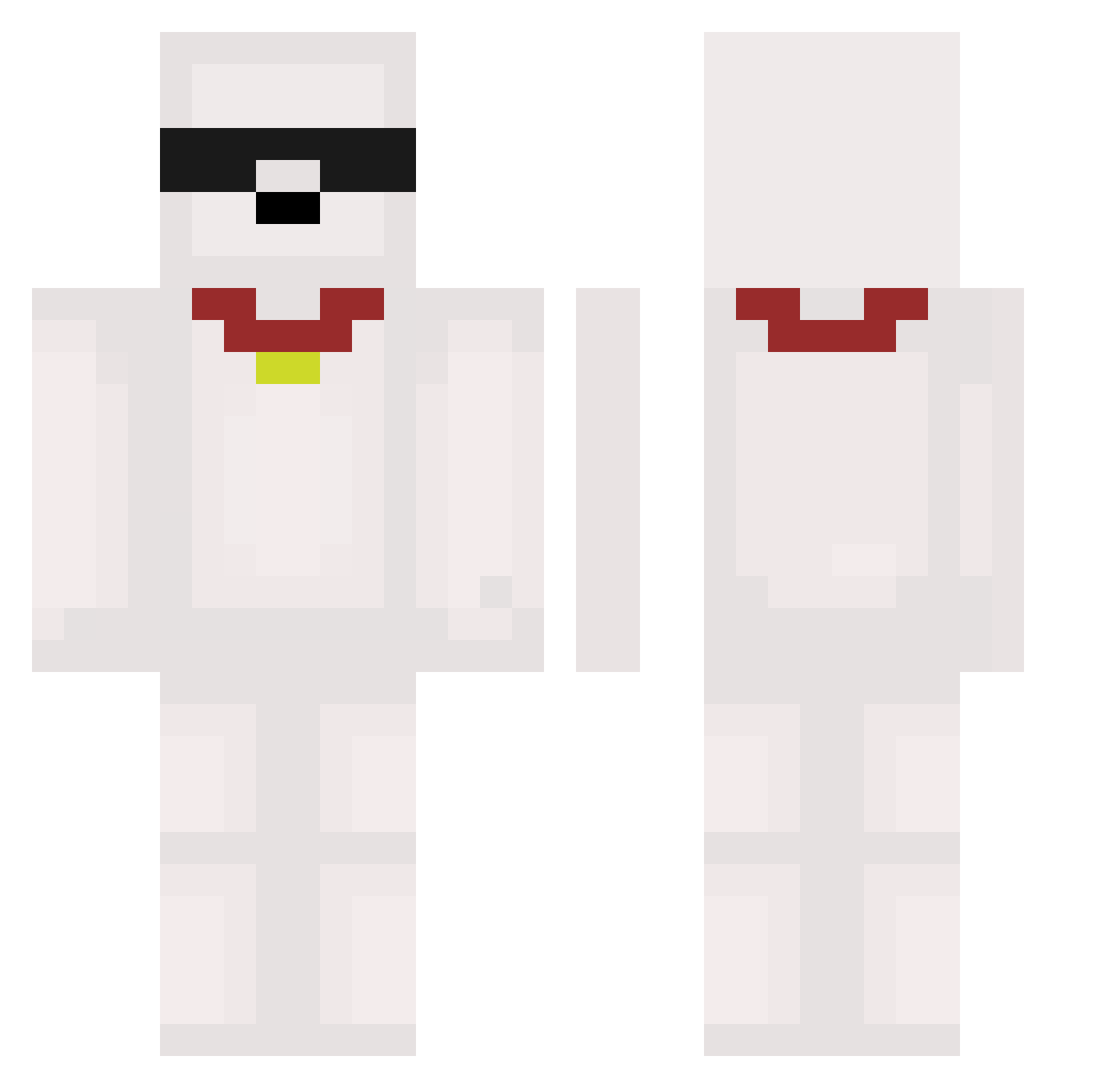
Current Minecraft skin of the player leesaha, loaded from the official Mojang API. Rotate the 3D model with your mouse or finger, then download the skin as a PNG file and use it in Minecraft: Bedrock Edition or Java Edition for free. When leesaha changes their skin, this page updates automatically and the old skin stays in the history below.
Other players with this skin (473)
leesaha was the 168th player we have seen with this skin, first spotted on 27.08.2026. The same skin was seen on these players. Open a nickname to see their current skin and skin history.
 PickleRick58355 aridger Hunter0618 st0510 Dori_1017 pat0xdp Mocchi0 dlrbwlss xDannerTanner 1hxojxn fazecp23 wjwRhrwl cxebizzz DuzyGrzesio lolgta17 LinX__X c1lin MOTAINs anonym2391 Parkk__ mommomu mijeu Hazarding PingusoP RozisOG dogbaby03 vsxkaylaa sunbin1103 ohiosigma666 uluw cosat4 10kae seal1004 TheMorrigan0 bin_ni Ecnop75 Kuro3_3 Shojan01 theNERDKINGxxxx muji_dan Hexaly1000 martin16pro LucidLeft tanuki0012 BlackHero02 Ghostbuster773 Moff04 Jaowl7 000920 ArtytheArchitect bruise1234 Mr_AN_ bong_gu_96 catherineteta OwO_Mikey _c4tg _kafun NajboljiIgrac lifyin SrCoB_
More Collar Minecraft skins
How to install the leesaha skin
- Press the Download button above to save the skin as a PNG file.
- Minecraft: Bedrock Edition (PE): open the Dressing Room from the main menu (or tap your character → Edit Character), go to Classic Skins → Owned, press the + (new skin) button, choose the downloaded PNG and pick the Classic (Steve) model. Works on PC and mobile; consoles cannot import custom skins.
- Minecraft: Java Edition: open the Minecraft Launcher, go to the Skins tab, click New Skin, load the PNG, pick the Classic (Steve) model and press Save & Use. You can also upload it at minecraft.net → Profile → Change Skin.
The skin does not show up after import - what should I do?
Restart Minecraft and open the Dressing Room again - imported skins sometimes appear only after a restart. Also make sure you selected the imported skin and picked the Classic (Steve) model.
Which model should I choose, Classic or Slim?
This skin is designed for the Classic (Steve) model. If you pick the wrong model, the arms of the skin will look stretched or squeezed.
Is the skin of leesaha free to download?
Yes. Press Download, save the PNG file and use it in Minecraft: Bedrock Edition or Java Edition - no payment or registration needed. The skin also works on multiplayer servers and Realms.
More skins
Looking for more? Go back to all Minecraft skins and check the top skins of the week, month and all time, or find any player's skin by nickname.