
 agablack4 moiven_ snoopyMCJE King_Funny11 seobell jiwoo59 matchachachuchu Batu1905 stinkey106 Petosz01 A_A_trol ruperthale dltjqls _Sgaria kktrl potatoo1123 betocamisa10 kalebbbbbb Ranmi1022 vsopi lao9 Gian544 Shadowcaveman Zack_Walker toastyboi16 MichellSmith Maelee89 Hazarding yar1221 StGi0 naehtt theNERDKINGxxxx uluw TomiMino LucidLeft cheesewizzthelll pat0xdp la_cabra_pokey CrystalDigger92 Yes__0 Kai_guy23 hg153 OwO_Mikey hyehyang PerrDzin Blzw Hunter0618 Trasz chunsik28 Forest_mine power8141 10kae WowWowDogs IcePatinhas Shojan01 LuziYe666 LUKE14827 savtimka2 Gogowow1171 esnoops
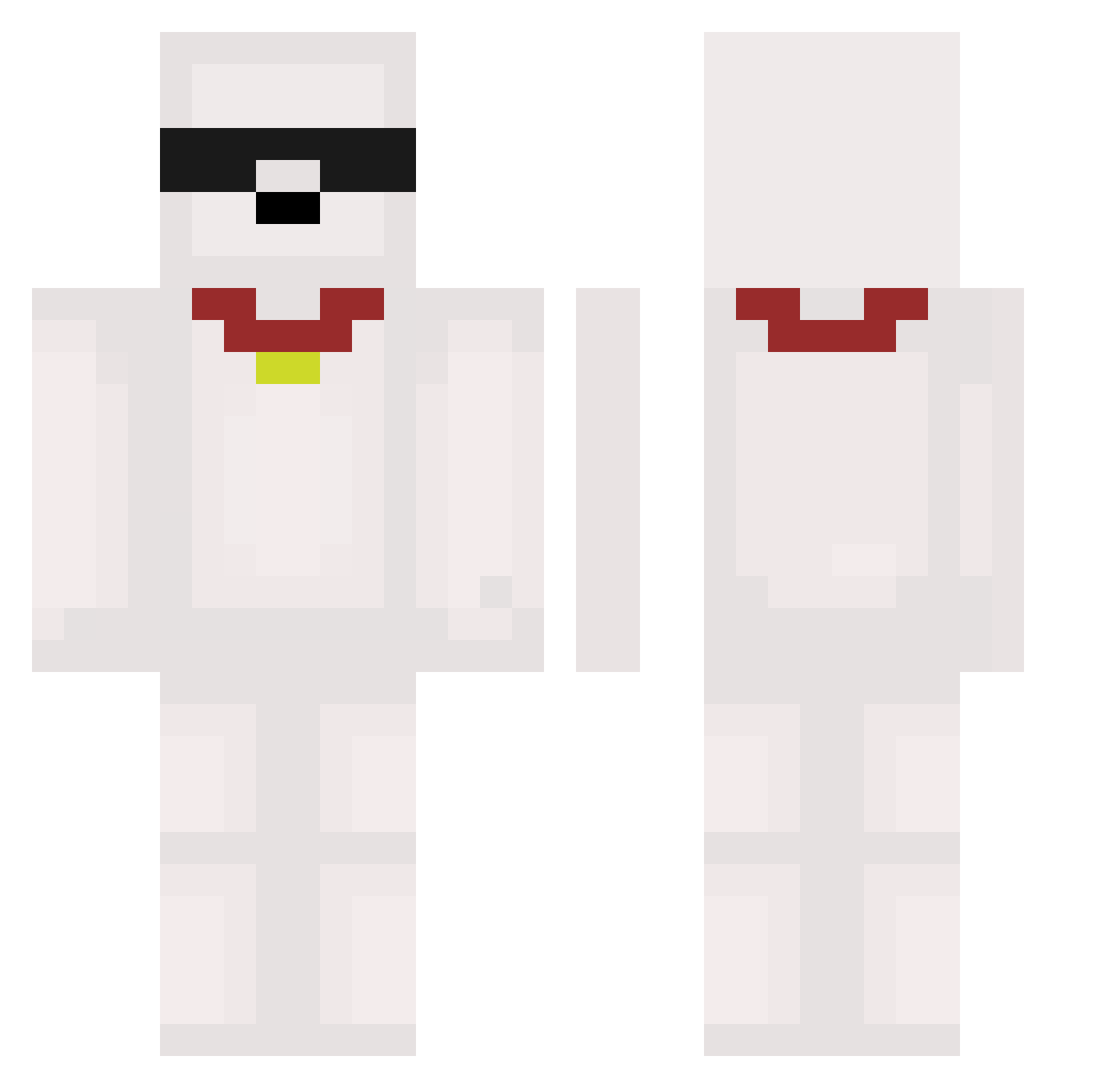
Minecraft skin of KimSeongWoon. Rotate the 3D model with your mouse or finger to view the skin from every angle, then download it as a PNG file and use it in Minecraft: Bedrock Edition or Java Edition for free. Rate the skin with stars to help other players find the best skins in our collection.
How to install the KimSeongWoon skin
- Press the Download button above to save the skin as a PNG file.
- Minecraft: Bedrock Edition (PE): open the Dressing Room from the main menu (or tap your character → Edit Character), go to Classic Skins → Owned, press the + (new skin) button, choose the downloaded PNG and pick the Classic (Steve) model. Works on PC and mobile; consoles cannot import custom skins.
- Minecraft: Java Edition: open the Minecraft Launcher, go to the Skins tab, click New Skin, load the PNG, pick the Classic (Steve) model and press Save & Use. You can also upload it at minecraft.net → Profile → Change Skin.
The skin does not show up after import - what should I do?
Restart Minecraft and open the Dressing Room again - imported skins sometimes appear only after a restart. Also make sure you selected the imported skin and picked the Classic (Steve) model.
Which model should I choose, Classic or Slim?
This skin is designed for the Classic (Steve) model. If you pick the wrong model, the arms of the skin will look stretched or squeezed.
Is this skin free to use?
Yes. Press Download, save the PNG file and use it in Minecraft: Bedrock Edition or Java Edition - no payment or registration needed. The skin also works on multiplayer servers and Realms.
More Collar Minecraft skins
More skins
Looking for more? Go back to all Minecraft skins and check the top skins of the week, month and all time, or find any player's skin by nickname.