
 Raheal NoMan968 BruhSpace sensei_tiny Samuel24hp caetanopbg SirAndersoos Rinkit Rickenbacker309 LostLemur39399 Bussy_Banger Hacksolot _ph4nt05 TheKimiko __WitherSoul__ DarkcryValou N3CK_HURT itsAasimar vx219 RossiDown coolcoleb Aoykoto kris__g confusedable Ffoami ainaimtf artmas333 Hyde_8 sp4cy_ Toast0mlg KNUBZ_64 ksssesh0 Erexx xGimONx Saltigrade alanchocolatebom femboyfelix1 PuddlesH Tuna51 PloogeWay 4Snazzy XChrisNinja 69slut69 Arisponder wicket27 sukablyatman Haocto milkyraysimp zuvf_ solidgamer222 theturbomaster poggy_doggy_ Fotserm PARTIZAN9687 kud0i WhiteFoxHQ maisonjl AwesomeWay Lacement FELIGAMING2
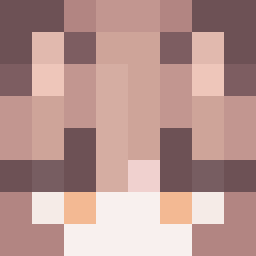
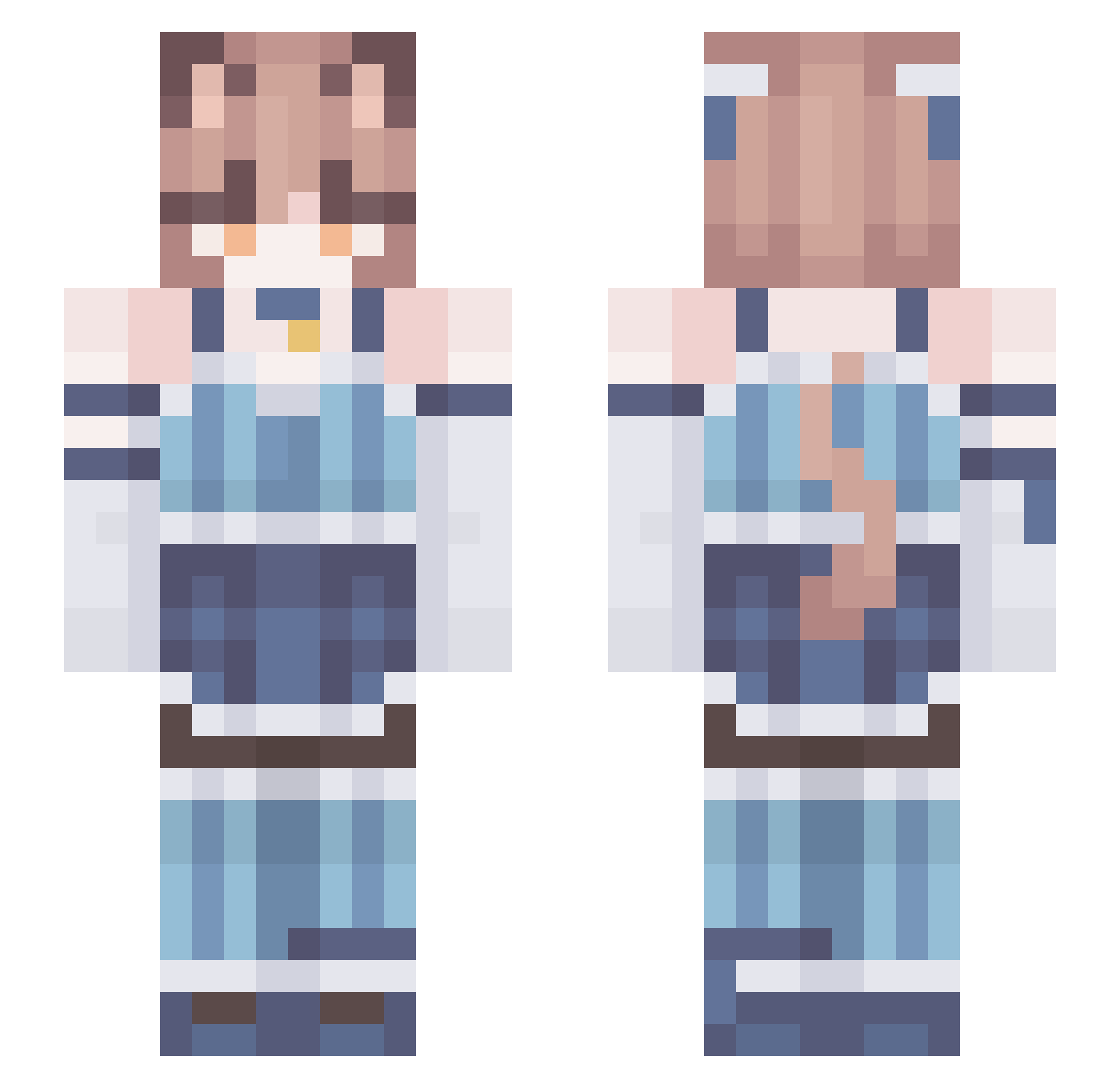
Minecraft skin of IkWilToad. Rotate the 3D model with your mouse or finger to view the skin from every angle, then download it as a PNG file and use it in Minecraft: Bedrock Edition or Java Edition for free. Rate the skin with stars to help other players find the best skins in our collection.
How to install the IkWilToad skin
- Press the Download button above to save the skin as a PNG file.
- Minecraft: Bedrock Edition (PE): open the Dressing Room from the main menu (or tap your character → Edit Character), go to Classic Skins → Owned, press the + (new skin) button, choose the downloaded PNG and pick the Slim (Alex) model. Works on PC and mobile; consoles cannot import custom skins.
- Minecraft: Java Edition: open the Minecraft Launcher, go to the Skins tab, click New Skin, load the PNG, pick the Slim (Alex) model and press Save & Use. You can also upload it at minecraft.net → Profile → Change Skin.
The skin does not show up after import - what should I do?
Restart Minecraft and open the Dressing Room again - imported skins sometimes appear only after a restart. Also make sure you selected the imported skin and picked the Slim (Alex) model.
Which model should I choose, Classic or Slim?
This skin is designed for the Slim (Alex) model. If you pick the wrong model, the arms of the skin will look stretched or squeezed.
Is this skin free to use?
Yes. Press Download, save the PNG file and use it in Minecraft: Bedrock Edition or Java Edition - no payment or registration needed. The skin also works on multiplayer servers and Realms.
More Collar Minecraft skins
More skins
Looking for more? Go back to all Minecraft skins and check the top skins of the week, month and all time, or find any player's skin by nickname.