
largebogmonster - Minecraft Skins & Skin History
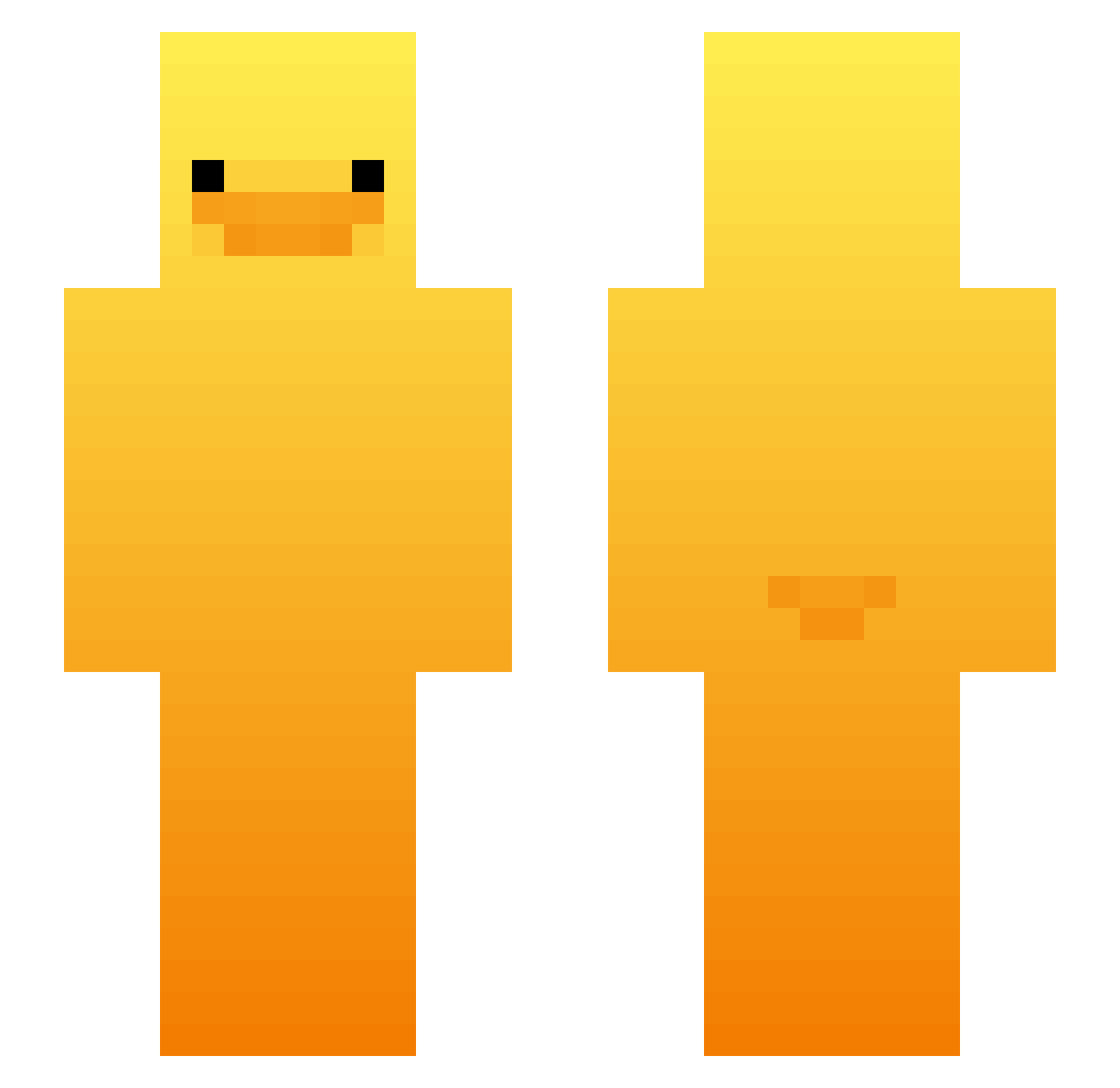
Current Minecraft skin of the player largebogmonster, loaded from the official Mojang API. Rotate the 3D model with your mouse or finger, then download the skin as a PNG file and use it in Minecraft: Bedrock Edition or Java Edition for free. When largebogmonster changes their skin, this page updates automatically and the old skin stays in the history below.
Other players with this skin (521)
largebogmonster was the 282nd player we have seen with this skin, first spotted on 23.09.2026. The same skin was seen on these players. Open a nickname to see their current skin and skin history.
 adell0 Huntar71 LostPippin TippyTrippy NOFFFFFFF ArisenPrestige catnap2010 bakedanuki0389 Berkut119 MLGRL MinerLover6942O AryavXD tidboi y1nster IceYushi theolandin babyooda ABCchoco0116 DoginhoCiro patchh002 archivePablo Ferbaliciousss GenesisDXB DANK1NG_213 s0lzifyy xtdot nateeisthebest DrPhizz Speciallty nicoxxm siuu77 Wautu Gordito07 Chosho cityboijjlol zkiewicz_loving8 EmsABot Axel_2905 gabiandorra 1_xanax_1 undine_3 LinhZdCJs0124 TheLonelyGhost_ sspooki Dangerx12 leehj13 MoMojjk Marcusmuldjord HBD1231 Empty_J RafaMacias Tomato_beans78 hanchanwoo MangEak MrKaszuba peterson12345 v_e_nus BewareLucky SwordKnight313 fronczok
More Duck Minecraft skins
How to install the largebogmonster skin
- Press the Download button above to save the skin as a PNG file.
- Minecraft: Bedrock Edition (PE): open the Dressing Room from the main menu (or tap your character → Edit Character), go to Classic Skins → Owned, press the + (new skin) button, choose the downloaded PNG and pick the Slim (Alex) model. Works on PC and mobile; consoles cannot import custom skins.
- Minecraft: Java Edition: open the Minecraft Launcher, go to the Skins tab, click New Skin, load the PNG, pick the Slim (Alex) model and press Save & Use. You can also upload it at minecraft.net → Profile → Change Skin.
The skin does not show up after import - what should I do?
Restart Minecraft and open the Dressing Room again - imported skins sometimes appear only after a restart. Also make sure you selected the imported skin and picked the Slim (Alex) model.
Which model should I choose, Classic or Slim?
This skin is designed for the Slim (Alex) model. If you pick the wrong model, the arms of the skin will look stretched or squeezed.
Is the skin of largebogmonster free to download?
Yes. Press Download, save the PNG file and use it in Minecraft: Bedrock Edition or Java Edition - no payment or registration needed. The skin also works on multiplayer servers and Realms.
More skins
Looking for more? Go back to all Minecraft skins and check the top skins of the week, month and all time, or find any player's skin by nickname.