
kumi_komii - Minecraft Skins & Skin History
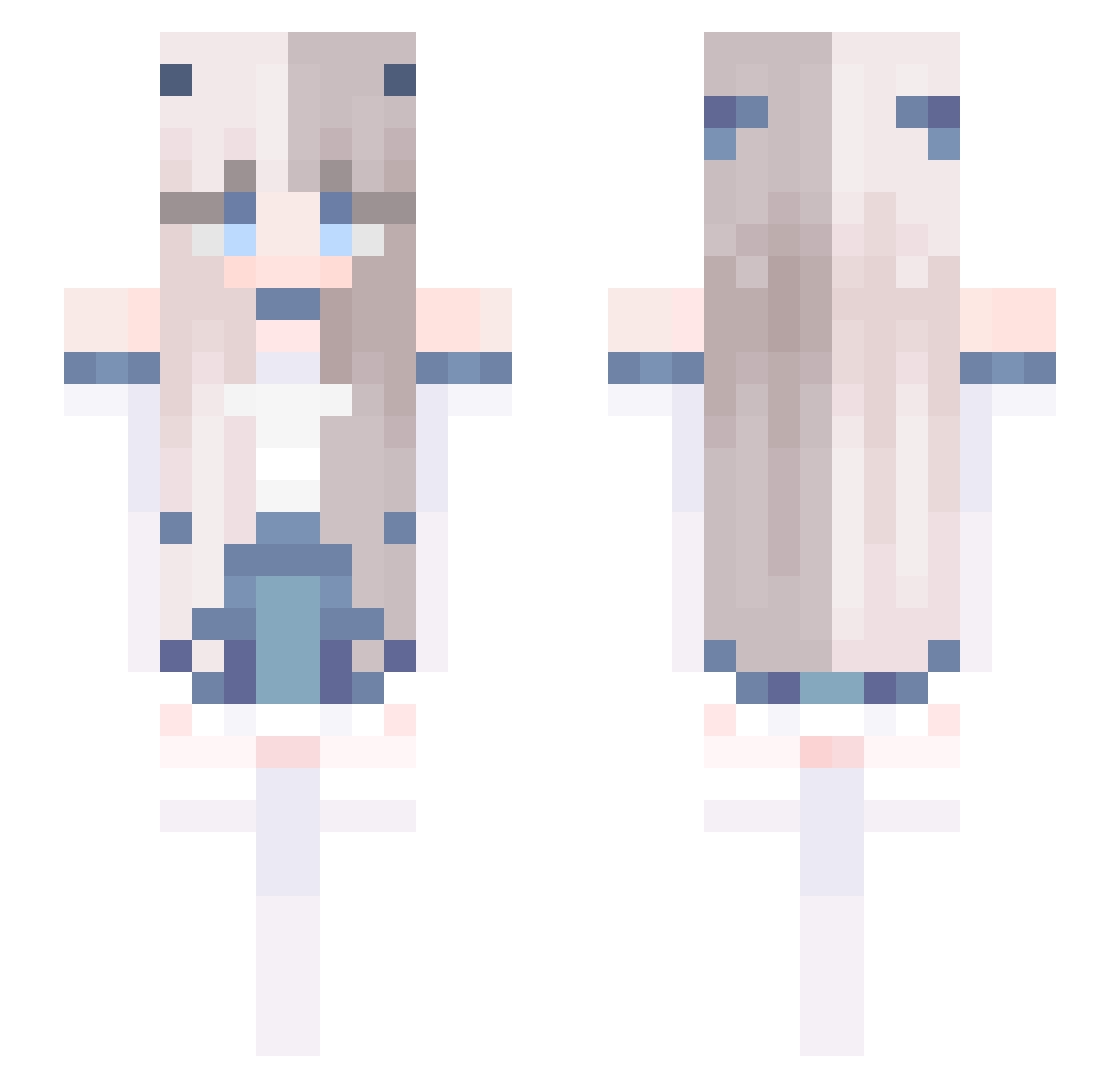
Current Minecraft skin of the player kumi_komii, loaded from the official Mojang API. Rotate the 3D model with your mouse or finger, then download the skin as a PNG file and use it in Minecraft: Bedrock Edition or Java Edition for free. When kumi_komii changes their skin, this page updates automatically and the old skin stays in the history below.
Other players with this skin (678)
kumi_komii was the 622nd player we have seen with this skin, first spotted on 25.10.2026. The same skin was seen on these players. Open a nickname to see their current skin and skin history.
 Sophia2__6 J21Ray wryyyyy992 niconico2004 jianfengli White_Orchid TowNP xin_nai Clomaki Chenjialin Lamu_0517 Xiao_Li_ STruda1 XF_ZN Takoyaaaaaki Lux_CoffiN Yuha0801 ONayxa DeusExMach1na327 vroni3004 name10202 Neree6 IBeautiful22 fuwang123 barbell_low ixont miyu12452 alu840712 bear0487 Lucky_Liyi_qwq remarkableboy blackanzi Juby316 NessuNeee INARI_114514 MidnightLight119 Justinlin2024 hesu17 hikokami HuiSang_ kkamdy latto72 Zgirly25 xGuaiShou schumbag FengXue2024 RoseMFU xMagiiksa Sakuriiiiii Xhsiceva RubyIOI IzGon heziorbox Geriana_GER wind_surger Rostiute cherilady nysus1 Alberta522 BOXD__
More Horns Minecraft skins
How to install the kumi_komii skin
- Press the Download button above to save the skin as a PNG file.
- Minecraft: Bedrock Edition (PE): open the Dressing Room from the main menu (or tap your character → Edit Character), go to Classic Skins → Owned, press the + (new skin) button, choose the downloaded PNG and pick the Slim (Alex) model. Works on PC and mobile; consoles cannot import custom skins.
- Minecraft: Java Edition: open the Minecraft Launcher, go to the Skins tab, click New Skin, load the PNG, pick the Slim (Alex) model and press Save & Use. You can also upload it at minecraft.net → Profile → Change Skin.
The skin does not show up after import - what should I do?
Restart Minecraft and open the Dressing Room again - imported skins sometimes appear only after a restart. Also make sure you selected the imported skin and picked the Slim (Alex) model.
Which model should I choose, Classic or Slim?
This skin is designed for the Slim (Alex) model. If you pick the wrong model, the arms of the skin will look stretched or squeezed.
Is the skin of kumi_komii free to download?
Yes. Press Download, save the PNG file and use it in Minecraft: Bedrock Edition or Java Edition - no payment or registration needed. The skin also works on multiplayer servers and Realms.
More skins
Looking for more? Go back to all Minecraft skins and check the top skins of the week, month and all time, or find any player's skin by nickname.