
kubix9734 - Minecraft Skins & Skin History
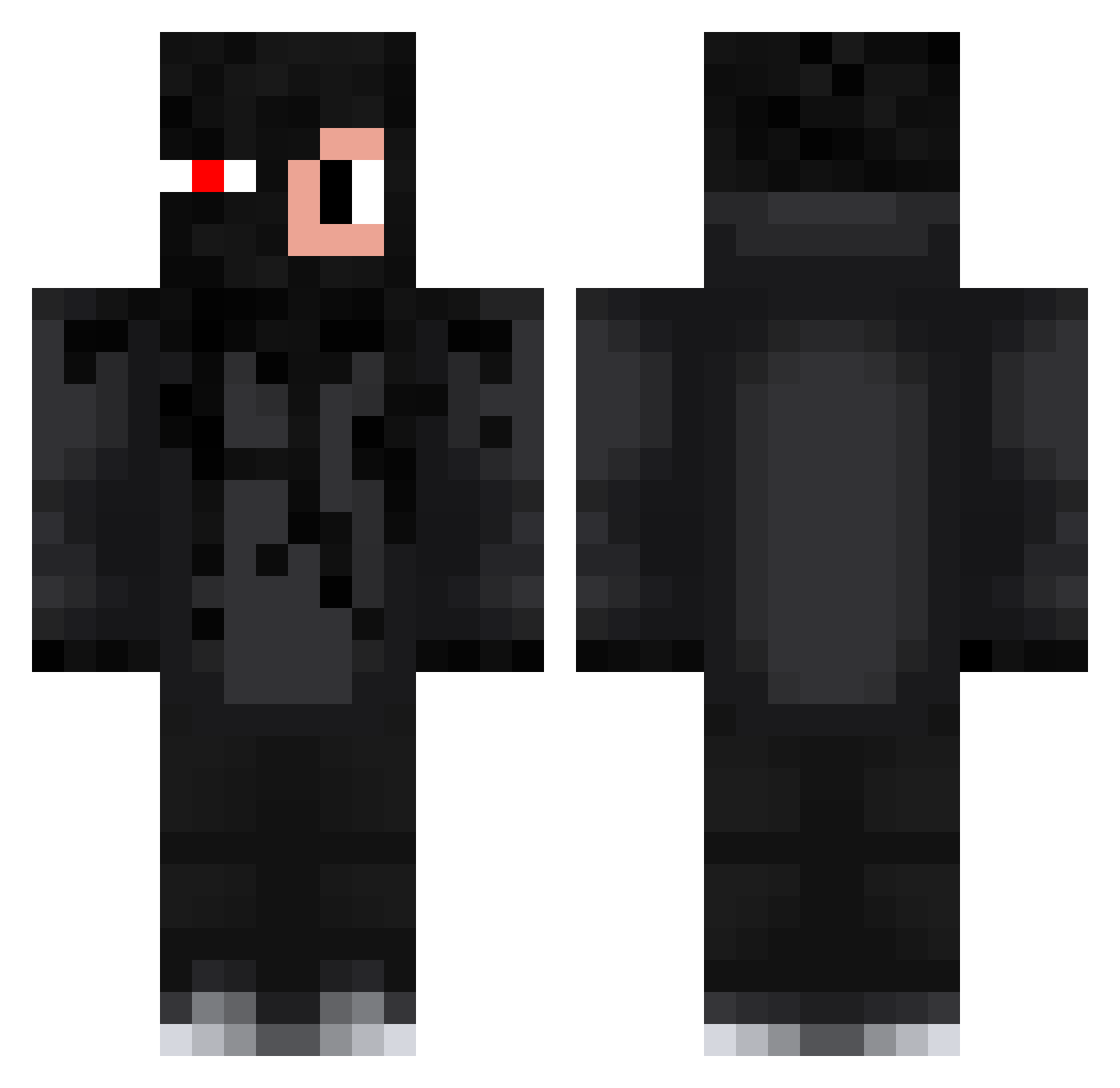
Current Minecraft skin of the player kubix9734, loaded from the official Mojang API. Rotate the 3D model with your mouse or finger, then download the skin as a PNG file and use it in Minecraft: Bedrock Edition or Java Edition for free. When kubix9734 changes their skin, this page updates automatically and the old skin stays in the history below.
Other players with this skin (167)
kubix9734 was the 85th player we have seen with this skin, first spotted on 06.09.2026. The same skin was seen on these players. Open a nickname to see their current skin and skin history.
 sobociq AlonekPRO998 sneakyyBetter PvPrysio benio157 Dragusiak
 Akkarin_Godefroy kezzyyy albertalb Stachu3501 krzakkr tobiaszgame Miko2010k TombiaszGaming Dawidj_kielce Kubam31 Tymek1899 strzalaaa31 Gracjan1234 Termz69 wojtuseek SzymiX741 lolxdlol123124 XDMAT3K mnkovsky habudibadi11 FishekYT Damianworl filippas3d AntekMcYoutube ketrabboskoMtG SmushMyMush TobjaszGejming SzYmoniXD MaMeneM5 vo5k awesome2gamers adaxsi17 karolek_k_ Yo2g Adiator11 ARTUROWYY MattiaaS LALIN_Minecraft Prokapii KotunioGaming TobiaszGaming__1 zDronyPvP THHKarol MateuszGaming69 hollouise _zakuty Leszekxd MikuBim nezkiii Krzysiu_maslana Ovste dremcelek Sonatica12 Lubie_Kacper
More Glowing Eyes Minecraft skins
See all 2301 Glowing Eyes skins
How to install the kubix9734 skin
- Press the Download button above to save the skin as a PNG file.
- Minecraft: Bedrock Edition (PE): open the Dressing Room from the main menu (or tap your character → Edit Character), go to Classic Skins → Owned, press the + (new skin) button, choose the downloaded PNG and pick the Classic (Steve) model. Works on PC and mobile; consoles cannot import custom skins.
- Minecraft: Java Edition: open the Minecraft Launcher, go to the Skins tab, click New Skin, load the PNG, pick the Classic (Steve) model and press Save & Use. You can also upload it at minecraft.net → Profile → Change Skin.
The skin does not show up after import - what should I do?
Restart Minecraft and open the Dressing Room again - imported skins sometimes appear only after a restart. Also make sure you selected the imported skin and picked the Classic (Steve) model.
Which model should I choose, Classic or Slim?
This skin is designed for the Classic (Steve) model. If you pick the wrong model, the arms of the skin will look stretched or squeezed.
Is the skin of kubix9734 free to download?
Yes. Press Download, save the PNG file and use it in Minecraft: Bedrock Edition or Java Edition - no payment or registration needed. The skin also works on multiplayer servers and Realms.
More skins
Looking for more? Go back to all Minecraft skins and check the top skins of the week, month and all time, or find any player's skin by nickname.